- By Admin
- 26 Nov, 2024
- 658 Reading
Employee accountability is more than just a request from management. Globally, managers actually rank creating accountability as one of the lowest leadership competencies. Meanwhile, about 82% of employees try and fail to hold their peers accountable—or they don’t make a consistent effort at all. This remains one of the most common frustrations across industries.
The good news? Affordable, innovative, and modern employee tracking programs now exist that help companies improve accountability without resorting to micromanagement.
In this guide, you’ll learn how to implement employee tracking programs effectively to build a culture of accountability. We’ll also explore the features that drive accountability and highlight common real-world pitfalls to avoid—all while ensuring employees remain comfortable with the system.
Understanding the Breakdown of Accountability
Rebuilding accountability starts with understanding why it breaks down.
When employees are truly accountable, they don’t just complete tasks—they ensure their work is done thoroughly and is visible to stakeholders.
Accountability typically diminishes when:
There are no clear standards or expectations.
Managers lack real-time visibility into work progress.
Employees receive little or no feedback.
Poor performance goes unaddressed.
Performance issues worsen over time
Performance reviews are insufficient or inconsistent.
Feedback and correction cycles are delayed.
Processes are poorly timed or inefficient.
These challenges are especially common in remote work environments and performance management systems.
Modern employee tracking solutions offer a direct and practical way to address these issues.
Staff Tracking Software Benefits: 5 Key Points
1. Continuous Check-Ins with Less Interruption
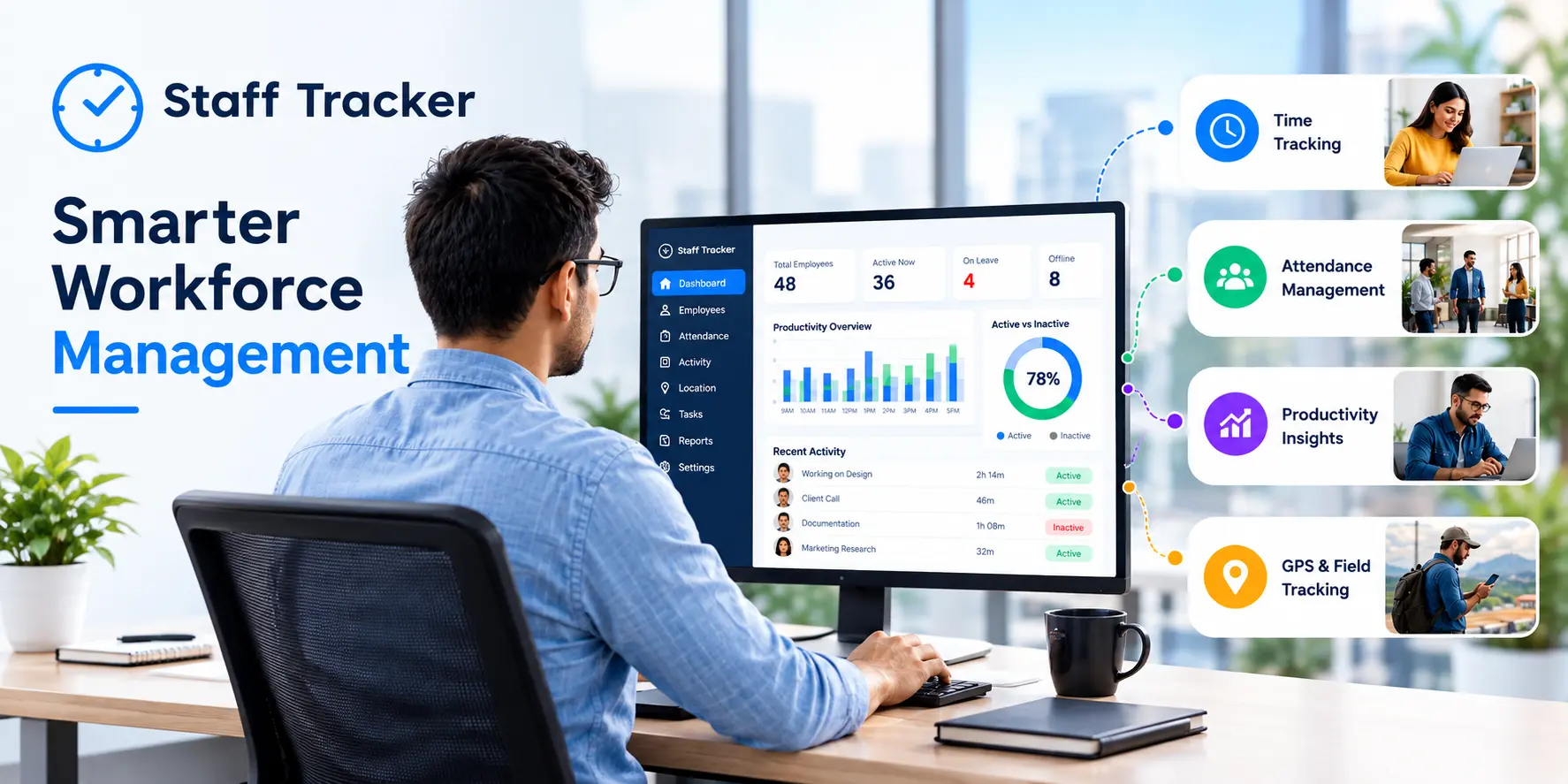
Staff tracking software enables real-time tracking, task management, online presence monitoring, and time tracking. Instead of frequent status updates, check-ins become more meaningful for performance discussions.
Field teams benefit the most. With tools like GPS tracking and field tracking software, managers gain clear visibility into operations without constant interruptions.
2. Eliminating Guesswork Through Data
Manual spot checks often lead to inconsistency and bias. Tracking software records of time spent, applications used, and outcomes, providing objective data.
This removes ambiguity and helps managers make fair, data-driven decisions.
3. Reducing Lost Time and Expense Leakage
Lost productivity and inefficiencies cost businesses billions annually. Tracking software helps eliminate issues like buddy punching, manual time adjustments, and payroll errors by automating time tracking and reporting.
4. High Visibility Drives Higher Productivity
Transparency encourages accountability.
Studies show employees are more open to monitoring when it supports their performance and well-being. When employees can see their own metrics—just like managers—they become more engaged and self-aware.
Performance analytics tools allow managers to monitor productivity in real time and make quick, informed decisions to improve efficiency and prevent issues.
Key features include:
GPS and Geofencing: Track employee locations accurately for field operations
Call Tracking: Improve customer-facing interactions and quality assurance
Reporting & Analytics: Convert raw data into actionable insights on productivity, absenteeism, and app usage
5 Real-World Use Cases
1. Remote Team Management
A digital marketing agency uses time and activity tracking to manage remote teams. Managers rely on weekly productivity dashboards instead of daily check-ins, flagging only when needed.
2. Field Workforce Accountability
A logistics company uses GPS tracking and route optimization to ensure delivery efficiency and adherence.
3. Reducing Time Theft
Wholesalers use digital time tracking for clock-ins, breaks, and payroll automation, reducing fraud and manual errors.
4. Performance-Based Reviews
An IT company uses task logs and time tracking to create structured quarterly performance reviews.
5. Identifying Workflow Bottlenecks
A SaaS manager notices reduced productivity on Tuesday afternoons. After adjusting meeting schedules, employees regain uninterrupted deep work time.
How to Implement Staff Tracking Software Without Losing Trust
Poor implementation can create stress—over 56% of employees report anxiety when tracking systems are unclear or excessive. However, when implemented correctly, tracking becomes a positive tool.
Follow these best practices:
Be Transparent: Inform employees before implementation. Clearly explain what data is collected and why.
Position It as Support: Emphasize that tracking is meant to help, not punish.
Set Clear Expectations: Define roles, goals, and timelines clearly.
Provide Access: Let employees view their own performance data.
Train Managers: Encourage coaching conversations instead of punitive actions.
Regularly review whether the software aligns with your accountability goals and adjusts policies as needed.
Measuring Accountability with Tracking Software
When implemented transparently, tracking software improves both productivity and morale. Research shows that 92% of employees are more accepting tracking when it leads to better performance outcomes.
The key is combining tracking with coaching, clear expectations, and constructive feedback—not surveillance.
Common Questions and Opinions
Is employee tracking legal?
In most countries, yes—provided employees are informed. Laws vary, such as GDPR in Europe, which requires minimal data collection and employee consent. Businesses should create clear policies and consult legal experts. Does tracking demotivate employees?
Poor implementation does. Overuse or lack of transparency can harm morale. However, when tied to performance goals and communicated properly, tracking can increase engagement. Is tracking useful for remote teams?
Absolutely. Time, app, and GPS tracking provide essential visibility for distributed teams without requiring physical presence. Staff tracking vs employee monitoring software
The difference lies in intent. Monitoring software focuses on surveillance (e.g., screenshots, keylogging), while staff tracking focuses on productivity, time, and performance. The best tools prioritize accountability—not surveillance. Conclusion: Is Accountability a System or a Value?
Accountability isn’t built by simply declaring it a priority. It requires systems with clear expectations, measurable performance, and consistent review processes.
Staff tracking software provides the infrastructure needed to build that system—supporting accountability across in-office, remote, and field teams.
The most effective organizations aren’t those that track the most, but those that use tracking transparently and constructively.
When used correctly, tools like Staff Tracker enable real accountability through real-time performance insights—without compromising trust.
ABOUT THE AUTHOR
Content written by Saurabh Sharma
Saurabh is part of the expert content marketing team at ZoomIntoWeb. He has an expertise of curating meaningful information that can be used by visitors in general. Saurabh is also involved in creating client-specific stories and blogs.
 07-10-2026