- By Admin
- 26 Mar, 2025
- 2320 Reading
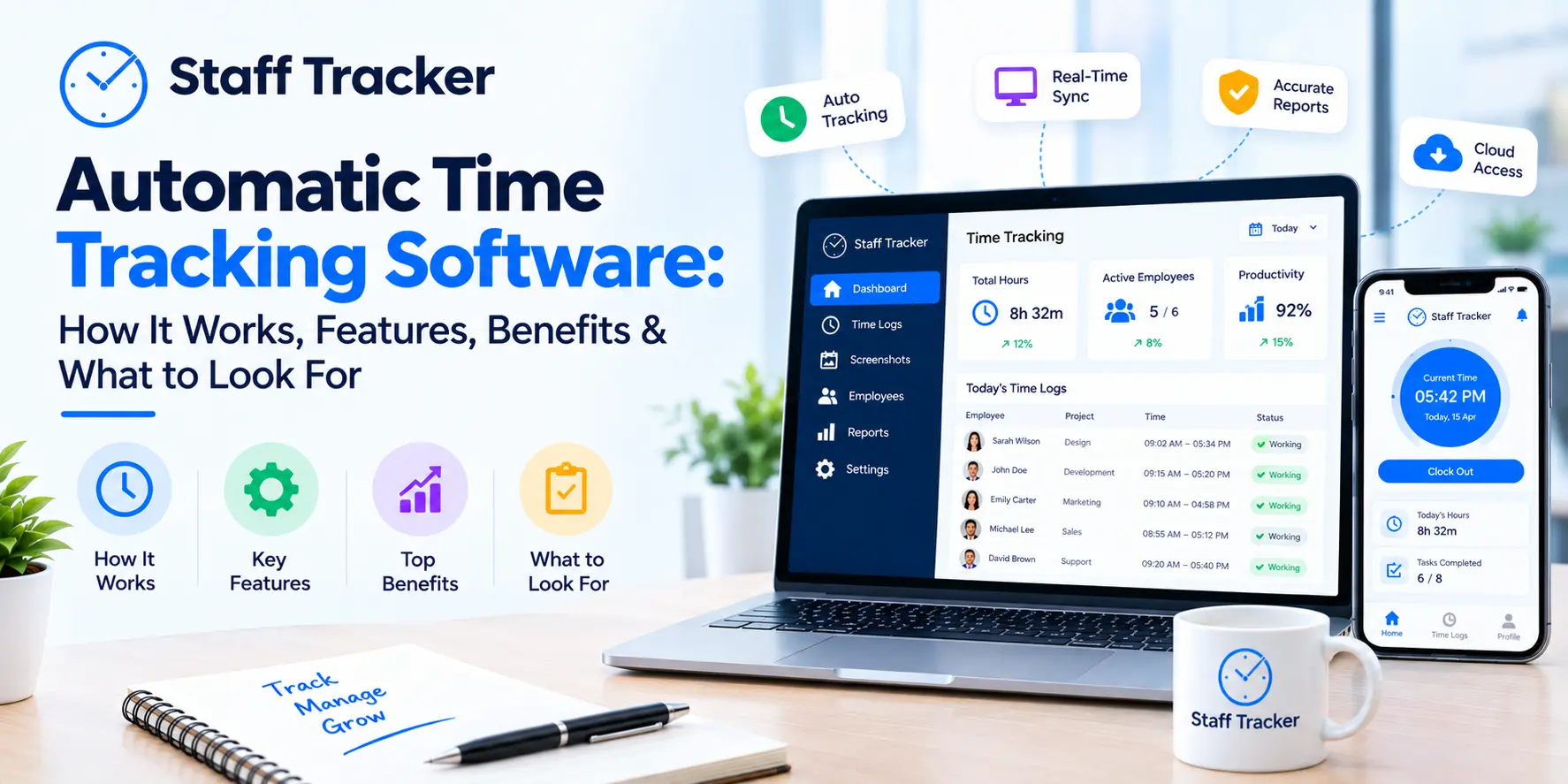
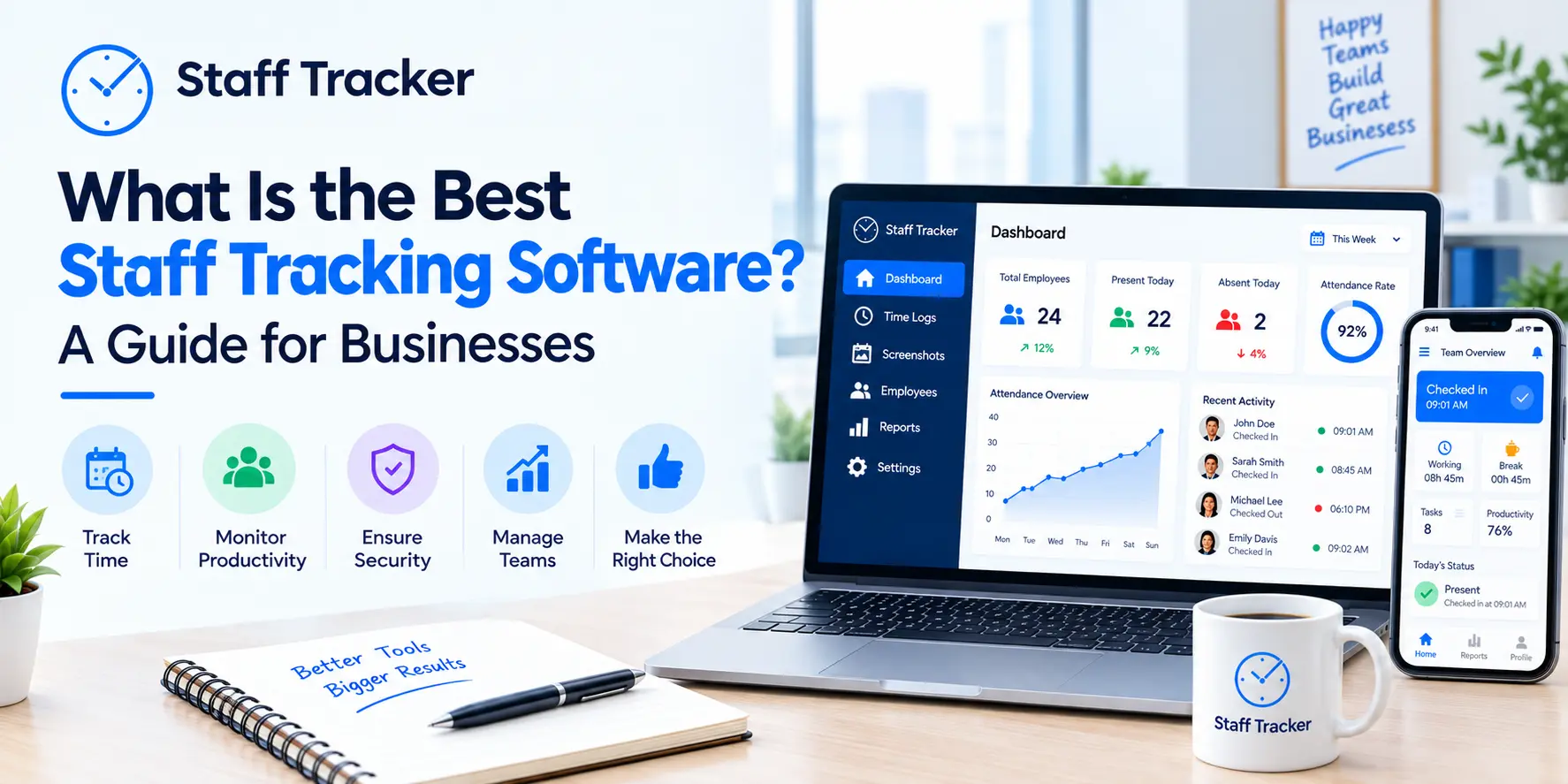
Managing a remote team doesn’t have to be a game of chance. Get real data to understand how your team members are working, with no invasive surveillance or constant check-in meetings. Staff Tracker’s free Work From Home Employee Tracking Software lets managers and business owners see their work from home employees in real-time. If your employees are working fully from home, or on a hybrid work schedule, Staff Tracker provides the data you need to manage effectively, minimize operational costs, and develop your business to the next level. Staff Tracker is trusted by businesses in a variety of sectors, being the best and most efficient way to manage work from home employees with no cost from the very first day.
The Right Tools Required to Manage Remote Workers
The way businesses work will be forever transformed by the introduction of remote work and the tools that support it. Currently, a little more than 60% of knowledge workers are working remote for at least a portion of the week; that number is growing at a fast pace. Working from home presents a real issue for managers. How do you keep a dispersed team productive and engaged, and how do you promote accountability?
The answer is smart and efficient employee tracking system built specifically for remote and hybrid work.
Staff Tracker fits the mold perfectly in this use case. Employee trust and morale are preserved, and the damaging surveillance culture is kept in check, while employees are given the insights they need to do their best work.
What is Employee Tracking Software?
Work from home employee tracking software is one of several tools in a category of employee monitoring software that tracks and even holds remote employees accountable to how they are spending their time at work.
The best platforms go far beyond simple time clocks to provide insight on daily activity, track progress on tasks, and monitor application usage and productivity trends.
Staff Tracker offers a free platform to cover all of this within a single dashboard. Two core principles helped to shape the platform’s development: supply managers with critical information and provide employees with a transparent system that creates trust.
This is what Staff Tracker sets out to accomplish as a work-from-home employee tracker:
Accurate time tracking. Automatic logging of start and stop times without the need for manual control.
Task and project monitoring. Understanding the work that is being performed without adding the burden of interruption.
Application and Web usage tracking. Analyzing employee usage to identify work for the team and to identify productivity-related usage.
Automated reporting. Automating the reporting of insights on productivity, attendance, and output, so the information is always in the hands of the stakeholders.
Policies and practices that provide transparency and equity. Employees have access to information to create a model of honest accountability.
The Burden of Not Tracking Remote Employees
There exists an operational risk to nearly all enterprises in the development and management of remote work. Without tracking of work-from-home employees, this is what is likely to occur:
Billable hours are going missing. Clients are lost due to inaccurate time tracking.
Workloads are imbalanced. When people are in remote work models, unaware of the work that others are performing, people are likely to become overstressed.
Pay is miscalculated. Timesheets are the most inaccurate form of record keeping in any enterprise. The need for an automated timesheet to track pay and prevent pay discrepancies is the most likely shift in trust.
Productivity plummets
When employees are remote and no one is watching, they may end up adopting some bad habits, not because they are being lazy, but because their working environment may not be conducive enough for them to concentrate. It may lead to stalled progress and over time, delays on a project. When there is no visibility into tasks, bottlenecks are likely to remain unnoticed until they cause a project to stall or are about to become a crisis.
Staff Tracker solves all of these with an employee friendly and light solution that quietly monitors all performance gaps. It is designed to run in the background to capture useful data without interrupting employees.
The Staff Tracker Key Features in the Free Work From Home Employee Tracking Software
Automatic Time Tracking
With the Staff Tracker, time recording is done for you. Employees are automatically recorded for their work sessions and their start and end times. With no guesswork in recording, no manual timesheets, and no time tracking. Managers see an accurate timesheet for each of their team members, broken down by the day, week or month, enabling them to take the guesswork out of that pay, project billing, and performance review.
Real-Time Work Monitoring
It's certainly part of the equation of knowing when an employee works, but that's not all. Real-time monitoring means Staff Tracker doesn't just log when employees work, it shows what they're working on, which apps they're using, and where time is being spent. Managers can use said apps to determine the tools that their most productive employees are using, identify the work patterns of employees that are less productive, and train all employees with this input. All of this is done in a transparent manner, and employees know what is being monitored and end up building trust with the system rather than being resentful.
Project and Task Management
With Staff tracker, managers can set and assign tasks to employees, set deadlines and monitor progress in the same platform. Updates are no longer an issue, and employees don’t have to be interrupted for a status check.
Productivity Analytics and Reporting
Staff Tracker's engine converts raw tracking data into reports. Like all great employee productivity tracking tools, it surfaces insights managers can actually act on, not just raw numbers. See our customers' insights on employee target achievements, event activities, attendance reports, and trends. Evaluate and compare data to see individual/team productivity rating benchmarks. Analytics has enhanced our customers' workload assignments, training initiatives, and performance evaluations.
Attendance Tracking and Payroll Support
Staff Tracker accurately logs the employee’s in/out attendance for payroll. Get an accurate attendance report to support payroll. As employers' payroll disputes decrease, get a direct log of employee attendance to enhance your payroll support from the HR team.
Management Comparison: With Staff Tracker vs. Without Staff Tracker
Management Area | Without Staff Tracker | With Staff Tracker |
Time Tracking | Manual, employee-driven | Automated, accurate |
Task Visibility | Scheduled meetings | Real-time dashboard |
Payroll Accuracy | Spreadsheet | Attendance data payroll support |
Productivity Insights | Manager thoughts | Analytics |
Employee Accountability | Assumed | Transparency |
Cost | Productivity Slips | Free |
Guide to Successfully Implementing Employee Tracking Software for Remote Work
Address everyone, including the naysayers, before you launch the Staff Tracker. Share with the team the purpose of the data collection, the data collection process, the data collectors, and the data purpose. Systems will be embraced by the team if the team is informed.
Don’t be a Data Sheriff. Staff Tracker is a data collecting tool, with an emphasis on productivity improvement. Utilize the data to build high-performance coaches and efficient workflows. Declining productivity is accompanied by a broken trust.
Make the data visible.
Sharing productivity-related information with employees is one of the best moves for a manager to earn the trust of their employees. When employees can understand their individual productivity data, they can be their own monitor and improve accordingly. With Staff Tracker’s personalized dashboards, this process can be simplified.
Create a system for consistent reviews. Make a schedule to track productivity data: weekly for project-level logs, and monthly for individual assessment trends. Take this time to celebrate accomplishments, resolve any issues, and develop objectives for the future as a team.
Make changes based on the data. Collecting data is pointless if you do not use it to modify your processes. Rely on insights found in Staff Tracker’s reports to reshape workloads, streamline processes, and make decisions regarding your employees. Staff Tracker is an invaluable data-supported decision-making tool, and its purchase keeps its users safe against employee data breaches.
Who Can Use Staff Tracker?
These include, but are not limited to:
Small business owners who need the best time tracking software for small businesses, lightweight, free, and ready to use from day one without a complicated setup.
Not sure which plan is right for you? Read our full guide on the best monitoring software for small remote teams. Staff Tracker is beneficial in instances where they want to easily monitor and log in time.
HR managers who need automated data and employees’ performances are truthful.
Leadership and managers who are not in proximity to their team of employees who are not in the same place and are remote.
Freelancers and field teams who need precise billing data, proof of work, and geo tracking for location-based accountability.
Frequently Asked Questions (FAQs)
Q. What is the best free work from home employee tracking software?
Staff Tracker is one of the best free employee hour tracking software options available, with automated time tracking, task management, activity monitoring, attendance records, and productivity analytics. There are no hidden fees or time limits. It comes with automated time tracking, task management, activity monitoring, attendance records, and productivity analytics. There are no hidden fees or time limits. Q2: How are remote work employees tracked?
For tracking remote employees, stable tracking software like Staff Tracker is recommended. Staff Tracker logs work hours automatically, monitors usage of applications, tracks task completion, and generates reports showing productivity. This allows managers to view productivity without multiple invasive social interactions. Q3: Is work from home employee tracking legal?
Most of the time, tracking remote employees is legal if you inform employees of what data is collected and how it will be used. Staff Tracker encourages transparency. You have to communicate your data to employees and what data is being used, and monitor productivity, not the employees. Q4: Is the time and attendance tracking feature in employee tracking software free?
Yes. Staff Tracker offers clock in/out attendance tracking, invoicing, lateness tracking, and attendance tracking and reporting. Attendance reporting supports payroll. Q5: What is the effect of time and attendance tracking?
She is trying to increase efficiency by providing data employees can use. There are time and attendance tracking, invoicing, lateness tracking, and attendance tracking and reporting. Staff Tracker has reporting, and attendance tracking to support payroll. Conclusion
In these remote times, the key to scalability is having the proper infrastructure. Systems allow for automated workflow. The time and attendance software also assist in productivity. Staff Tracker is a productivity tracking software. It is designed to increase employee efficiency. It is the most effective. The software is free. You gain access to multiple productivity tools. Productivity tracking increases employee efficiency.
The origin of many work-from-home employee monitoring solutions is founded on Staff Tracker’s free, state-of-the-art, accurate data employee tracking software, which simultaneously lets you manage your remote team with fairness and confidence. The time for guessing is gone. The time for knowing is now.
ABOUT THE AUTHOR
Content written by Saurabh Sharma
Saurabh is part of the expert content marketing team at ZoomIntoWeb. He has expertise in curating meaningful information that can be used by visitors in general. Saurabh is also involved in creating client-specific stories and blogs.
 21-10-2026