- By Admin
- 19 Oct, 2026
- 17 Reading
Most managers have the same problem. They want to know where the working hours go, but no one has time to record all of them. Timesheets get filled in late. Timers get forgotten. Then, everyone ends up guessing. This is where automatic time tracking software can come in handy. It tracks work in the background, so your team can concentrate on the work instead of the paperwork.
It is useful for small teams, remote teams and teams with employees who work in the field. Let's explore how automatic time tracking software operates, its features, and what to consider before choosing one. We'll also demonstrate how Staff Tracker fits in.
What Is Automatic Time Tracking Software?
Automatic time tracking software is a tool that automatically records the time you spend working and the activities you perform. There's no need for anyone to press start or stop on a timer throughout the day. After installing the app on a device, it detects active time, inactive time and break time. It then places them in reports that are easy to read.
A manual timesheet is not the same. Employees type in their hours at the end of the day or week, and they are mostly from memory. Automatic records record the actual events. This helps them to trust you when you are planning workloads or reviewing a project.
Staff Tracker is a staff monitoring system based on this concept. It includes working hours, app usage, websites, screenshots, attendance and more. The aim is to give managers a clear view of team performance. It enables you to identify bottlenecks, streamline processes, and support your team to get more done.
How Automatic Time Tracking Software Works
The majority of automatic time tracking software follows the same simple path, from setup to reports. With Staff Tracker, it takes three steps.
First, you register and set up your account. This provides you with access to the platform and you can manage your team and check activity. Then you download the app and install it on your employees' devices. Staff Tracker is available on the desktop, web and mobile, making it suitable for various working styles.
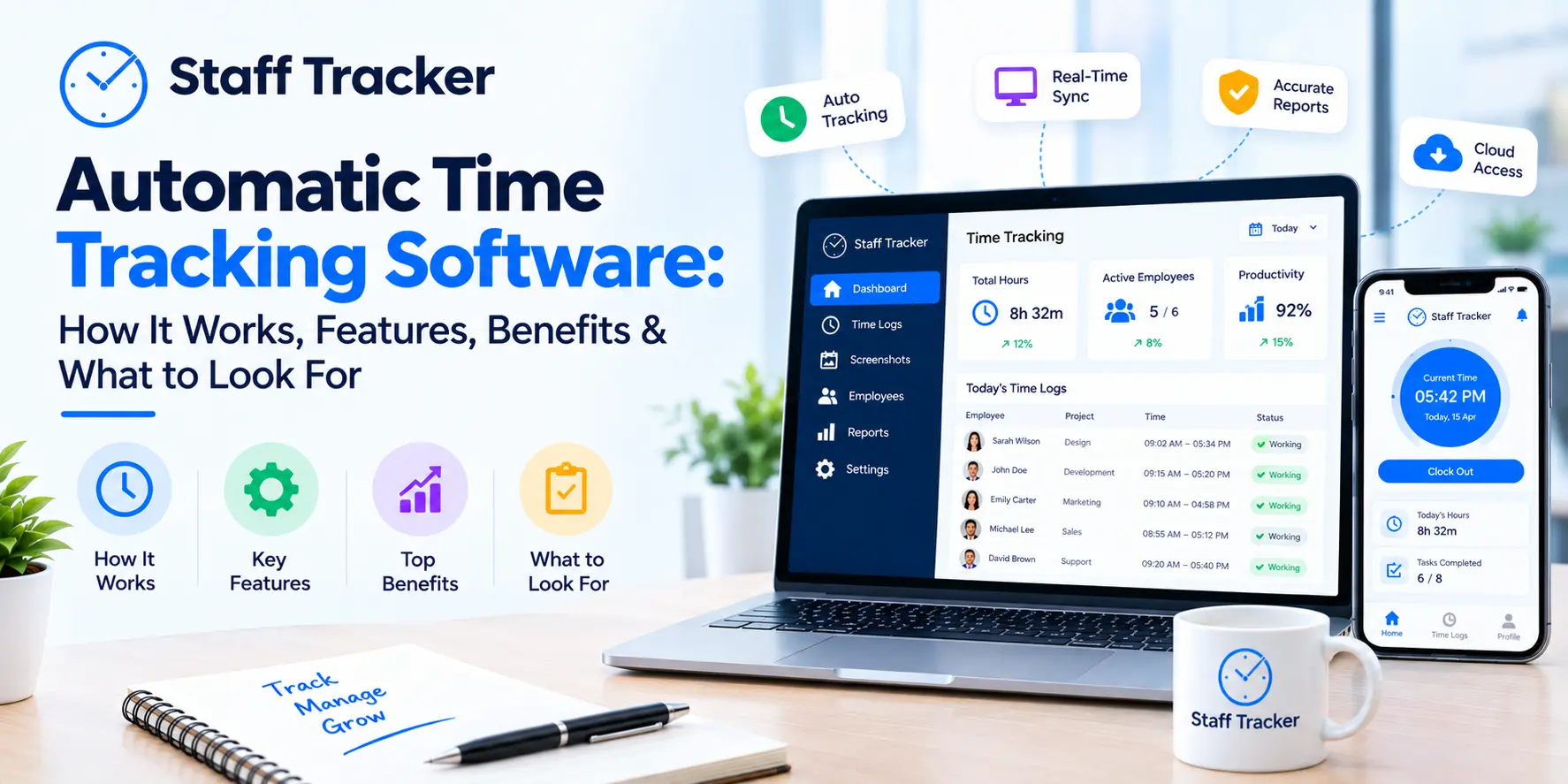
Then tracking starts. The app tracks active time, inactive time, break time and productivity level. It also has offline tracking. The results can be viewed in daily and monthly activity reports and there is even a performance bar chart!
The good thing is that your team doesn't need to alter their working processes. They don't have to remember to log their time at the end of the day, as the automatic time tracking software works in parallel with their work.
That is the whole cycle. Install it once, let the automatic time tracking software gather the data, and view the reports when you need answers.
Key Features of Automatic Time Tracking Software
Not all tools are created equal, and it's helpful to understand what's important in automatic time tracking software. Staff Tracker comes with the following features.
Active, inactive and break time tracking, so reports reflect the actual time spent during the day.
PC Tracker is a real-time desktop and application monitoring solution.
Browsing and app history to see website and app use and follow company policies.
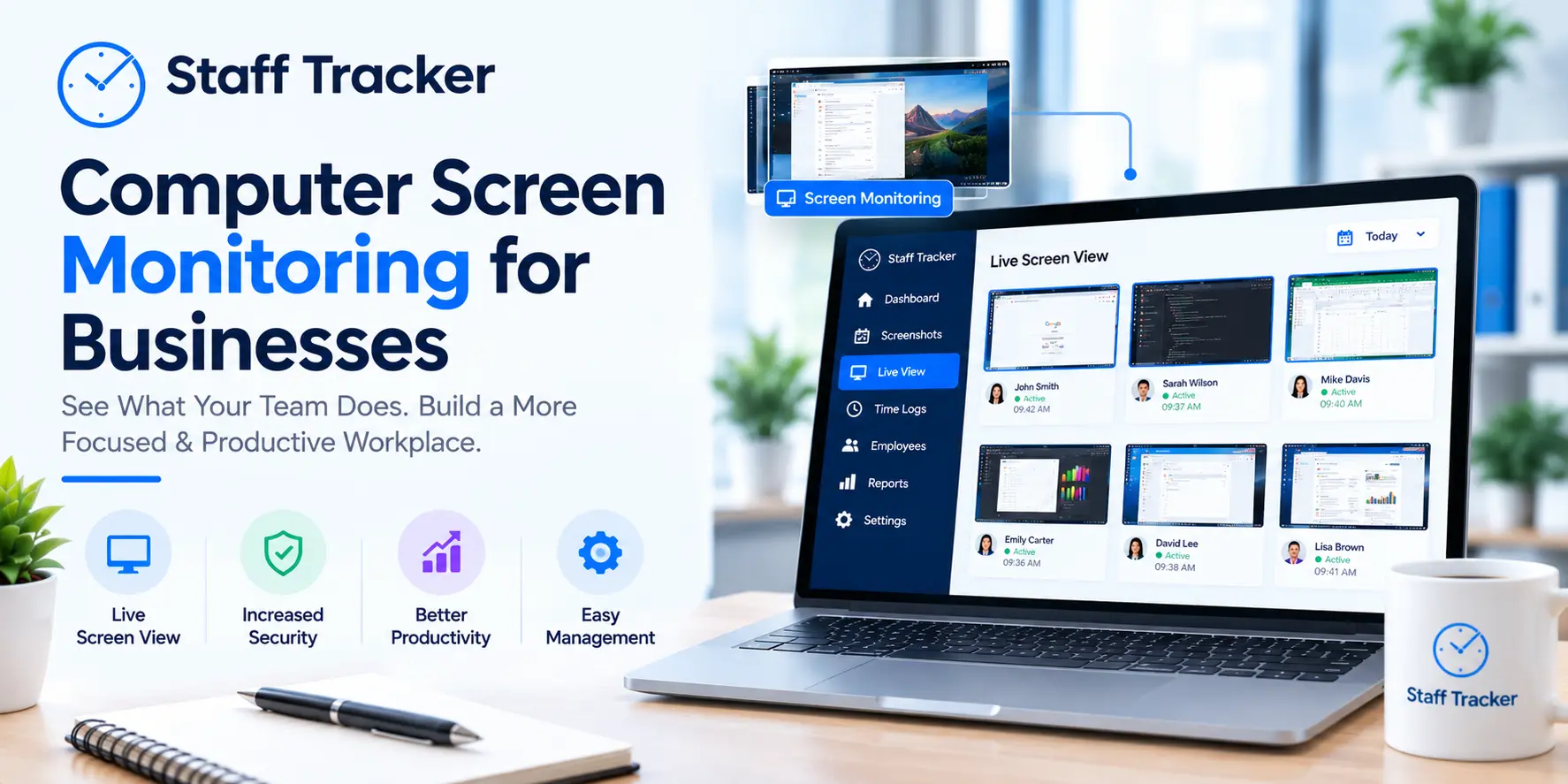
Periodic screenshots for accountability and training, with screenshot tracking.
Leave and attendance management, including a holiday calendar and live leave reporting.
A task manager that monitors task time and project schedules.
Geo Tracker and distance traveled for field teams, including routes and mileage.
Call trackers and call logs with call duration and incoming and outgoing records.
Daily and monthly reports, a performance bar chart and data exports.
Good automatic time tracking software puts several of these in one place. That way you're not jumping between separate tools.
Benefits of Automatic Time Tracking Software
The first advantage is accuracy. If data is collected during the work, no one will have to remember. Hours, tasks and breaks are recorded in the same manner each time. This means less of a hassle with numbers and tidier reports at the end of the month.
You'll also be able to find problems quicker. When you can spot where the time is going, it's easier to spot where the work is going. People using Staff Tracker say its productivity tracking helped them find bottlenecks and fix their workflows, which saved them a lot of time.
Then there's the administrative part. Automatic time tracking software eliminates the need for managers to chase timesheets, and employees to complete them. The same location as your time data is where attendance, leave requests and the holiday calendar are located, so there's only one place to check.
It's also a great benefit to remote and hybrid teams. It's challenging to manage people you don't see often. Some of the pressure is taken off by automatic time tracking software that can be used on multiple devices. Staff Tracker monitors what's happening on each device and provides real-time information, so you never have to wonder what's happening.
Finally, it helps you make better decisions. By observing the time spent, you will be able to identify areas where your team requires additional training or a more efficient process. You don't work from a gut feeling, you work from facts. Screenshots, app history and activity reports provide everyone with the same picture, too, so there's accountability on both sides.
Who Gets the Most Out of It?
The data can be used in a variety of ways. It is used by HR managers to maintain attendance and leave in real-time. Productivity tracking is a tool that project managers rely on to identify bottlenecks. Operations leaders rely on it to ensure that remote teams are held accountable, and IT managers can rely on real-time monitoring to support remote and hybrid teams. Team leaders, especially those who use mobile access, love it for being able to communicate with their team from anywhere. The reports are used by business owners to make more informed decisions based on data regarding their people. Each of them gets what they need from one system with automatic time tracking software.
What to Look For in Automatic Time Tracking Software
Choosing the right automatic time tracking software isn't just about the price. Start with setup. The tool should be easy to install. Staff Tracker is a service that requires you to register, download the app and install it on staff devices, and then the support team will be there to help if you get stuck.
Then check where it works. Look for desktop, web and mobile access to ensure everyone on the team can access it. Then, check the reports. You want daily and monthly reports and data exports, and you should find out how long your history is retained.
If your team works outside the office or has to deal with customer calls, ensure the automatic time tracking software has location, distance and call log capabilities. Lastly, understand the pricing of each plan per user, and the speed of the support team's response.
Make Automatic Time Tracking Work for Your Team
Getting automatic time tracking software is only the first step. The real value comes from using the information it collects in a useful way. Start by deciding what you actually want to understand, whether that is time spent on tasks, attendance, productivity, or where projects are getting held up. Share this goal with your team so they know why the software is being introduced. Once tracking is running, take some time to review the reports regularly instead of letting the data sit unused. Look for patterns rather than focusing on every small detail. Over time, these insights can help you improve workflows, balance workloads, and identify areas where your team may need additional support.
How to Roll Out Automatic Time Tracking Software
When implementing employee monitoring, businesses should explain what data is collected, why it is needed, and how it will be used. For more information, read the official guidance on responsible employee monitoring published by the UK Information Commissioner's Office (ICO).
Start by telling your team why you're doing it. The goal is improved workflows, accountability and training, not watching people. Do not pay for anything until you have tried the Basic/Trial package. Then follow the three steps: sign up, download the app and put it on your team's devices. Then, monitor the daily and monthly reports on a regular basis. They indicate training or process changes that are required. After determining the number of people and what you want to track, select a plan. Treat automatic time tracking software as a way to improve how you work, not just a way to count hours.
Common Mistakes to Avoid

There are a couple of things that can go wrong. The first is failing to explain. Trust evaporates quickly if people are not aware of the reasons for tracking. The second is to pick a price. The best automatic time tracking software is the one that works for your team. Remember the field staff as well. If employees work away from the office, ensure location and distance tracking is addressed. And don't dismiss the reports. If you don't read the data, it doesn't help anything.
FAQs About Automatic Time Tracking Software
What is automatic time tracking software?
Staff tracker is a tool that tracks work hours and activity independently, meaning that employees don't need to manually log each task.
What can Staff Tracker track?
Staff tracker can track browsing history, app history, screenshots, work and non-work hours, breaks, attendance, call logs, location for field staff and distance traveled.
Is automatic time tracking software hard to set up?
No, not with Staff Tracker. Sign up, download and install the app on your staff's devices. The support team will be able to answer any questions.
Can automatic time tracking software support remote and hybrid teams?
Yes. Staff Tracker is designed to work for remote, hybrid and on-site teams. It keeps an eye on activity on devices, location of field staff and provides real-time insights.
Is automatic time tracking useful for small teams?
Yes. Automatic time tracking can help small teams save time on manual timesheets, keep track of attendance and understand how working hours are being spent.
Final Verdict
If you want honest data about how work gets done, automatic time tracking software takes away the guesswork that manual timesheets leave behind. Staff tracker puts tine tracking, screenshots, attendance, app history and field tracking all in one system and you can start free. The next best thing is to try it with your own team. Wondering how your team's hours are really spent? Try Staff Tracker free for a week, or request a demo. Choosing the right automatic time tracking software starts with seeing it in action.
Written by the Staff Tracker Team
This content was authored by the Staff Tracker team, who has lots of experience managing the workforce as well as tracking time and attendance. Staff Tracker creates content that is practical and speaks to the pain businesses have with optimizing workforce operations and improving productivity in the business.
 19-10-2026