- By Admin
- 16 Oct, 2026
- 35 Reading
The best staff tracking software is the program that helps a business record employee working hours, attendance, activity, and other factors with minimal extra effort. It all comes down to the specific needs of the company, team size, office setup, budget, reporting requirements, and other factors.
For businesses that need employee time tracking, attendance management, activity reports, and computer monitoring, Staff Tracker could be a good option. Other companies might need something simpler, like an attendance-only tool, or time-tracking software for project management.
Before selecting an option, it is important to review the specific reports, rates, ease of use, and privacy features, since the goal is to improve the management process and workforce insight rather than simply add more data about the employees.
What Is Staff Tracking Software?
Staff tracking software is a program that businesses and organizations use to track employee working hours, attendance, and other activities. It typically includes screenshots, application and website reports, location, leave management, and productivity reports, depending on the software.
Companies use staff tracking tools to streamline the time tracking process, reduce administrative tasks, understand how much time is spent on specific tasks, and improve the management of distributed teams that work in the office, remotely, or across different locations.
There are various categories of staff tracking software used by organizations to measure and monitor employee hours or attendance:
Time tracking software
Records employee working hours and time spent on specific activities or tasks.
Attendance tracking software
Records employee attendance, working days, and absences.
Employee monitoring software
Provides information about work-related computer activities, including application usage and screenshots.
Field staff tracking software
Facilitates the management of field service teams.
Workforce management software
Combines a number of the above functions, often with additional scheduling and reporting features.
Each tool is typically focused on specific aspects of attendance, time tracking, or employee monitoring and may have different requirements based on the workforce size, business needs, and other factors. It is important to highlight the capabilities of a software solution to avoid extra expenses for unneeded features.
What Features Should the Best Staff Tracking Software Have?
The best staff tracking software typically has reliable time tracking, relevant activity reports, easy-to-access reporting, and appropriate privacy features. The emphasis is on the specific features that would help the business achieve its goals rather than a focus on the number of available options.
Feature | Why to choose it | Best for |
Time tracking | Time records and activity Periodic reports | Agencies, service teams, and distributed workforce |
Attendance tracking | Attendance, working days, and absence management | HR and operations teams |
Screenshot monitoring | Screenshots of work-related computer activities; visual insight into computer activities | Teams with justified desktop access |
Application and browsing history | Work-related application and website access records | Computer workforce |
Productivity and activity reports | Productivity insights: Productivity and workload analysis | Managers and team leads |
Idle and break tracking | Distinguishing between active and inactive time; better time records | Teams that need idle time monitoring |
Leave tracking | Leave and attendance requests; leave administration | Growing businesses and HR teams |
Mobile and location features | Tracking of teams across different locations | Distributed and field teams |
Data exports and reporting | Streamlined data access and report generation | HR, operations, and business owners |
Feature availability varies between software providers and subscription plans. It is important to review what reports are included in the selected plan to get the required attendance and time tracking insights.
How Do You Choose the Right Staff Tracking Software?

The software selection process should start with the identification of the company needs and desired features. A company that has attendance management issues will have different requirements from a remote team that needs time tracking reports or a field service business that needs to monitor employees across different locations.
The following factors should be taken into consideration when choosing the best software for the business:
Define the main requirements.
Pick time tracking, attendance management, application monitoring, and field service management, if applicable.
Review the requirements in terms of the office setup and workforce.
For example, an agency may need time tracking and application reports, whereas an operations manager may need attendance records of a distributed team.
Compare the software reporting features.
Daily and monthly reports, employee-level reports, date filtering options, and other report formats.
Review the ease of use and implementation.
How easy is it to add employees, configure the software, provide employee training, and access data?
Compare the cost.
Monthly or annual costs, employee limitations, additional costs for certain features, payroll, project management, and scheduling tools.
Review privacy and security.
Consider what data is collected, who has access to it, retention periods, and how employees are notified.
Whenever possible, test the tool to review the features and check how easy it is to use before committing to a long-term contract.
Is Staff Tracking Software Useful for Remote and Hybrid Teams?
Staff tracking software can help remote and hybrid teams maintain consistent time records, review work-related activity, and address issues, including the fact that teams are dispersed across different locations. However, the software is only as useful as the information that it provides about the employees.
For example, a customer support team may benefit from attendance records and application usage reports whereas a design agency may need time tracking for each project, and an operations manager may need attendance reports for a distributed workforce.
Computer-related activity monitoring does capture a part of the work done but not necessarily the value of that work. Planning, discussing ideas, attending meetings, training, and other activities are not reflected in the amount of computer usage. Time tracking and activity reports should be complementary to the overall assessment of an employee’s work rather than the sole basis for decisions about performance.
What Are the Benefits and Limitations of Staff Tracking Software?
Staff tracking software can help improve the record-keeping of time spent on work-related activities, but it cannot automatically resolve management issues. The benefits and limitations of the software depend on the specific tools and the company's needs.
Benefits
Better time records: time tracking vs. timesheet record-keeping
Simpler attendance management
Improved analysis: identifying underperformance, recurring issues, or areas for improvement
Better remote team management: access to workforce information without being physically present
Fewer administrative tasks: consolidated time tracking and report generation if the software has these features
Limitations
Limited activity tracking: if the workforce spends significant amounts of time away from the computer
Unnecessary complexity: extra features, configuration, and management
Unethical and illegal monitoring: without the knowledge or consent of the employees
Additional requirements: if the software does not include necessary features such as payroll, project management, or scheduling
Choose the software based on the company needs and carefully consider the value of the information that the software provides.
How Much Does Staff Tracking Software Cost?
The cost of staff tracking software depends on the provider, the number of users, billing type, features, and data retention. Software providers often have monthly and yearly billing options, whereas attendance record-keeping tools may have a free version and a paid plan with more features.
The company should create a list of required features first so that it can compare the benefits and costs. A small business may only need an attendance tracker whereas a company that wants to monitor computer activity and screenshots would require a more comprehensive plan that includes more expense.
Review the full monthly or yearly cost rather than the cost per user and ensure that the selected plan is appropriate for the team size and contains the required reports for data analysis.
Is Staff Tracker a Good Choice for Your Business?
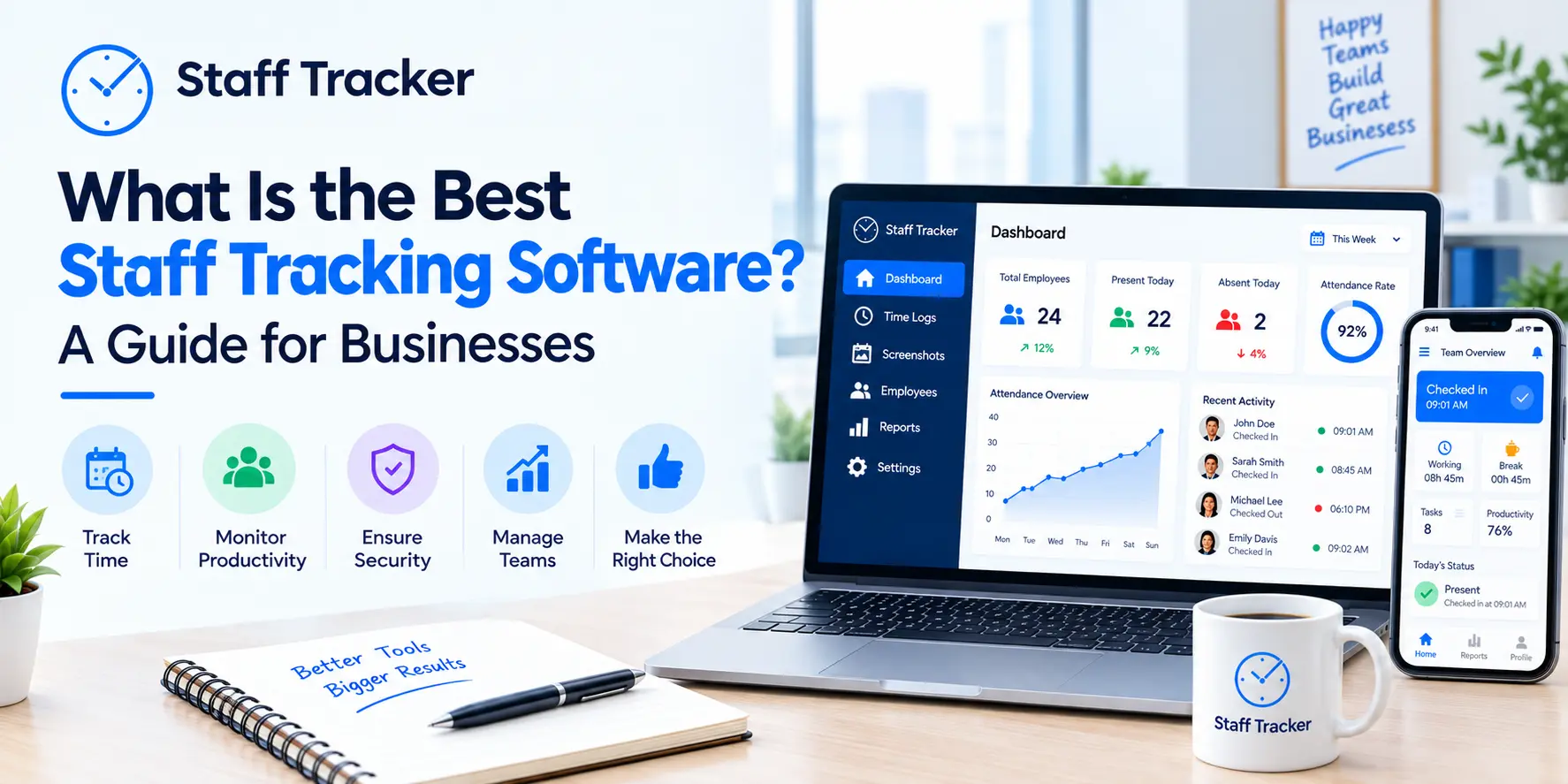
Staff Tracker is a staff tracking, employee monitoring, and workforce management platform that consolidates a number of tools and features for companies that want to improve their insight into the employees’ time records and attendance. The published information includes time tracking, screenshot monitoring, application and website access reports, idle and break time tracking, attendance records, leave management, and reporting.
The software could be a good choice for businesses that want to have several of the features rather than use separate tools for time tracking, attendance management, and computer monitoring.
Some of the features to review for a company’s needs include:
Time and activity tracking
Employee working hours, active time, idle time, and break time.
Periodic screenshots for relevant computer activity.
Attendance and leave
Attendance records, leave management.
Application and browsing history
Work-related application and website access, if applicable.
Reports and history
Employee activity reports for the selected dates and reporting periods, if applicable.
Mobile access
Mobile app features, if managers need to access this information outside the office.
More information is available in the Staff Tracker features page and the company can review the Staff Tracker pricing and plans to pick the appropriate tools.
Staff Tracker may be a good option for businesses that need time tracking and attendance management. If the company has a different requirement, for example, a project budgeting tool for an agency, it should ensure that the software has this capability.
How Can Businesses Use Staff Tracking Software Responsibly?
Businesses should use staff tracking software for clearly defined reasons and only collect the information that is relevant to the objectives. Appropriate policies, restricted access, data retention limitations, and transparency help ensure that staff tracking software is used ethically and within the confines of the law.
The Information Commissioner’s Office highlights the importance of considering necessity, proportionality, transparency, and worker rights when monitoring employees, as a way to ensure that organizations are within their legal rights. While the guidance is aimed at UK businesses, it is a useful starting point for many companies.
Before implementing software, employers should:
Define the requirements and only access the data that is relevant to the objectives
Ensure that employees are informed about the monitoring, in accordance with the local labor laws
Limit employee access to only those who need it for their roles
Ensure appropriate data retention and deletion
Review alternative, less intrusive methods
Ensure that the workforce, contractors, and employees are aware of data protection requirements
Review the ICO guidance on data protection and monitoring workers for more information on appropriate measures.
Frequently Asked Questions
What is the best staff tracking software for small businesses?
The best small business staff tracking software is the one that covers the attendance, time tracking, and reporting needs without extra expenses. It is important to compare available features, user limitations, ease of use, and privacy before choosing the software.
What is the difference between staff tracking and employee monitoring software?
Staff tracking is a broad term that encompasses employee attendance, time tracking, and workforce coordination. Employee monitoring software typically refers to the collection of information about computer activities, application usage, screenshots, and similar aspects. Many staff tracking software programs have employee monitoring features.
Can staff tracking software monitor remote employees?
Yes, staff tracking software can monitor and record attendance, working hours, application activity, and browsing history for remote employees. It is important for employers to ensure that they are within their legal rights when accessing this information.
Does staff tracking software automatically improve productivity?
No, staff tracking software highlights areas of concern but businesses need to ensure that the software is used as a tool to improve the processes rather than judge the employees.
Should I choose attendance software or a complete staff tracking system?
Choose attendance software if the objective is to record working days, days off, and attendance records. A full staff tracking system is a better choice if the company needs additional features, including activity reports and computer monitoring. It is always a matter of choosing the right features for the company's needs. Choose the simplest option that covers the requirements.
Conclusion: Which Staff Tracking Software Should You Choose?
The best staff tracking software is the one that fits the workforce’s needs, covers the main requirements, and provides useful insights without extra complexity. It is important to review attendance tracking, time recording, activity reports, cost, ease of use, and privacy factors.
If the company needs employee time tracking, attendance management, screenshots, and activity reports, for example, it can review the Staff Tracker features and subscription plans. The company can then make a choice based on its specific requirements and actual use cases.
Written by the Staff Tracker Team
This content was authored by the Staff Tracker team, who have lots of experience managing the workforce as well as tracking time and attendance and employing HR Technology. Staff Tracker creates content that is practical and speaks to the pain businesses have with optimizing workforce operations and improving productivity in the business.
 16-10-2026