- By Admin
- 09 Oct, 2026
- 20 Reading
Employee monitoring helps businesses understand how work gets done, manage working hours, identify productivity gaps, and maintain accountability across office, remote, and hybrid teams. With the right tools and clear policies, organizations can improve workflows without compromising employee privacy or trust.
But what is employee monitoring, how does it work, and which methods are right for your business? This guide explains the different types of employee monitoring, their benefits and risks, and how to implement them responsibly.
What Is Employee Monitoring?
Employee monitoring is the practice of observing, tracking, and analyzing work-related activities to understand employee attendance, computer usage, working hours, and productivity. Businesses use manual processes, digital tools, and employee monitoring software to gain visibility into workplace operations.
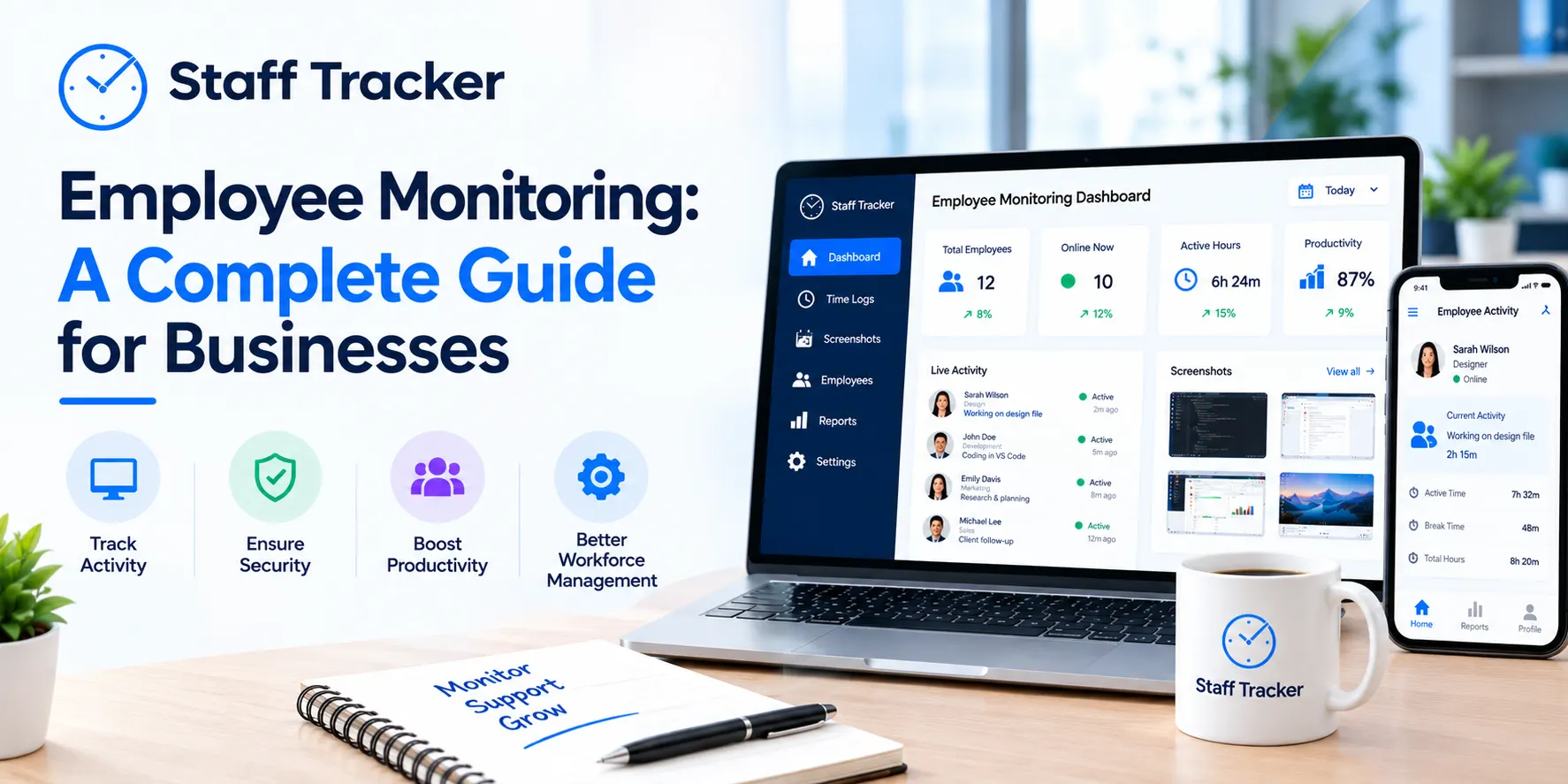
Modern employee monitoring software can track active and idle time, application usage, website activity, attendance, and periodic screenshots, depending on the solution and its configuration.
For example, a manager overseeing a remote team can use activity reports to understand work patterns, identify workflow bottlenecks, and distribute tasks more effectively instead of relying on frequent check-ins.
The goal is not simply to watch employees. It is to use relevant information to improve performance, support employees, and make better business decisions.
What Are the Different Types of Employee Monitoring?
Businesses can choose from several employee monitoring methods based on their operational needs.
Time and attendance monitoring: Records working hours, clock-in and clock-out times, breaks, and attendance patterns to support accurate timekeeping.
Computer and application monitoring: Tracks work-related computer activity, application usage, and website browsing to identify productivity patterns.
Screenshot monitoring: Captures periodic screenshots of work screens to provide context about computer activity during working hours.
Internet and network monitoring: Reviews network activity and internet usage to support security policies and responsible use of company resources.
Location monitoring: Uses GPS or location-based attendance verification where appropriate, particularly for field teams and mobile workforces.
Physical monitoring: Includes workplace CCTV, access cards, and other security systems used to protect people, equipment, and facilities.
Not every business needs every method. The right approach depends on the job, the information required, and the level of monitoring necessary to achieve a legitimate business objective.
What Are the Benefits of Employee Monitoring?
When implemented transparently, employee monitoring can help organizations improve their operations in several ways.
1. Improve Productivity and Time Management
Activity and time reports help managers identify recurring interruptions, excessive idle periods, and inefficient processes. Businesses can use these insights to improve schedules, remove obstacles, and help employees focus on meaningful work.
2. Improve Attendance Accuracy
Automated attendance tracking reduces reliance on manual timesheets and makes it easier to review working hours, absences, and break patterns. More reliable records can also support payroll preparation.
3. Manage Remote and Hybrid Teams
Employee monitoring provides visibility into work patterns when managers and employees operate from different locations. It can reduce unnecessary status requests and help managers coordinate workloads using documented activity and attendance data.
4. Make Better Performance Decisions
Work-related reports provide additional context for performance reviews. When combined with completed tasks, work quality, deadlines, and individual responsibilities, these insights help managers identify training needs and recognize strong performance.
5. Identify Workflow Bottlenecks
Monitoring data can reveal recurring delays, underused tools, or processes that interrupt work. Managers can use these findings to improve resource allocation and make daily operations more efficient.
What Are the Risks of Employee Monitoring?
Employee monitoring also comes with responsibilities. Excessive or poorly explained surveillance can damage trust, increase stress, and create privacy concerns.
Common risks include:
Reduced employee trust: Constant surveillance can make employees feel that management does not trust them.
Misinterpreted activity data: Low keyboard or mouse activity does not necessarily mean someone is unproductive. Meetings, reading, planning, and creative work may involve little computer interaction.
Privacy concerns: Screenshots, browsing records, and location data may capture personal information if monitoring is not properly limited.
Legal and compliance risks: Monitoring requirements vary by jurisdiction, device ownership, data type, and the circumstances in which information is collected.
To reduce these risks, define a clear purpose, inform employees about monitoring practices, restrict access to collected data, and review whether each monitoring method is necessary and proportionate.
For further guidance, consult the UK Information Commissioner's Office guidance on monitoring workers.
How Does Employee Monitoring Software Work?

Employee monitoring software collects selected work-related activity data from supported devices and presents it through dashboards, activity records, and reports. Depending on the software, the process typically involves four steps:
Configure monitoring: Define working hours, select relevant monitoring features, and establish appropriate access permissions.
Collect activity data: Record supported information such as attendance, active and idle time, application usage, or periodic screenshots.
Review reports: Examine activity patterns and compare them with work schedules, responsibilities, and expected outcomes.
Improve workflows: Use the findings to address bottlenecks, adjust workloads, and provide constructive feedback.
For example, Staff Tracker offers features including attendance management, screenshot monitoring, activity tracking, and reporting. These capabilities can help managers understand work patterns and make more informed workforce decisions.
Employee Monitoring vs. Time Tracking: What's the Difference?
Time tracking focuses primarily on when employees work and how much time they spend on tasks. Employee monitoring is a broader category that can also include computer activity, application usage, website activity, and screenshots.
Time tracking may be sufficient for businesses that mainly need accurate work-hour records. Organizations that need additional visibility into computer-based workflows may benefit from employee monitoring software.
The best choice depends on your objectives, workforce, and privacy requirements. Read our guide to time tracking vs. employee monitoring for a more detailed comparison.
How to Implement Employee Monitoring Responsibly
Follow these practices to make employee monitoring useful, transparent, and proportionate.
Set clear objectives: Decide whether you need to improve attendance accuracy, understand workflows, manage remote teams, or address a specific operational issue.
Choose relevant features: Collect only the information necessary to achieve those objectives.
Communicate with employees: Explain what is monitored, why it is collected, who can access it, and how it will be used.
Establish a written policy: Document monitoring practices, privacy safeguards, data retention, and employee responsibilities.
Protect employee data: Apply appropriate access controls, security measures, and retention limits.
Evaluate outcomes fairly: Consider work quality, completed tasks, collaboration, and individual circumstances instead of relying exclusively on activity scores.
Review the approach regularly: Remove unnecessary monitoring and update policies when working practices or legal requirements change.
Before introducing monitoring, review the applicable employment and data protection laws in your jurisdiction. Seek qualified legal advice where necessary.
Choose the Right Employee Monitoring Approach with Staff Tracker
Effective employee monitoring is about understanding work patterns, improving operational efficiency, and supporting accountability—not tracking every action employees take.
Staff Tracker provides businesses with tools for attendance management, screenshot monitoring, activity tracking, and productivity reporting. These features can help organizations gain visibility into work activities, identify potential workflow issues, and manage office, remote, and hybrid teams more effectively.
Explore the Staff Tracker features to find a monitoring approach that fits your business needs, or visit Staff Tracker to get started.
Frequently Asked Questions About Employee Monitoring
Is employee monitoring legal?
Employee monitoring may be lawful, but the applicable requirements depend on the country, monitoring method, purpose, and information collected. Employers should review local laws, provide required notices, and implement appropriate privacy safeguards.
Can employee monitoring improve productivity?
It can help businesses identify workflow bottlenecks, understand time usage, and improve workload allocation. Results depend on how managers interpret monitoring data and whether they use it constructively.
What does employee monitoring software track?
Depending on the software, it may track attendance, active and idle time, application usage, website activity, periodic screenshots, and other work-related information.
Is employee monitoring suitable for remote teams?
Yes. It can help managers understand work patterns and attendance across distributed teams. Monitoring should be limited to appropriate work-related activities and explained clearly to employees.
How can businesses monitor employees without micromanaging?
Set clear expectations, choose only necessary monitoring features, communicate openly, and focus on work outcomes rather than constant surveillance. Use monitoring data to support employees and improve processes instead of making assumptions based on a single metric.
Written by the Staff Tracker Team
This content was authored by the Staff Tracker team, which has extensive experience managing the workforce, tracking time and attendance, and implementing HR Technology. Staff Tracker creates content that is practical and speaks to the pain businesses have with optimizing workforce operations and improving productivity in the business.
 09-10-2026