- By Admin
- 20 Nov, 2026
- 25 Reading
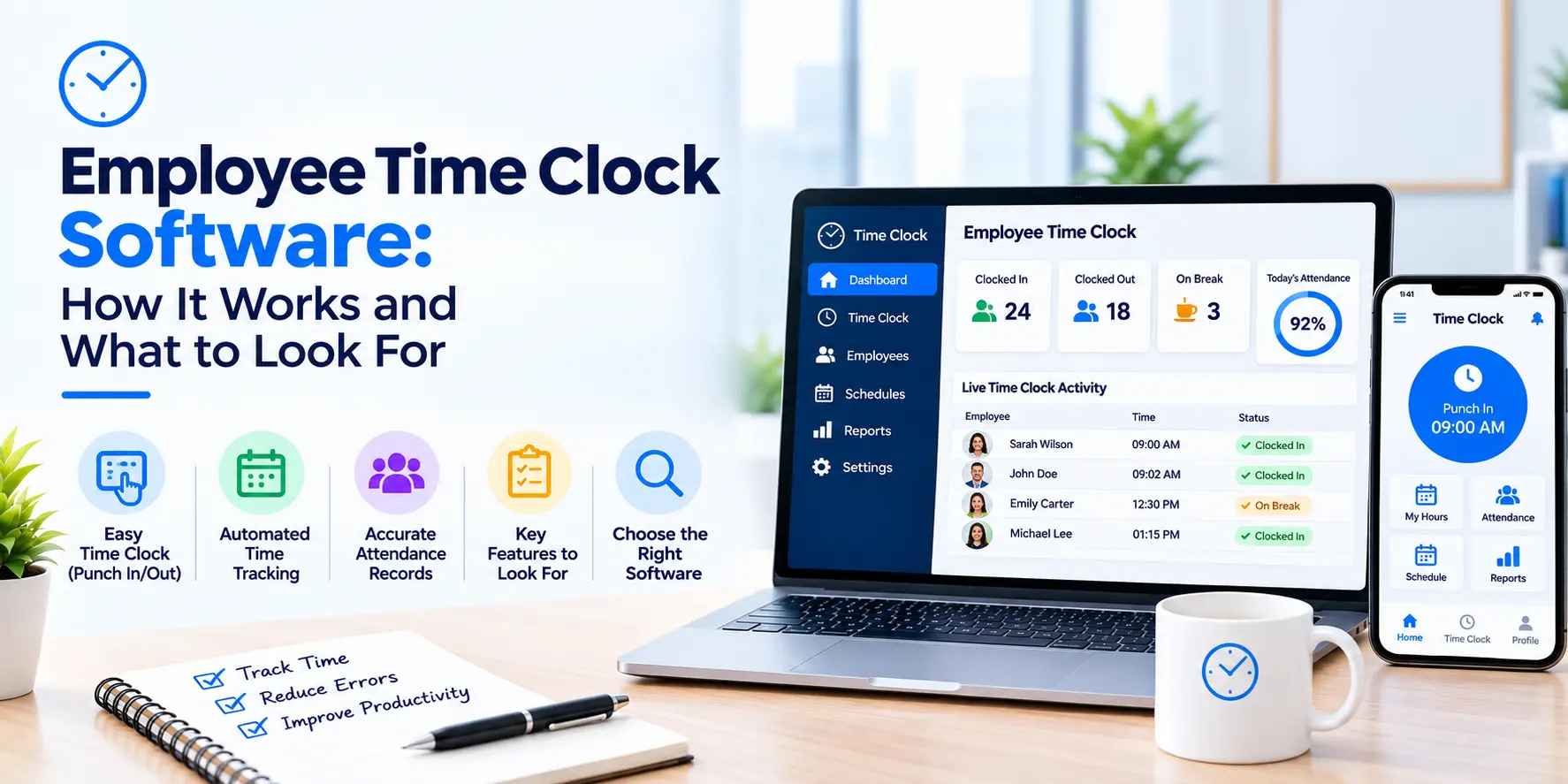
Employee time clock software records when your employees start work, take breaks, and finish for the day. It eliminates the need for punch cards and paper registers, and consolidates them into one digital record. Managers can then view who worked, when and for how long.
If you're still using a paper or sheet to keep track of hours, this guide is for you. It provides an overview of the software, its features and how to select the software. It also depicts the location of Staff Tracker. It is a general guideline, please refer to product specifications with the vendor before making a decision.
What Is Employee Time Clock Software?
Employee time clock software is a digital version of the old time clock. The old machine stamped a card when you arrived and left. The software does the same job on a computer or phone.
It documents three basic things. When work starts. When breaks happen. When work ends. It calculates total hours for each person from this.
The advantage is that there is a single, shared record. No one is required to read handwriting or combine files. The same numbers are viewed by managers and HR.
Staff Tracker does not have the term "time clock" on its website. However, it mentions attendance management and time tracking, which are the same job. Request a demo to determine if they meet your requirements.
How Does Employee Time Clock Software Work?
The app is installed on the employee's device and transmits the data to the dashboard. The reports are read by the managers there. Setup is quick. With Staff Tracker, it takes three steps:
Register and set up an account.
Download the app and deploy it on your employees' devices.
Start monitoring.
Then, the software logs active time, inactive time and break time. Staff Tracker also includes offline mode tracking. This means that tracking can be done without the internet.
Managers are then able to view daily and monthly activity reports. They can also view a performance bar chart or download the data.
Here is a simple picture of one day:
This table is a simple example and not a screenshot of a product. A demo will be given to demonstrate the actual screens.
Why Do Teams Move Away From Paper Time Clocks?
As a team grows, paper and manual systems fall apart. The issues are minor initially. Then they pile up.
Cards get lost. Late filling of sheets. An employee leaves without logging out. Then a manager works hours to correct errors before payroll or reports.
Most of this is eliminated by software. The record is created during the process of work. Less to pursue and less to fix.
It also aids in the case of people working from different locations. A wall mounted machine can only be used in one office. Software is installed on a phone or computer so it can be used anywhere your team is.
What Features Should Employee Time Clock Software Have?

The ideal employee time clock software should be easy to read and work on the devices used by your employees. The features Staff Tracker lists on its website are:
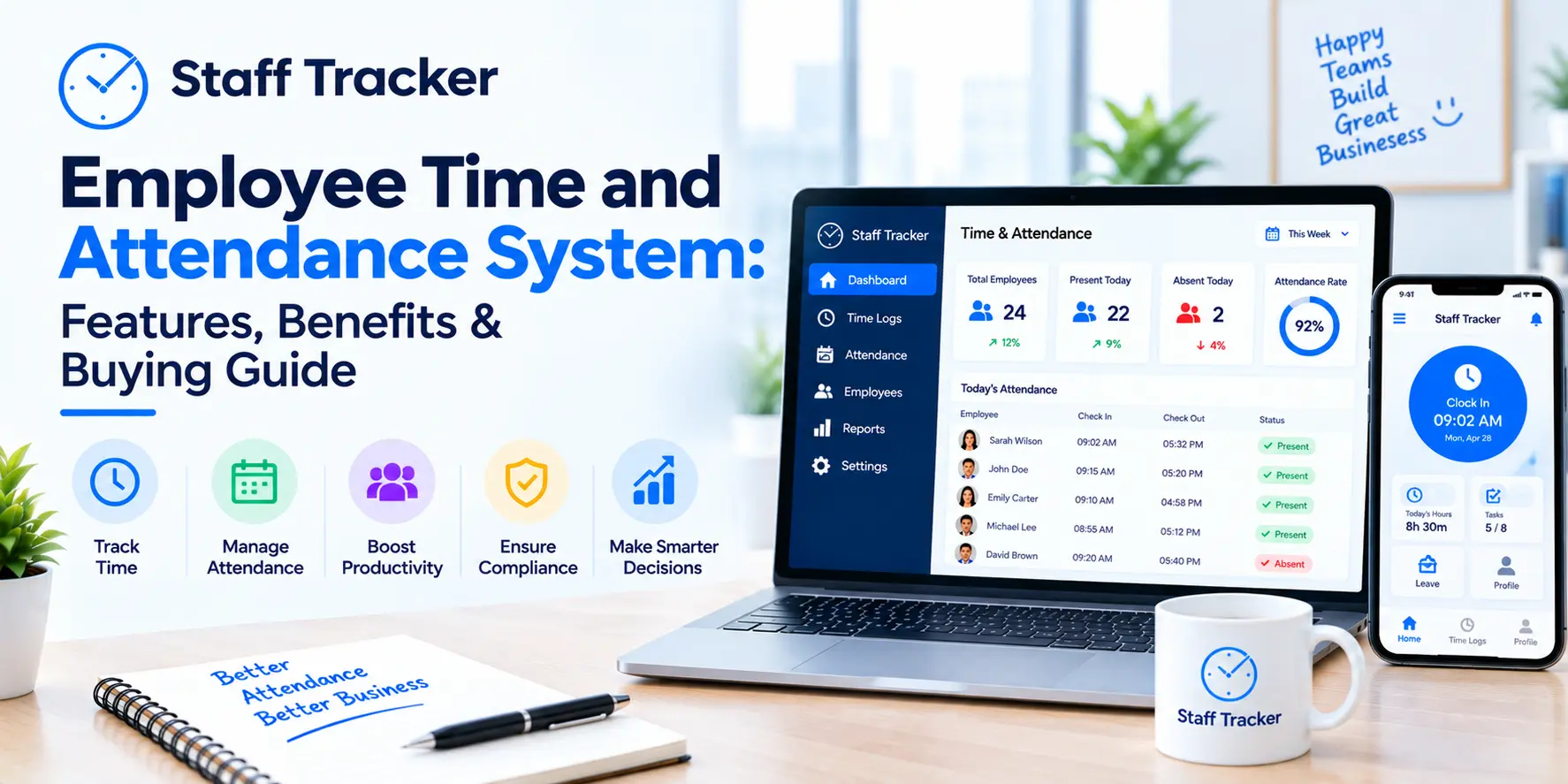
Attendance management with automated tracking and real-time absence reporting.
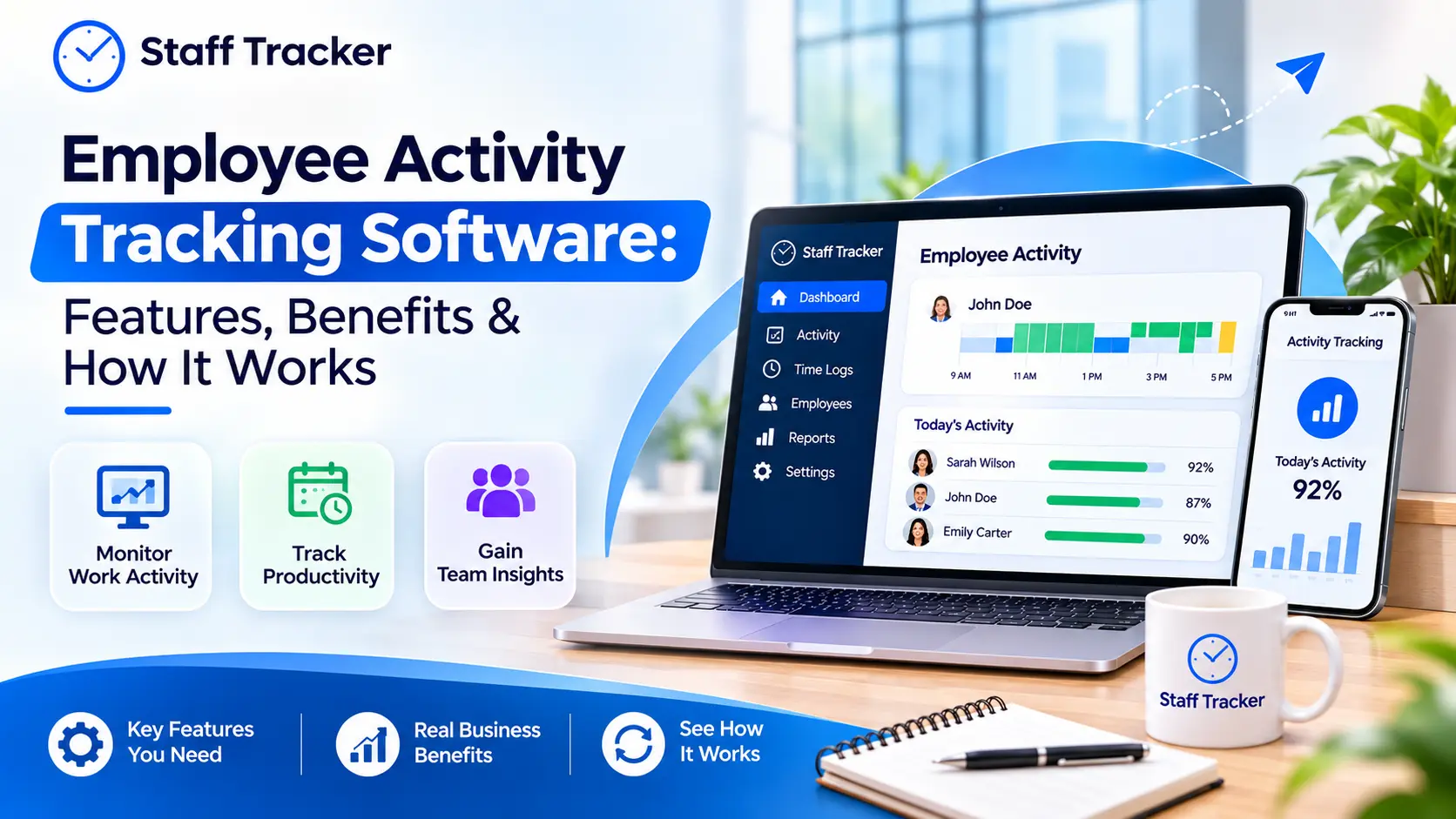
Active, inactive, and break time tracking to show how the day was spent.
Offline mode tracking for times when the connection drops.
Leave management and a holiday calendar so time off sits next to attendance.
Task manager to link hours to the work being done.
Reports and data exports with daily and monthly activity reports.
Desktop, web, and mobile access so people can use it anywhere.
Other teams need more. Location tracking may be necessary for field staff. Staff Tracker includes a Geo Tracker for live tracking of field staff. It also records distance travelled, which is a record of routes and mileage.
Call logs can be viewed by teams that can handle calls. These display the duration of the call, incoming and outgoing records.
What Are the Benefits?
The primary advantages include streamlined records, reduced administrative tasks, and improved planning.
Cleaner records. Time is recorded in real time. This means less mistakes and less arguments about hours.
Less admin work. Managers are not required to pick up cards or sheets. HR can manage attendance and leave all in one place.
Better planning. When you can see attendance and absences, you can plan work with real facts. You know who's in and who's out.
Support to remote and hybrid teams. Staff Tracker claims to be suitable for remote, hybrid, and in-office teams. Activity is tracked from devices.
What Are the Limits?
The software keeps track of time. Does not evaluate the work quality. A person may be logged in for 8 hours and still not be able to do a task. Numbers require human interaction.
Trust also matters. Certain features, such as screenshots and app history, track employee activity. Communicate to your team what is being measured and why. In addition, as an editorial tip, review the privacy regulations in your area.
Last but not least, the tool is not effective unless people use it. Establish guidelines for hours recorded. Even if you have no rules in your system, you will still get messy data.
How Do You Choose Employee Time Clock Software?
Begin with features and then match the needs. Use this checklist with any vendor:
What do I need to record? Just hours, or also breaks, tasks, and absences?
Where does my team work? Office, home, the field, or all of them?
Which devices do we use? Look for desktop, web, and mobile.
How easy is setup? Ask how long it takes to install on all devices.
What reports will I get? Look for daily and monthly reports and data exports.
Does it handle leave? Check if leave and attendance sit together.
Is support available? Good support helps when something goes wrong.
Try the tool on one small team first. Five people is easier to solve problems than fifty.
How Do You Roll It Out Smoothly?
Be open from the beginning. Explain to the team what the software is recording. Describe the purpose of its use. Explain what you plan to do with the data.
Do not make the first step too difficult. Begin with attendance and hours. Add additional features as people get comfortable.
Then, check the reports on a regular basis. Use them to identify trends, such as too many late starts or too much work. Before interpreting the meaning of the data, ask questions.
How Does Staff Tracker Fit?
Staff Tracker is a staff monitoring software. It combines attendance, time tracking, leave management, a task manager and reports in one platform. It also includes features such as a Geo Tracker for field teams, browsing and app history, and screenshot tracking.
If a business is looking for a time clock replacement, the attendance and time tracking tools are what they should consider. HR can maintain the leave and attendance records in one place. Team leaders can log in via the mobile site.
If you're interested in seeing how this works for your team, you can schedule a demo.
FAQs About Employee Time Clock Software
Is employee time clock software the same as attendance software?
They overlap. Start/end times are recorded on a time clock. Absence and leave are also included in attendance software. Read the ingredients of each product.
Can employees clock in from their phones?
Staff Tracker includes a mobile app, a desktop app and a web app. Inquire about a demo and see how it functions for your team.
Does it track breaks?
Yes, if the tool has break tracking. Break time tracking is listed on Staff Tracker.
Is it only for office teams?
No, Staff Tracker can be used remotely, hybrid, and on-site. It also lists a Geo Tracker for field staff.
Can I export the records?
Staff Tracker provides data exports, daily and monthly activity reports.
Final Thoughts
With employee time clock software, you have one single record of when your employees work. It saves time, reduces errors and simplifies planning. The ideal one is the one that will best suit your team's working style.
If you're looking for attendance, hours and reports in one place, you should check out Staff Tracker. Schedule a demo to experience how it will fit your team.
Written by the Staff Tracker Team
This content was authored by the Staff Tracker team, who has lots of experience managing the workforce as well as tracking time and attendance. Staff Tracker creates content that is practical and speaks to the pain businesses have with optimizing workforce operations and improving productivity in the business.
 20-11-2026