- By Admin
- 20 Nov, 2026
- 31 Reading
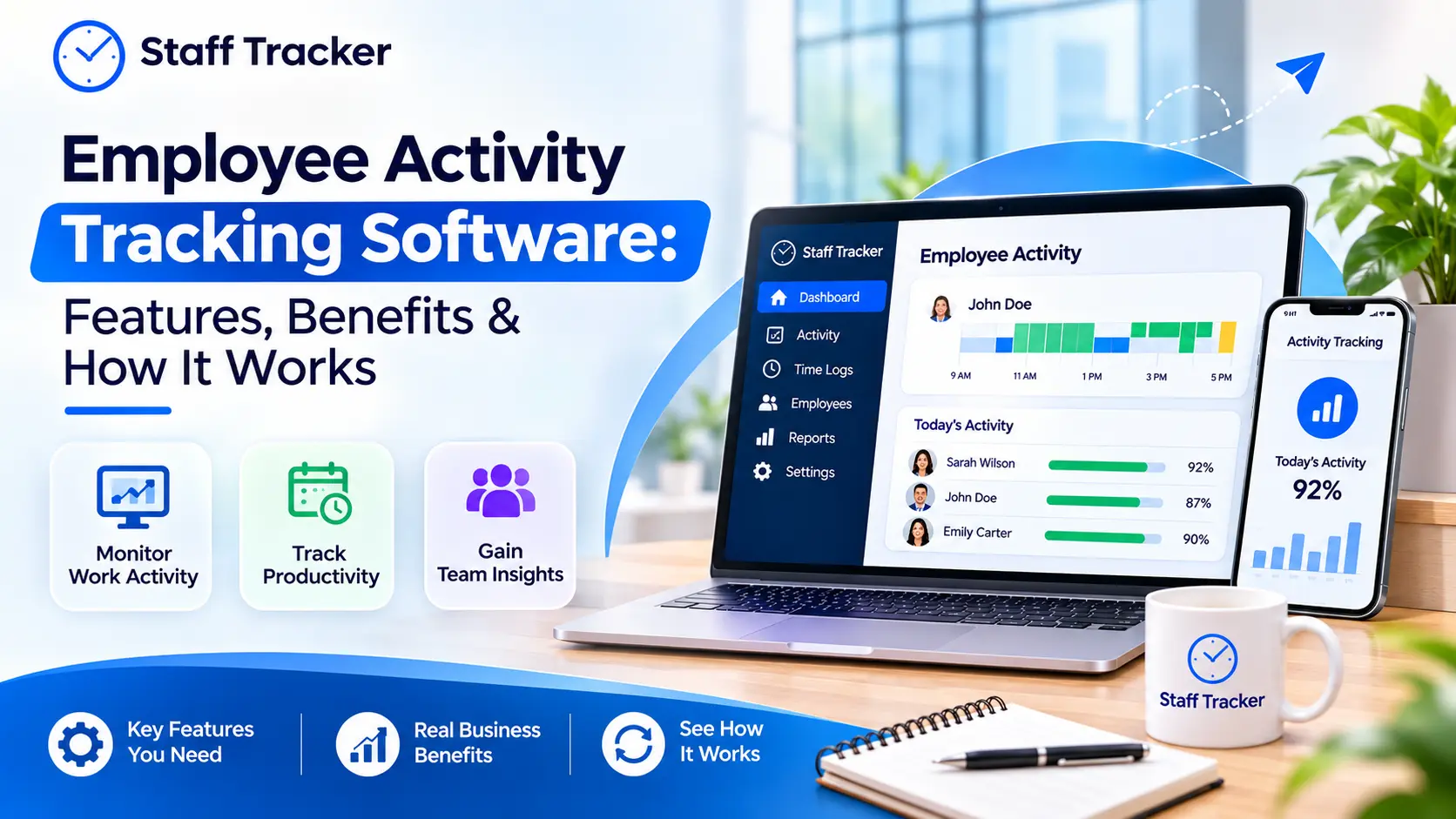
Employee activity tracking software provides a record of employee activity on their devices. It tracks active time, idle time, apps used, websites visited, and more and converts this information into reports for managers. The idea is to learn how to do the work, so that teams can iron out slow spots and plan better.
When people hear the term "activity tracking," they think of it as watching everyone. It doesn't have to. When used openly, it provides managers with facts and provides a fair platform for team discussion of workload. This guide describes how it works, what features to consider, its limitations, and how to implement it. It also illustrates where Staff Tracker fits in. It is a general guide, so please verify product information with the vendor prior to purchase.
What Is Employee Activity Tracking Software?
Employee activity tracking software is the software that tracks what employees do on their work device throughout the day. It records activity duration, inactivity duration and apps and websites used.
Consider it a record of the working day. It can be viewed by a manager and patterns will be observed. For instance, a team could be spending a considerable amount of time in one app, or a task might take longer than expected.
It's not just an attendance system. Attendance indicates who attended. Activity tracking provides more information on what happened during the time.
This is covered by Staff Tracker, a staff monitoring system. According to its website, it provides visibility into team performance, enabling managers to identify bottlenecks and enhance workflows.
How Does Employee Activity Tracking Software Work?

The app is installed on the employee's device, logs the activity and uploads it to a dashboard. The reports are read by the managers there. Setup is short. Staff Tracker requires just three steps:
Register and set up an account.
Install the app and push it out to your employees' phones.
Start monitoring.
Then the software starts to log active time, inactive time, and break time. Staff Tracker also includes offline mode tracking, which means tracking can go on even when the internet goes down.
Then managers open daily and monthly activity reports. They can also view a performance bar chart and/or export the data.
Here is a simple picture of what gets recorded:
This table is an overview, not a product screenshot. The actual screens will be demonstrated in a demo.
What Features Should You Look For?
The best employee activity tracking software should be user-friendly and display clear data. These are the features that Staff Tracker advertises on its website:
PC Tracker – Real-time desktop & application monitoring.
Active, inactive and break time tracking to differentiate between working time and idle time.
Checking browsing and app history, to view website and app usage and enforce company policies.
Accountability and training via screenshot monitoring, with periodic screenshots.
Productivity level and a performance bar chart for quick reviews.
Offline mode tracking for when connection is lost.
Daily and monthly activity reports for reports and data exports.
Access from desktop, web and mobile to allow people to use it where they work.
Many teams also want attendance and tasks in the same place. Staff Tracker includes attendance management, leave management, and a task manager. Its Geo Tracker and distance traveled feature lets field teams view the data.
What are the advantages?
Key advantages include improved visibility of work, quicker problem identification, and improved planning.
A clearer view of work. You are able to see what time is being spent, rather than just the hours logged. This is useful for project planning or when looking at workloads.
Faster problem spotting. When a task is taking longer than anticipated, the data can help you determine why. A project manager interviewed on the Staff Tracker website mentions that the productivity tracking helped him realize that he had some bottlenecks and streamline his process.
Better training choices. Staff Tracker's website states that tracking time spent on various activities helps identify training or process changes.
Support for remote and hybrid teams. Staff Tracker claims to be suitable for remote, hybrid, and on-site teams, and activity tracked across devices. According to its website, it enhanced accountability in their remote teams.
What Are the Limits?
Activity data provides information about the activity that occurred on a device. It doesn't show everything about the work. One individual might ponder over a problem for an hour or converse with a client, and the software might log that as inactive. Numbers need context.
Trust also matters. Employees are tracked by screenshots, app history and browsing history. When people feel they are being spied on, their morale quickly declines. As an editorial suggestion, tell what is being tracked and why. Before you begin, you should also review the privacy guidelines that are in effect in your area.
Last but not least, data is only useful if it is used. If a dashboard no one reads, then nothing changes.
How Do You Use Activity Data Fairly?
Use it to help make the work better, not to fault individuals. This is an editorial suggestion and influences your team's feelings about the tool.
Focus on patterns over a period of weeks, rather than a single moment. A quiet afternoon is not a lot. More is a steady trend. If it doesn't seem right, ask the person first. It's usually for a simple reason.
Teach what you know. If data indicates that a process is slow, inform the team and correct the process as a group. It is easier for people to accept tracking when they believe it will result in changes that will benefit them.
How Do You Choose the Right Tool?
Begin with the desired learning, and then match features to this. Use this checklist with any vendor:
What do I want to see? Time, apps, websites, screenshots, or all of them?
Can I control what is tracked? Ask what settings exist.
Where does my team work? Office, home, the field, or a mix?
Which devices do we use? Check for desktop, web, and mobile.
What reports come with it? Look for daily and monthly reports and data exports.
How easy is setup? Ask how long it takes to install across your devices.
Is support available? Good support helps when questions come up.
Test it out with one small group first. It's simpler to adjust with a handful of people than the whole company.
How Do You Roll It Out Without Hurting Trust?
Discuss prior to installation. Describe what the tool is measuring, why you are using it, and how the data will be utilized. Be about planning and training, not about control.
Start simple. Start with time and attendance and then add extras when people are feeling comfortable. Establish a regular time for checking the reports, e.g., weekly. Make notes of what changes you make as a consequence, so that the team can see the benefit.
How Does Staff Tracker Fit?
Staff Tracker is staff monitoring software that combines activity tracking, attendance, time tracking, screenshots, a task manager and reports in one. For activity tracking it has activity tracking which includes PC Tracker, browsing and app history, and productivity level.
It can be used by managers to view the allocation of work hours. HR can continue to maintain attendance and leave records in the same system. Team leaders are able to sign-in via mobile access. If you'd like to see how it fits your team, you can book a demo.
FAQs About Employee Activity Tracking Software
What does employee activity tracking software record?
Records time and activity on work devices. Staff Tracker lists active, inactive, and break time, app history, browsing history, and screenshots.
Is it the same as time tracking?
They overlap. Time tracking displays hours worked. Activity tracking provides detail of what was done with the time.
Can it track remote employees?
Yes. Staff Tracker is designed to work with remote, hybrid, and on-site staff and track activity on all devices.
Can it track remote employees?
Yes, as a suggestion. Being open builds trust. Read the privacy regulations in your area, too.
What if the internet goes down?
Staff Tracker includes offline mode tracking. Request a demo to see how it operates in your system.
Final Thoughts
Employee activity tracking software lets you see what actually happens with employee work. When used in the open, it reveals where time goes, where work slows down, and where training can be beneficial. The important thing is to use the data fairly and ensure your team is kept up to date.
Staff Tracker is a good option if you are looking for activity, attendance and time information in one place. Schedule a demo and experience it with your team!
Written by the Staff Tracker Team
This content was authored by the Staff Tracker team, who has lots of experience managing the workforce as well as tracking time and attendance. Staff Tracker creates content that is practical and speaks to the pain businesses have with optimizing workforce operations and improving productivity in the business.
 20-11-2026