- By Admin
- 11 Aug, 2026
- 360 Reading
Manual employee attendance tracking soon becomes a cumbersome task as your business expands. Using spreadsheets, paper registers, and other methods for tracking attendance often leads to inaccurate entries and inefficiencies. This is why many businesses end up searching for free employee attendance software, which allows them to manage attendance without adding additional costs.
Free attendance software helps businesses track employee work hours and attendance, manage leave, and prepare reports. Not all free solutions are created equal, so knowing what to look for is crucial when choosing an attendance-tracking platform.
In this guide, we will discuss how free attendance software works, which features to consider, the drawbacks of free plans, and how to choose the right free attendance software. How does Staff Tracker help businesses manage attendance?
What "Free" Actually Includes (and Where Providers Set Limits)
However, not all free employee attendance software has the same features. Many companies offer a free plan, but the list of features and limitations varies widely across providers, helping organizations select a suitable solution for their needs. Some companies provide a forever-free plan with basic features like attendance control, mobile clocking in, and leave management, with more advanced features in the paid plans; others provide a free trial period when all the features can be used during a particular period of time, but then a subscription becomes necessary; and some companies provide a headcount-based free plan.
Before opting for any attendance software, consider whether the free version offers the necessary tools, such as leave management, mobile attendance, reporting capabilities, and data export. A free software program that only clocks in and out can still force businesses to manage leave and attendance records manually.
Staff Tracker is one practical example of a free solution with basic attendance management capabilities, including clock-in, leave management, and mobile attendance. With business growth, you can get advanced reporting capabilities and even location-based attendance with the same software.
The True Cost of Manual Attendance Tracking
Spreadsheets & Paper Registers
On a superficial basis, spreadsheets and paper attendance registers provide an inexpensive option for employers. The real cost emerges in the form of manual data entry, error correction, and attendance record reconciliation. With increasing numbers of employees within the team, managers end up spending more time counting employee hours than running the business itself. There is also the risk of incorrect data.
"Buddy Punching" and "Time Theft"
Manual attendance systems have enabled problems such as "buddy punching" and "time theft." Both buddy punching and inaccurate clock-in times affect the efficiency and fairness in the workplace. Current attendance systems that can help reduce these problems include attendance software such as Staff Tracker.
Attendance Accuracy and Compliance
The need for an accurate record of employee attendance applies to all companies, particularly those that operate in regulated industries or run multiple operations. Manual record-keeping is not always easy to verify and is prone to errors and inaccuracies. By using a computerized attendance management system, a company gets dependable, time-stamped records that are easily accessible.
How Attendance Software Works, Piece by Piece
Clock In and Out
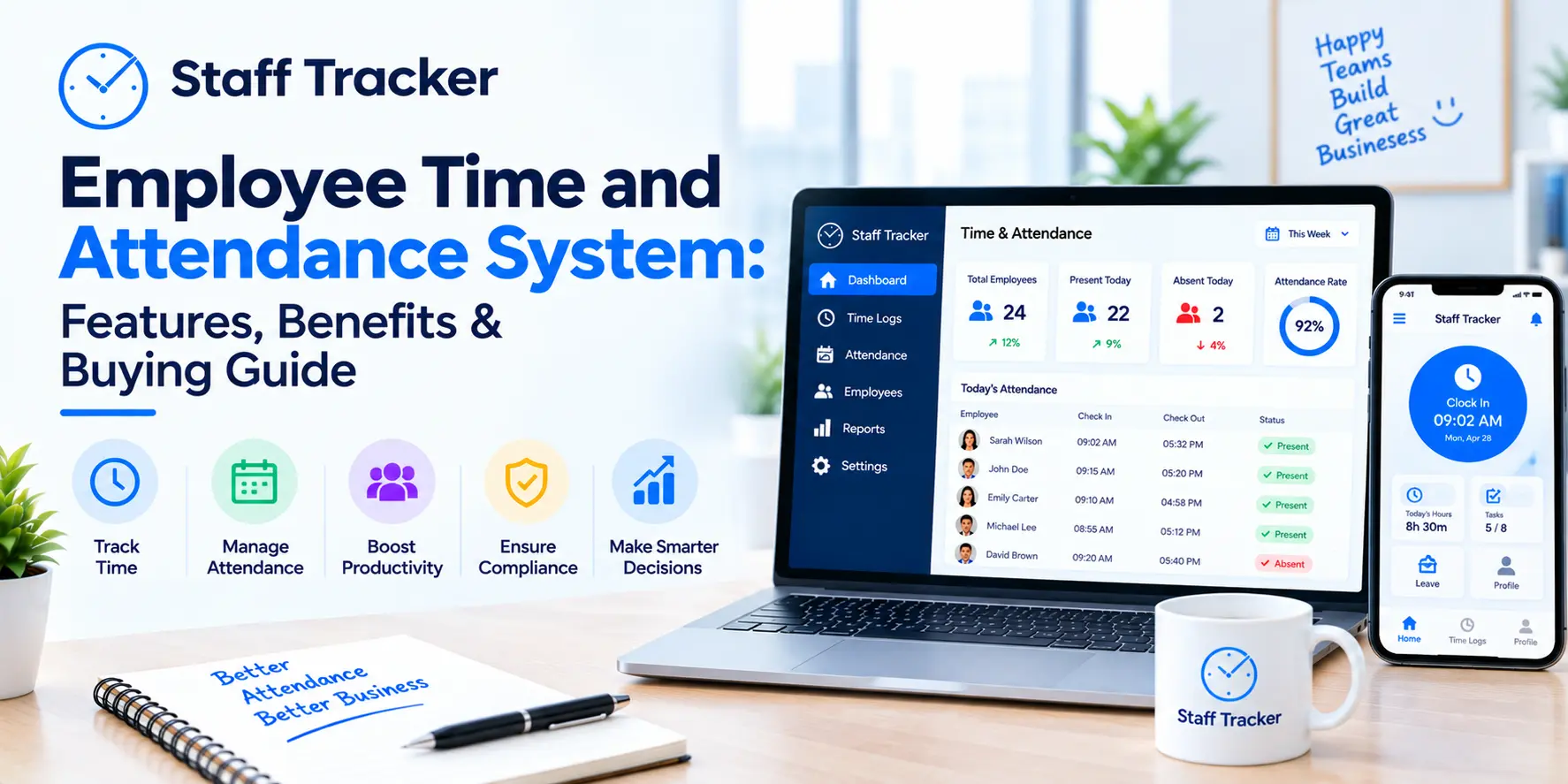
An employee may clock in and out using a smartphone, tablet, desktop, or kiosk. The system will log time and save all attendance information in a single place, eliminating the need for physical registers. Attendance is recorded in real time and accurately using Staff Tracker.
Automated Timesheets
While logging in attendance, the attendance software will automatically generate timesheets. The time each employee works will no longer need to be calculated manually; rather, a manager can review those logs.
Leave and Absence Management
Attendance management also means effective leave management. Employees can log their leave, and managers can check and approve it. The leaves will automatically update the attendance record.
Monitoring Overtime and Breaks
Attendance software can monitor the number of overtime hours an employee works as well as breaks, in accordance with the company’s policies.
Attendance Software: Security and Privacy of Your Data
The employee attendance register is a source of important business information. Thus, security must be considered an important factor when choosing attendance software, whether you use it for free or paid attendance control.
Select software solutions that use powerful encryption to ensure that attendance records are secure during storage and transfer. In addition, make sure your business owns the attendance data and can export it at any time when necessary. This will give you more flexibility as your business expands.
When your company uses mobile attendance and clock-in services based on location data, make sure your software provider can handle such data securely and collect only the information necessary for attendance control. A good privacy policy and data handling practices may serve as additional evidence of the reliability of your chosen software provider.
With the help of the Staff Tracker program, businesses can automate attendance and keep employee records well organized, secure, and readily available for future use.
Mistakes Businesses Make When Choosing Attendance Software
Using cost alone as a factor for choosing attendance software would be another common mistake. Although this is important, companies must ensure that the chosen software includes all necessary features, such as tracking, leave management, shift scheduling, and reporting. All these features are available in Staff Tracker.
Businesses could also make the mistake of implementing software without first testing it with a smaller group. Pilot testing helps identify potential problems before implementation and promotes easier adoption.
Mobile accessibility is something that many businesses miss. This becomes very important when you have field workers, retail, delivery, and shift workers who clock in and out using their mobile phones.
Another mistake to avoid is forgetting to check whether the software has good export capabilities. You might find it difficult later to switch your attendance records to another software or generate reports.
Don't also assume that "free" will solve all your problems. Free tools often have limitations, such as a limited number of employees and features.
Lastly, don't overlook compliance requirements and your employees' clock-in experience. An attendance software must help you keep accurate records while making the clock-in process easy.
Best Practices for a Smooth Rollout
For the effective deployment of an attendance software program, a pilot run is necessary. Start by piloting the program within one of the teams or shifts. It will give you a chance to identify potential problems and make any necessary changes before full-scale deployment.
Make sure you have clearly communicated to your employees why you are using a new system. Tell your team what benefits they can get from using Staff Tracker in their daily work.
Establish rules on how people are supposed to clock in and what times are acceptable for taking a lunch break and going on leave. This way, you ensure that all employees use the same procedure from the very beginning of working with the software.
Monitor the attendance tracking system for several weeks after its deployment. You should do it to find and eliminate any possible errors. In addition, as your business develops, you need to evaluate your attendance procedures and make changes if necessary. There should also be a written attendance policy.
When Free Attendance Software Makes Sense
Using free employee attendance tracking software is a good choice for companies that wish to shift from manual attendance recording without investing heavily. The tool proves most effective for small groups of employees, startups, and businesses that manage their attendance records using spreadsheets, paper registers, or a simple punch system.
Using the software will make managers' task of checking attendance and calculating working hours easier. The same would be true for employees who would find it convenient to log in and view their attendance and leave records.
Staff Tracker provides all the key features to help business owners simplify daily attendance management. With the expansion of the team, other features could also be considered based on their needs.
The trick lies in choosing free software that offers all the necessary features. Consider the number of employees, workplaces, attendance policy, reporting needs, and future growth before choosing the right software.
Who Should Use Free Employee Attendance Software?
Free employee attendance software is perfect for small businesses and startups looking to replace traditional Excel-based attendance sheets or manual attendance registers with an automated solution. If you aim to automate attendance management, handle leave requests, and reduce administrative work without investing heavily, Staff Tracker is a great option.
As you grow, your needs regarding attendance management will also increase. Companies with multiple locations or a significant number of employees should have scalable software capable of handling growing demands. Starting with Staff Tracker will help you easily adapt to new demands of your business later.
Nonetheless, for very large enterprises with full-fledged HR management systems, attendance management may have different requirements and require more integrated solutions.
Attendance Software vs. Time Tracking Software vs. HR Software
While both of these concepts are often confused, they serve different functions. Understanding this can be very helpful in choosing a solution based on business requirements.
Attendance software is meant to register clock-ins, clock-outs, work hours, and leave for employees, thus providing a complete picture of the workforce's attendance. Applications like Staff Tracker can help automate attendance management and maintain a well-organized attendance record.
Time tracking software is designed to measure the time employees spend on specific tasks or projects. It is most widely used by agencies, freelancers, and project-based businesses that need to manage productivity or bill clients accordingly.
HR software is a comprehensive solution for managing a workforce, covering attendance tracking, employee records, recruitment, onboarding, performance management, and more. Although many HR platforms include attendance tracking, they may lack the specialized functionality of dedicated attendance software.
If the key requirements are accurate attendance tracking, automated processes, and simplified management, then an attendance-specific solution like Staff Tracker will be more beneficial.
Final Verdict
Manual attendance tracking does not usually become ineffective all at once. Still, it gradually poses several issues, ranging from incorrect attendance records to disputes over working hours and wasting many hours on manual operations. The use of free employee attendance software will help eliminate these issues by automating attendance tracking, leave management, and timesheet creation, enabling efficient operations without increasing expenses.
It is great to begin your work with Staff Tracker, as this is a perfect attendance management system that allows you to use its capabilities and scale up with your business development. As your needs become more complex, you will be able to use additional options such as reports, geofencing, and integrations.
Looking forward to streamlining attendance management? Try the free employee attendance software provided by Staff Tracker!
FAQs
1. Is the free employee attendance system actually free?
Most attendance systems offer a free plan that includes all basic features, such as clocking in & out, attendance tracking, and reporting. But some of its advanced functions may necessitate an upgrade to the paid version. Staff Tracker is a trusted attendance system that can help automate your business’s attendance management process.
2. Will the free attendance system work well for remote or field employees?
Yes. A cloud-based attendance system like Staff Tracker can enable your employees to clock in on their mobile devices or desktops, allowing you to manage attendance for both office-based and remote/field-based employees.
3. How long will it take for me to install the attendance software?
Setting up the attendance software takes just a couple of hours for most small to medium-sized companies. Once employees have been added and attendance rules are in place, Staff Tracker can be used right away.
4. Is my attendance information safe?
Respected attendance software ensures that all information about employees is secure by implementing measures such as encrypted data storage, user access controls, and cloud security. One should always look into the safety policies of the attendance software before opting for any particular software.
5. Will I be able to upgrade my business in the future?
Yes. As your company grows, you can move from one plan to another as your business's attendance software needs evolve.
Written by the Staff Tracker Team
This content was authored by the Staff Tracker team, who have lots of experience managing the workforce as well as tracking time and attendance and employing HR technology. Staff Tracker creates content that is practical and speaks to the pain businesses have with optimizing workforce operations and improving productivity in the business.
 28-10-2026