- By Admin
- 27 Oct, 2026
- 37 Reading
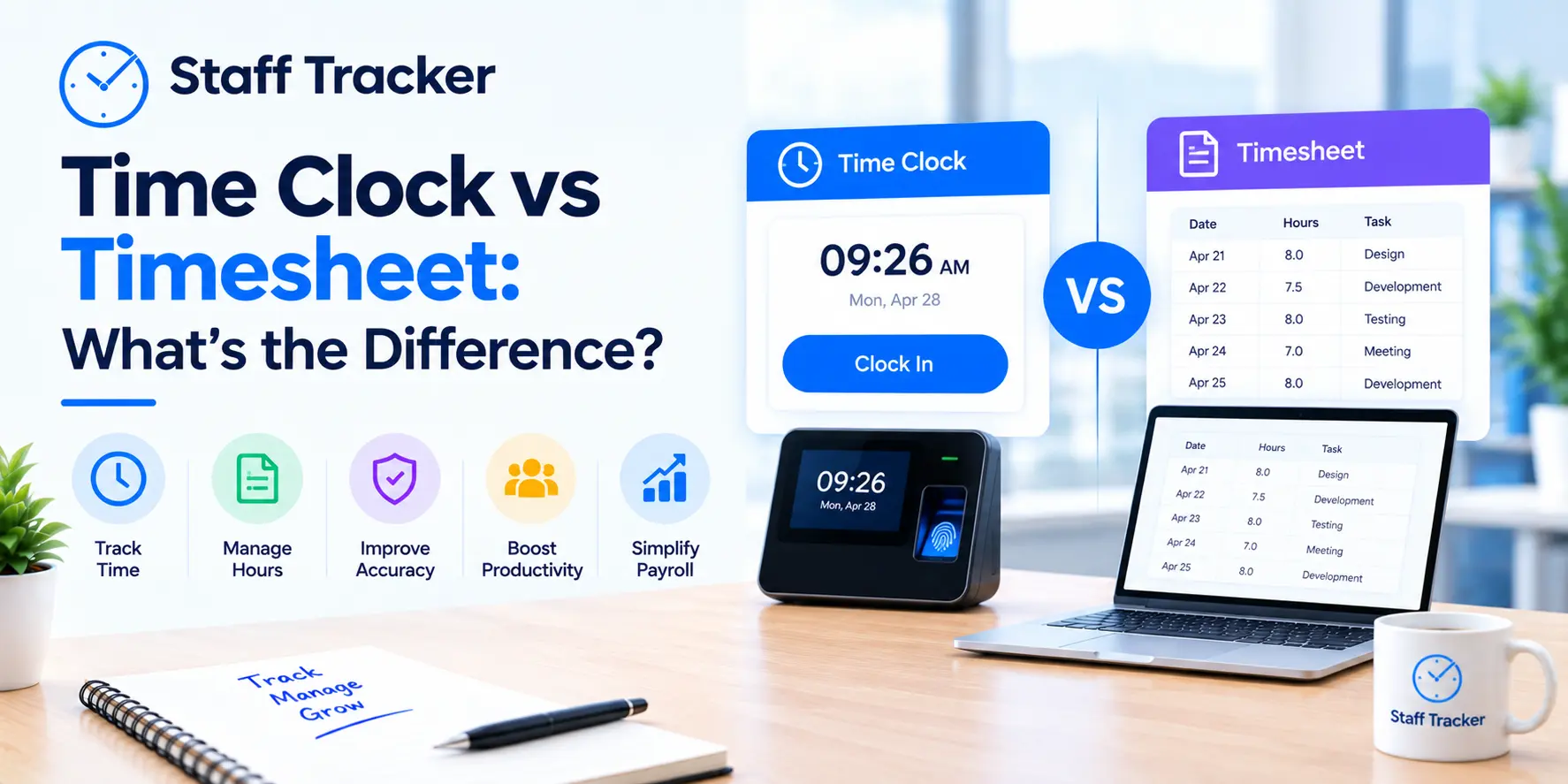
A time clock keeps track of the time an employee begins and ends his or her work, at the time it occurs. A timesheet is a document that documents the time spent working, typically completed by the employee for a day or a week. With the time clock vs timesheet question, one asks you when someone worked, and the other asks you what they worked on.
Many teams use one of these without realizing that they need the other one. This guide will help you understand the difference, will compare them side by side, and will show you three sample teams to see which one fits. It also illustrates where an automatic tracking tool, such as Staff Tracker fits in.
What Is a Time Clock?
A time clock is a system that will record the exact beginning and end of an employee's working day. It used to be a punch-card machine on the wall. It can be an application or a function within an application today.
The power of a time clock is time. It indicates when people came and went and sometimes when they took breaks. This is a perfect candidate for attendance records.
The key is details. A time clock can tell you that someone worked 8 hours. It will not be able to tell you if those hours were allocated to one project or five.
What Is a Timesheet?
A timesheet is a document that lists hours worked, typically broken down by day, task or project. It is usually completed by the employee themselves throughout the day, or at the end of the day or week.
The power of a timesheet is detail. It displays the hours that have been spent, aiding project planning and workload reviews.
The limit is accuracy. A timesheet relies on people remembering and on people filling it in on time. A form filled out Friday for the entire week will always be less accurate than a record taken as the work is performed.
Time Clock vs Timesheet: Key Differences
The main difference in time clock vs timesheet is the question each one answers. The table below compares them on the points that matter most when choosing.
The two aren't competitors. They respond to different questions and many teams require both answers.
Which One Fits Your Team? Three Examples
These are examples only and not customer stories. They demonstrate the difference in choice depending on the team's approach.
A small team with fixed shifts. All participants begin and end at designated times and the manager's primary responsibility is to know who was there. This is covered by a time clock. A detailed timesheet wouldn't be of much use and would be a burden to maintain.
A team juggling several projects. Individuals switch between tasks throughout the day and the manager wants to see how time was split. A timesheet is better suited since the clock only displays total hours.
A field team visiting different locations. The manager needs to know when people started, where they went, and how far they traveled. This cannot be recorded on a basic clock or paper timesheet. Staff Tracker includes a Geo Tracker to track field teams in real time, and a distance traveled feature to track routes and mileage.
Can One Tool Do Both Jobs?
Yes, software can do both of those things when it can automatically log hours and associate them with tasks. This eliminates the option of a time clock or a timesheet because one system gives you the timing and the detail.
Time Tracking is a feature on Staff Tracker's website that tracks employee work hours, project timelines and task durations. It also includes attendance management and automated tracking, and a task manager. It logs active time, inactive time, break time and offline mode tracking.
The website does not refer to these features as "time clock" or "timesheet. If you're interested in how they fit into your process, ask in a demo.
What Are the Limitations of Each Method?
These are editorial observations and not measured results.
A time clock is used to indicate presence, not activity. It also requires consistent clocking in and out of work.
A timesheet is an indicator of activity, but relies on memory. The further away the work is from the entry the more the record is based on guesswork.
Both methods need clear rules. Even a good system yields uneven data without an agreed-upon method of recording time.
That's why automatic recording is something that many teams consider. Software that records hours as they occur will lessen the need for memory, but it is still important to have clear rules and consistent use.
How Do You Choose Between a Time Clock and a Timesheet?

Begin with the question you want answered. Ask yourself:
Do I need to know when people worked, or what they worked on?
Does my team work in one place, or in several?
Do I need time broken down by task or project?
Can I rely on people to enter their hours on time?
For most needs, a time clock will suffice if you need only start and end times. When you want to know where the hours went, you need detail like timesheet. If you need both and don't want to double entry, a single tracking system is more appropriate.
Simplify the first step. You'll know in a short time which one provides you the answers you need by trying one of the two systems, time clock vs timesheet, for a short period of time with one team.
How Does Staff Tracker Fit?
Staff Tracker is staff monitoring software that keeps track of staff hours, activity and attendance in a single system. Here are the features and how they relate to the two methods:
Time Tracking records working hours, project schedules, and task durations, including the detail that a timesheet offers.
Attendance management is based on automated tracking, and this includes what a time clock does.
The task manager links time to the work being done.
Reports contain daily and monthly activity reports, and a performance bar chart.
Desktop, web, and mobile access lets teams use the system on different devices.
The process to get started is simple and consists of three steps: Sign up for an account, download the app and deploy it on employee devices, and begin monitoring. To see how this works for your team, you can schedule a demo.
FAQs: Time Clock vs Timesheet
Is a time clock the same as a timesheet?
No. Time clock is used to record the start and stop of work. A timesheet documents the hours' usage. They are compatible with each other.
Can a timesheet work without a time clock?
Yes. Many teams use only timesheets. The downside is that start and end times are based on what employees report and not on a recorded entry.
Which is better for remote teams?
This is a suggestion and not a rule. Typically, remote teams are better served with a system that is cross-platform. Staff Tracker is perfect for remote, hybrid, and on-site teams.
Does Staff Tracker track break time?
Yes. Among its features is break time tracking, as well as active time, inactive time and offline mode tracking.
What if my team works in the field?
Staff Tracker includes a Geo Tracker to track field teams in real-time and distance travelled for routes and mileage.
Final Thoughts
The decision between the time clock vs timesheet depends on the question you need answered. A time clock will tell you when work occurred, and a timesheet will tell you how the time was spent. Most teams end up wanting both.
If you're looking for hours, attendance, and tasks all in one, then Staff Tracker is worth checking out. Schedule a demo to experience it with your team.
Written by the Staff Tracker Team
This content was authored by the Staff Tracker team, who has lots of experience managing the workforce as well as tracking time and attendance. Staff Tracker creates content that is practical and speaks to the pain businesses have with optimizing workforce operations and improving productivity in the business.
 27-10-2026