- By Admin
- 20 Dec, 2024
- 812 Reading
A time tracker that includes screenshots aids businesses in improving efficiency, accountability, and transparency of projects by recording hours worked and taking frequent snapshots of active working sessions. Although it can be beneficial for hybrid, remote and field teams, its efficiency is contingent on your business industry, ethics, culture, compliance requirements and policies on privacy. When it is used ethically and in a transparent manner, it can be a powerful employee management tool, not a surveillance system.
Does a Time Tracker equipped with Screenshots appropriate for your Industry?
Controlling the productivity of employees has become more difficult as businesses adopt hybrid, remote, and distributed work arrangements. Just tracking hours worked is no longer sufficient. Organizations need to be aware of the time that is used on projects, their progress and productivity of workflow without disrupting the employees' daily routines.
This is the reason why a Time Tracker that includes Screenshots is a viable solution. Through the combination of automated tracking of time with regular screen shots, companies gain greater insights into their activities and reduce theft of time. Make payroll simpler and boost the management of projects.
But it's not the best solution for every company. Different industries have their own operational requirements, regulations and workplace culture which determine whether the use of screenshots for time tracking can provide real benefit.
This guide will explain how screenshot time tracking functions with its pros and cons specifically designed for industry-specific applications, most effective practices, and the latest trends to help you decide whether it's a good option for your company.
What is a Time Tracker using Screenshots?
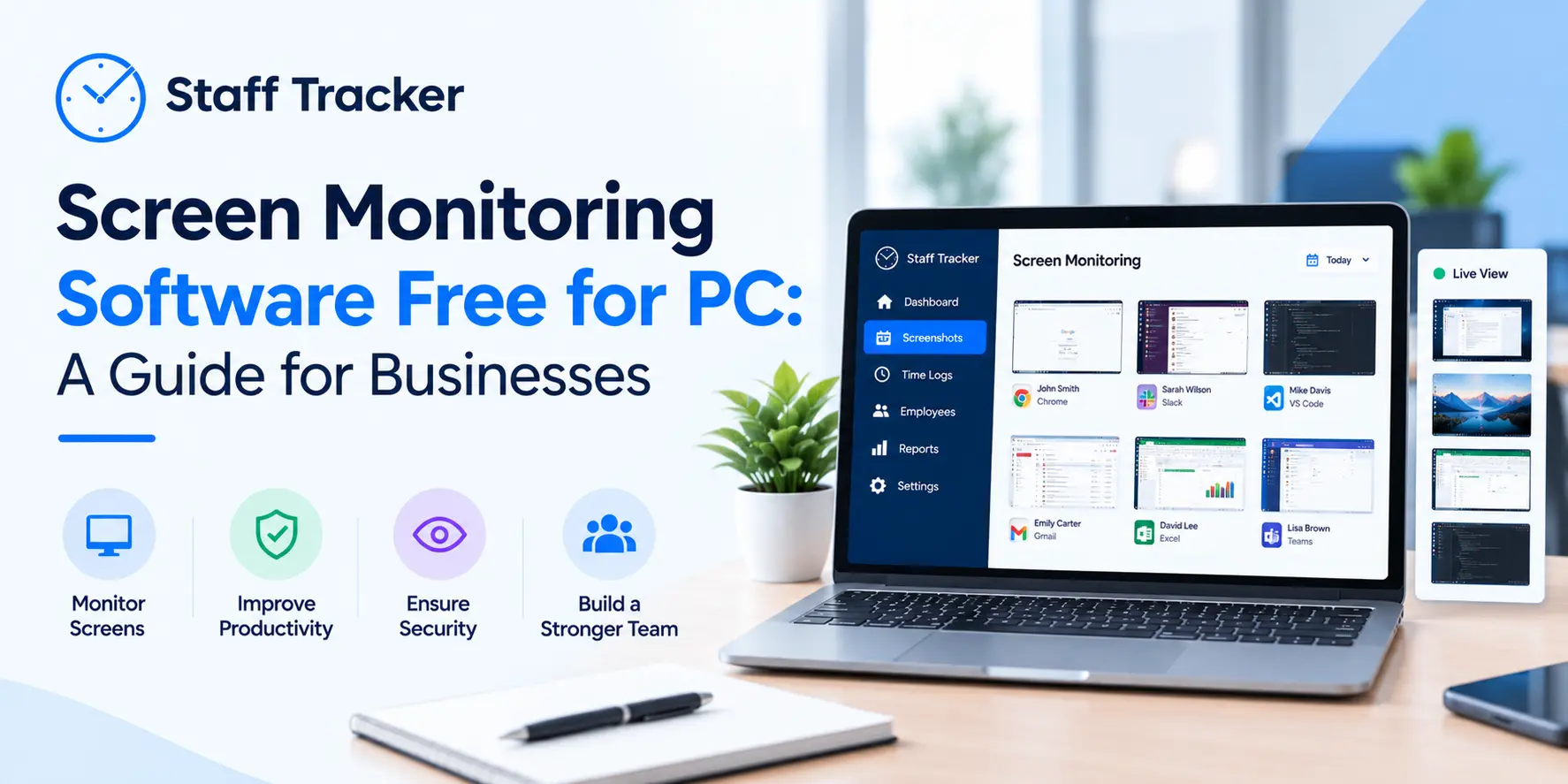
The Time Tracker that includes Screenshots is a software for monitoring employees which automatically tracks working hours while taking screen shots of the employee's computer screen at specified or randomly scheduled intervals during work sessions.
Contrary to traditional timesheets, which depend on manual entry Screenshot-enabled tracking offers evidence of work activities in a visual format, which makes project tracking as well as client billing processing, payroll processing, as well as productivity analysis more precise.
Most screen time trackers contain:
Automatic time tracking
Monitoring the level of activity
Reports on the use of apps and websites
Task and project tracking
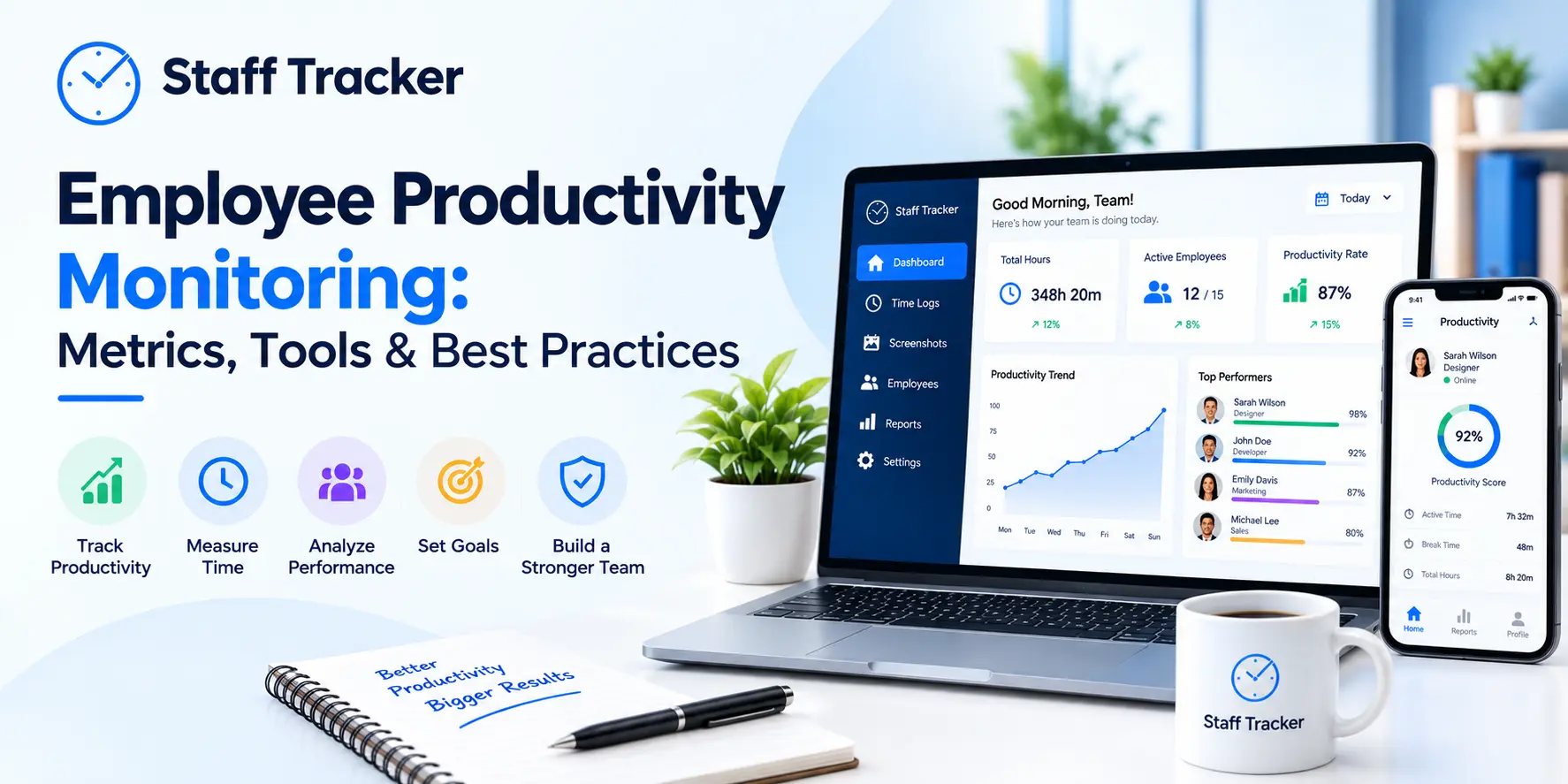
Analytics of Productivity
Attendance monitoring
Payroll report
Optional blurring of the screen for privacy
Permissions based on role
Remote workforce management
Key Takeaway
A time tracker that has screenshots that combine time tracking, productivity monitoring, as well as visual work verification into one workplace management system.
The Reasons Businesses Utilize Time Tracker and Screenshots
Screenshot tracking is used by organizations for one reason, but the main reason is:
More transparency, without the need for continuous surveillance.
Instead of asking employees to update their information or re-read timesheets manually, managers get an objective view of productivity.
Key Benefits
1. Accurate Time Tracking
Automated timers prevent manual mistakes and lost timesheets.
Example
A software company that bills clients on an hourly basis can accurately invoice by tracking working hours instead of estimates by employees.
2. Improved Productivity
Regularly scheduled screenshots help employees remain focused throughout the day and give managers an overview of processes.
This is especially useful to:
Remote teams
Freelancers
Outsourcing agencies
Support teams for customers
3. Better Project Management
Managers can identify:
Bottlenecks
Task delays
Inefficient workflows
Problems with resource allocation
This allows for more realistic planning of projects.
4. Transparent Client Billing
Digital agencies, consulting firms, and freelancers frequently provide time reports to clients.
Screenshot evidence builds trust and helps reduce billing disputes.
5. Easier Payroll Processing
Since work hours are recorded automatically, Payroll calculations are more precise.
Reporting attendance and overtime are also made simpler.
Key Benefits immediately
Benefit | Business Impact |
Automatic time tracking | Eliminates manual timesheets |
Screenshots | Verifies work progress |
Productivity and productivity insights | Identifies inefficiencies |
Tracking of projects | Improves the planning of resources |
Payroll accuracy | Reduces calculation errors |
Transparency for the Client | Creates trust |
Is Screenshot Time Tracking Suitable for Every Industry?
Not necessarily.
Certain industries are significantly benefiting in this regard, whereas others might require a more sensitive approach to privacy.
Industry | Recommended | Why |
Software Development | Yes | Track coding, testing, project work |
Digital Marketing | Yes | Campaign management and billing for clients |
IT Services | Yes | Remote team accountability |
Customer Support | Yes | Reporting on productivity |
BPO & Outsourcing | Yes | Billing and compliance |
Consulting | Yes | Verification of billing hours |
Accounting | Yes | Client services based on time |
Design Agencies | Yes | Tracking creative projects |
Healthcare | Depends | Privacy rules |
Legal Firms | Depends | Confidential client data |
Government | Depends | Security policies |
Manufacturing | Limited | The focus is typically on computers and equipment, not on |
Key Takeaway
Screenshot tracking is the most valuable value to knowledge-based industries that rely on computers.
Challenges to Consider
Although monitoring screenshots can provide numerous benefits, companies should consider any issues that might arise prior to implementation.
Employee Privacy
The employees might be concerned about over surveillance.
The solution lies in transparency:
Give the reason why screenshots are taken.
Allow blurring in screenshots.
Avoid capturing personal devices.
It is imperative to clearly communicate monitoring guidelines.
Compliance Requirements
Businesses that operate within the GDPR or HIPAA and similar laws must ensure that employee monitoring follows the applicable privacy laws.
Always:
Get employee consent when necessary.
Define data retention policies.
Limit access to screenshots.
Secure stored data.
Workplace Culture
Monitoring should promote accountability, not create an impression of distrust.
Organizations that are successful employ screenshot tracking for:
Improve workflows
Coaching support
Optimize workloads
Recognize top performers
Not micromanage employees.
Best Practices to Use the Time Tracker and Screenshots
The best results for organizations are achieved by implementing screenshot tracking carefully.
Be sure to follow these best techniques:
1. Be Transparent
Explain clearly:
What are the criteria for monitoring
The reason is it controlled?
What is the use of data
2. Focus on Productivity, Not Surveillance
Make use of the reports you receive to enhance processes, rather than focusing on every minute.
3. Customize Screenshot Frequency
Beware of excessive screenshot capture.
Many companies utilize intervals of 5-20 minutes.
4. Protect Sensitive Information
Use:
Screenshot blurring
Controls for Permissions
Data encryption
Secure cloud storage
5. Combine Multiple Metrics
Evaluation of performance by using:
Time-tracking
Task finalization
Project milestones
The quality of work
Customer satisfaction
Screenshots should be used to support, not replace.
Expert Insight
Companies that combine screen monitoring with clear communications and outcomes-based performance management typically have higher employee satisfaction and higher productivity. The objective is visibility and improvement in operational performance, not constant monitoring.
Future Trends in Screenshot Time Tracking
Software for monitoring employees continues to improve using artificial intelligence and automation.
New trends are:
AI-powered insights into productivity
Smart anomaly detection
Automatic timesheet generation
Predictive analytics of the workforce
Privacy-first monitoring options
Trends in productivity and behavior
The integration of project management systems
AI-generated performance summaries
Instead of collecting additional data, future solutions will concentrate on providing useful insights that allow managers to improve their decisions, while protecting employee privacy.
How Staff Tracker Helps Businesses
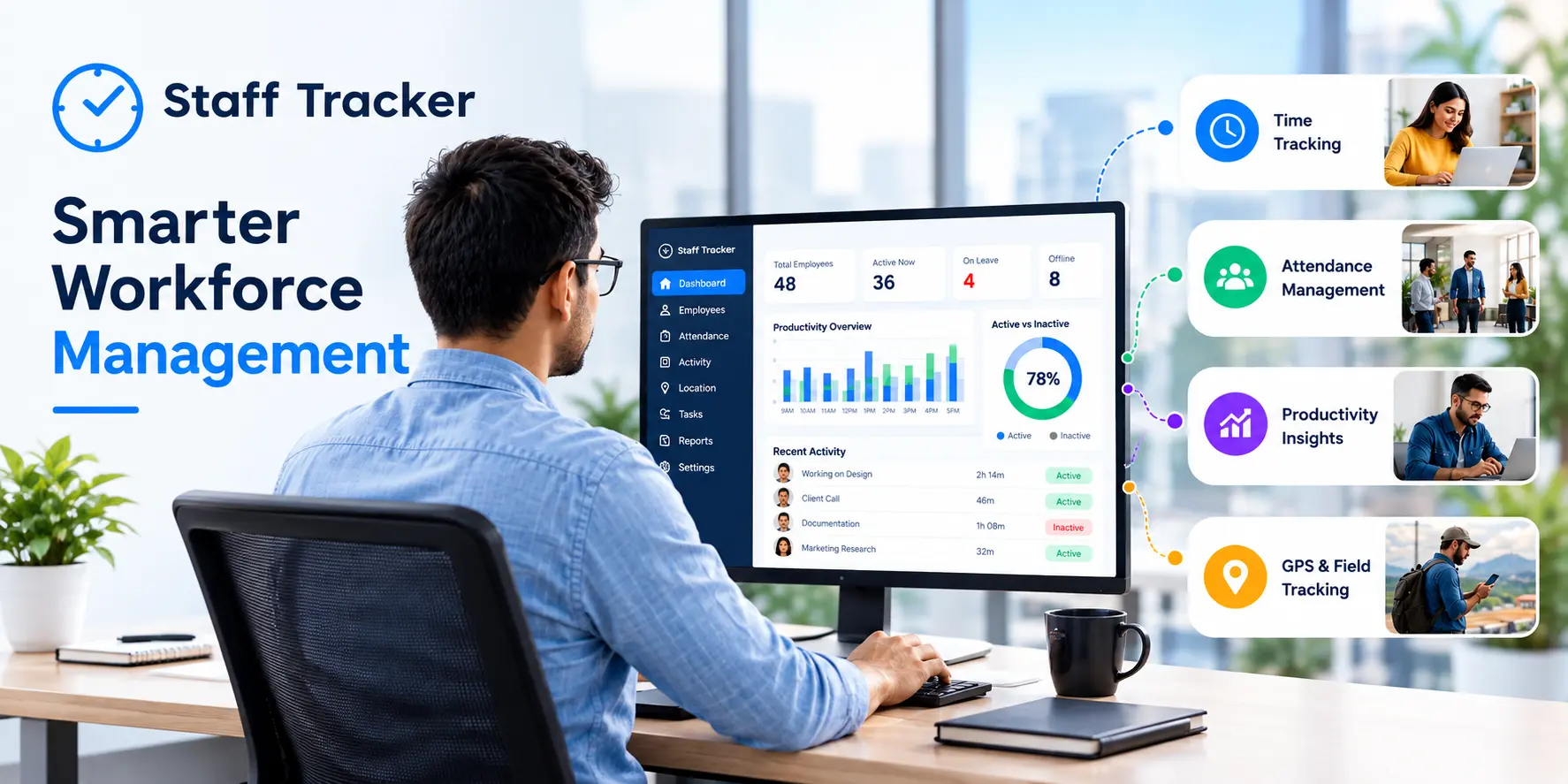
Staff Tracker integrates automated time tracking with smart monitors of screenshots to give companies better insight into the productivity of their workforce without the need for unnecessary complexity.
The key capabilities are:
Automatic time tracking
Periodic screen shots
Reports on Productivity
Attendance monitoring
Tracking of projects
Analytics of website and app usage
Team performance dashboards
Secure cloud-based reports
If you manage remote employees or freelancers, hybrid teams or office personnel Tracker for Staff Tracker offers the necessary information to increase accountability, simplify payroll processes, and improve workflows while encouraging transparency and ethical monitoring methods.
Conclusion
The Time Tracker that includes Screenshots could be a worthwhile investment for companies that rely on computers for work remote collaboration, remote collaboration, as well as hourly-billed billing. It can provide accurate time-related records that improve project visibility and payroll accuracy and assist in identifying the inefficiencies of workflow.
But the success of implementation is contingent on more than just technology. Companies should focus on transparency and privacy, as well as compliance with the law and confidence. When employees comprehend the goal of monitoring, and businesses concentrate on enhancing productivity instead of surveillance, the time-tracking of screenshots becomes an effective tool to build more accountable, efficient and productive teams.
If your company is searching for a balanced approach in the management of your workforce, using an employee time tracker that includes screenshots can assist you in making informed choices, increase the efficiency of your operations, and help you achieve the sustainable growth of your business.
People Also Ask (FAQs)
1. What is a time-tracking device that includes pictures?
A time tracker that includes screenshots is a program that automatically keeps track of employee hours while taking periodic screen shots of their computers to confirm work activities and enhance productivity reporting.
2. Are time trackers that monitor screenshots legal?
In many areas, they are legal if they are implemented in accordance with applicable privacy and labor laws. Employers must educate employees on surveillance practices and observe the relevant regulations, such as GDPR and other privacy laws.
3. Which industries get the most benefit from the use of time tracking for screenshots?
Industries like IT services, software development such as digital marketing, consulting and customer support, as well as outsourcing, accounting and creative agencies profit the most since employees do the majority of their tasks using computers.
4. Do time trackers for screenshots invade the privacy of employees?
However, this is only if it is implemented in a responsible manner. Modern software includes options like blurring of screenshots and adjustable intervals for capture as well as access control based on roles and transparent monitoring policies that keep privacy and accountability in check.
5. Does tracking screenshots improve employee productivity?
Yes. Through providing insight into the work habits of employees and reducing the need for manual reporting, screenshot tracking can help employees remain focused, allows managers to pinpoint bottlenecks, and helps improve productivity through data.
6. What should companies be looking at when they take a screen tracker?
Select software that provides automated time tracking, custom intervals for screenshots, productivity metrics, project tracking, payroll reports, solid security, privacy protections and integrations with your current business tools.
Key Takeaways
The Time Tracker that includes screenshots incorporates automatic time tracking with visual verification of work.
It is especially effective when it comes to hybrid, remote team members, and those who work with computers.
The benefits include increased productivity and accuracy in payroll, as well as transparent customer billing, as well as improved project management.
Ethics-based implementation requires transparency, security, and privacy protection, as well as compliance with relevant laws.
The future of screen-tracking lies in AI-powered insight into privacy, automation, and analytics for the workforce.
📖 Read Also:
ABOUT THE AUTHOR
Content written by Saurabh Sharma
Saurabh is part of the expert content marketing team at ZoomIntoWeb. He has expertise in curating meaningful information that can be used by visitors in general. Saurabh is also involved in creating client-specific stories and blogs.
 07-10-2026