- By Admin
- 15 Jan, 2025
- 4202 Reading
Although many similar guides claim to rank these tools, most simply list the same five platforms and describe them as easy to use and great for teams. What they often fail to explain is which tools are best suited for specific startup needs, because every startup operates with different deadlines, workflows, and budgets.
I’ve worked with startup companies for many years, and time tracking is one of the first operational areas I focus on. Not because it’s exciting — it isn’t. But when time tracking issues are ignored, they quickly lead to payroll errors, attendance discrepancies, and missed billable hours. These are real problems, and they often happen because businesses rely on poor time tracking tools or outdated spreadsheets.
Over the years, I’ve tested and tracked some of the best free employee hour tracking tools available, and I’ve included the top five options that I believe work best for modern startups.
Why Startups Specifically Need to Think About This
Startups are not enterprises. Most don’t have dedicated HR departments or operations teams. You need a solution that works immediately, scales with your team, and remains cost-effective.
That last point matters more than ever in today’s market. One of the tools on this list was recently acquired, and some users reportedly experienced subscription price increases of up to 10x almost overnight. More details on that are included below.
Clockify — Best for Unlimited Teams on a Zero Budget
If you have a team of five or more people and need free time tracking, Clockify will likely be one of your best options. Its free plan is extremely generous and supports unlimited users and projects.
You get access to timesheets, calendar views, a Pomodoro timer, and reporting tools that help you understand where your team is spending time. It also integrates with popular workplace tools such as Trello, Asana, Slack, and Google Calendar.
Clockify does have a few shortcomings. The mobile app can feel restrictive and has occasional bugs, which can be frustrating for teams that work on the move. Paid plans include features like GPS tracking and screen monitoring. While these features may raise concerns around employee privacy for some teams, it ultimately depends on your company’s preferences and policies.
Best for: Startups with larger teams (5+ members) that need reliable time tracking and reporting without spending money.
Toggl Track — Best for Simple Remote Team Tracking
Toggl Track is one of the cleanest and easiest time tracking tools available. You simply press start, select a project, stop the timer when you’re done, and that’s it.
The free plan supports up to five users and includes automated tracking, Pomodoro timers, reminders, Calendar and Outlook integrations, browser extensions, and productivity reporting tools. For small remote teams, it offers an excellent balance of simplicity and functionality.
One of Toggl Track’s strongest features is its reporting system. The platform provides advanced analytics dashboards and detailed reporting tools that make it easier to understand how your team spends time and where productivity gaps exist.
Where it falls short: the free plan is limited to five users, so costs increase as your team grows. It also does not include built-in invoicing, meaning billable teams may need additional integrations.
Best for: Small remote startups (five people or fewer) that want effortless time tracking and clean reporting.
Harvest — Excellent Tool, But Read This Before Signing Up
I recommended Harvest for many years because of its polished interface, built-in invoicing, and well-designed reports. For freelancers and small agencies, it was close to perfect.
However, since 2025, I’ve become more cautious about recommending it, and many comparison blogs still fail to mention why. Harvest was acquired by Bending Spoons, and some users have reported major subscription price increases after renewal. In certain reported cases, businesses experienced extremely large jumps in annual pricing.
The free plan still exists and allows one user with two projects, which is enough for solo founders to test the platform before fully committing. Still, the unpredictability of future pricing may be a concern for growing startups.
Where it shines: Harvest continues to offer a smooth user experience, excellent invoicing capabilities, and strong reporting features, especially agencies and consulting firms focused on billable hours.
Best for: Solo founders and consultants who need time tracking and invoicing but want to be cautious before upgrading to a paid plan.
ClickTime — Best for Startups That Need Budget Visibility
ClickTime is often overlooked in comparison articles, but it deserves attention. It’s particularly useful for startups managing budget-sensitive projects or grant-funded work.
While Clockify and Toggl focus more on general time tracking, ClickTime places greater emphasis on resource planning and budget management. It allows teams to quickly see how many hours have been spent on a project and how much of the allocated budget has already been used. Custom dashboards also make it easier for managers to access important data without manually building spreadsheets.
The free plan is not as generous as some competitors, but it’s still worth testing to see whether it fits your workflow. ClickTime also integrates with tools like QuickBooks and Salesforce, making it a strong option for startups already using those platforms.
Where it falls short: ClickTime is the most complex tool on this list. Teams that prefer simplicity may adopt Clockify or Toggl more easily. However, if detailed budget analysis and reporting matter most, ClickTime offers stronger capabilities.
Best for: Startups that need strict project budget control, including consulting firms, agencies, and grant-funded organizations.
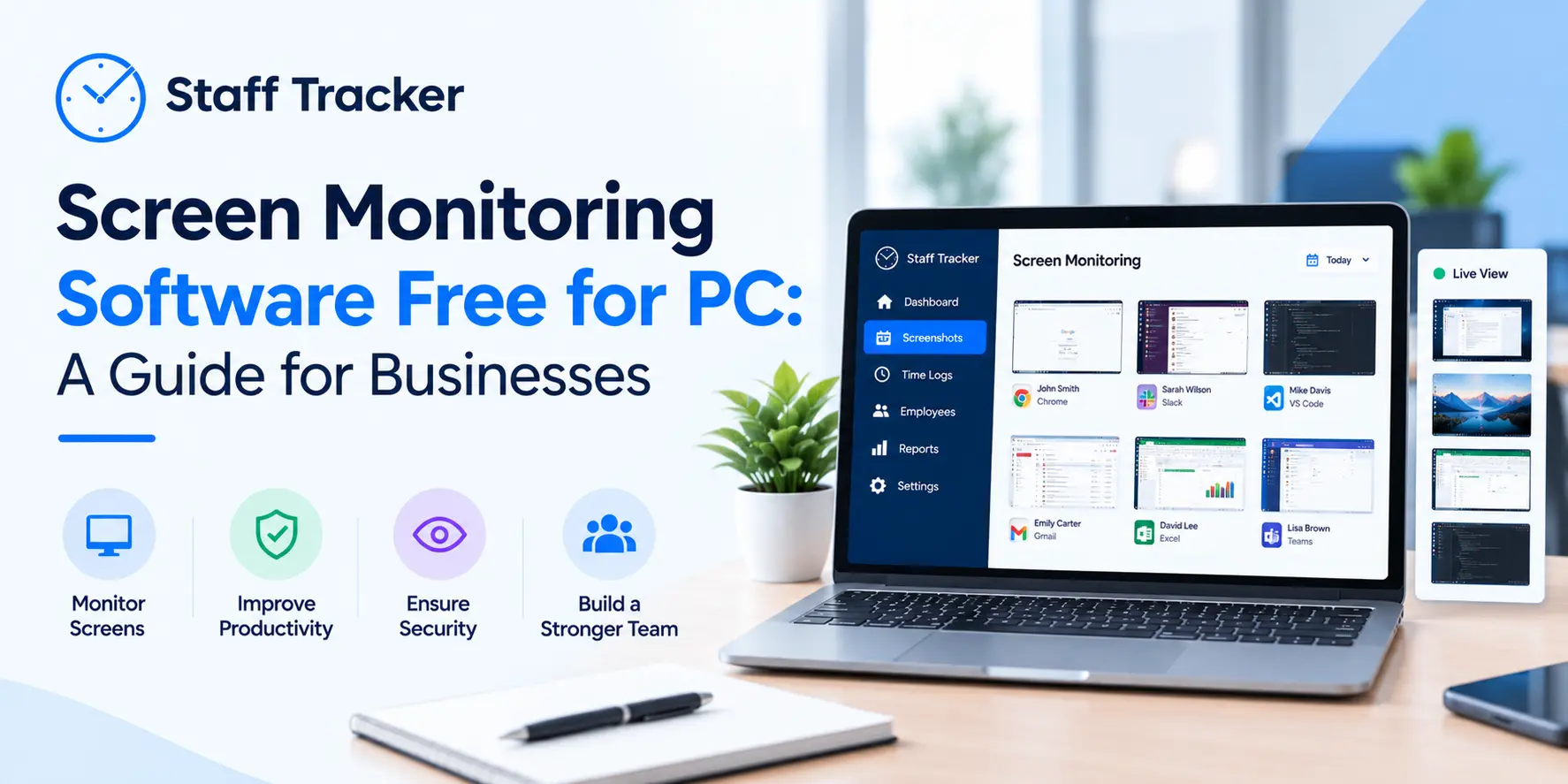
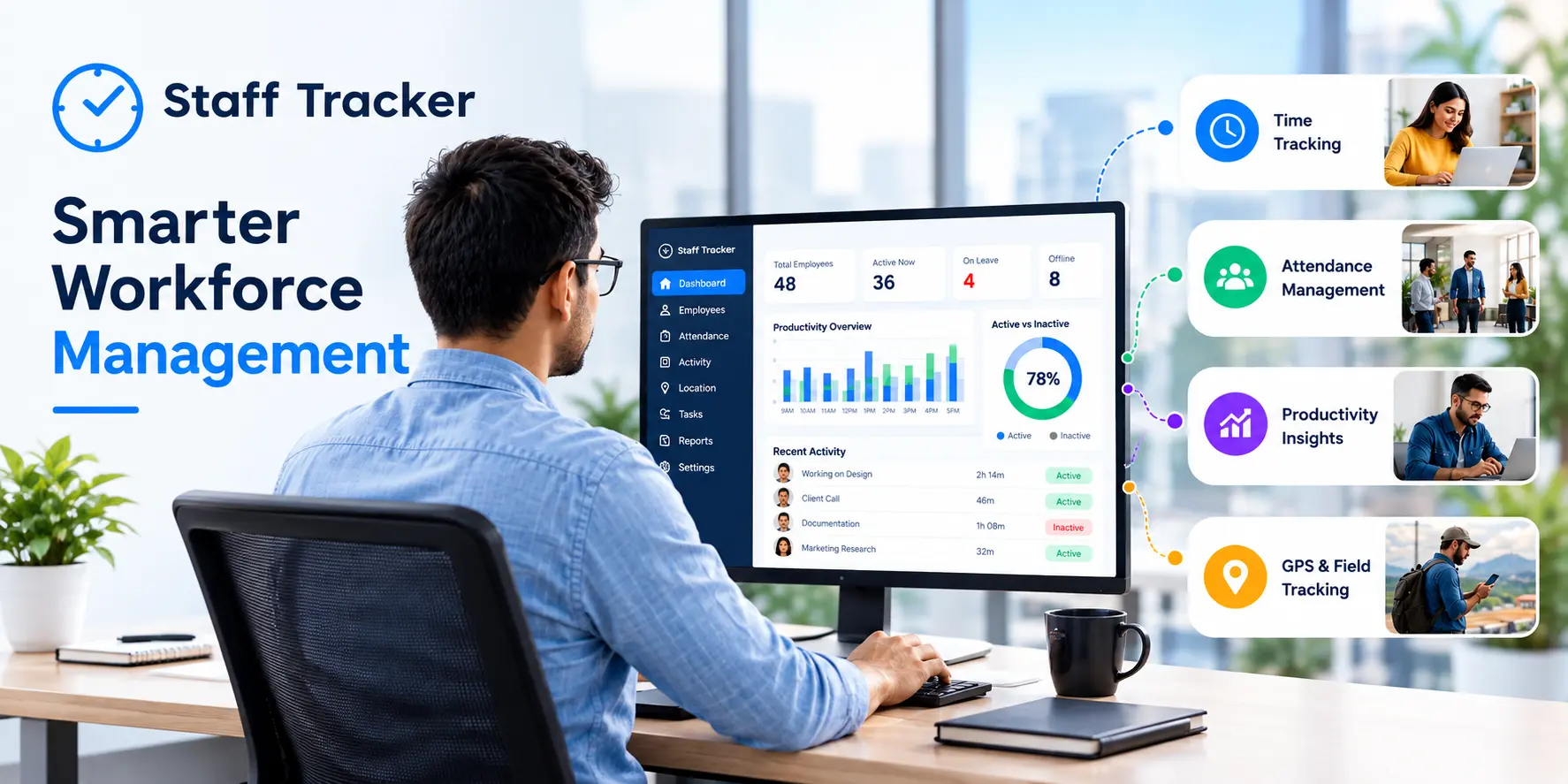
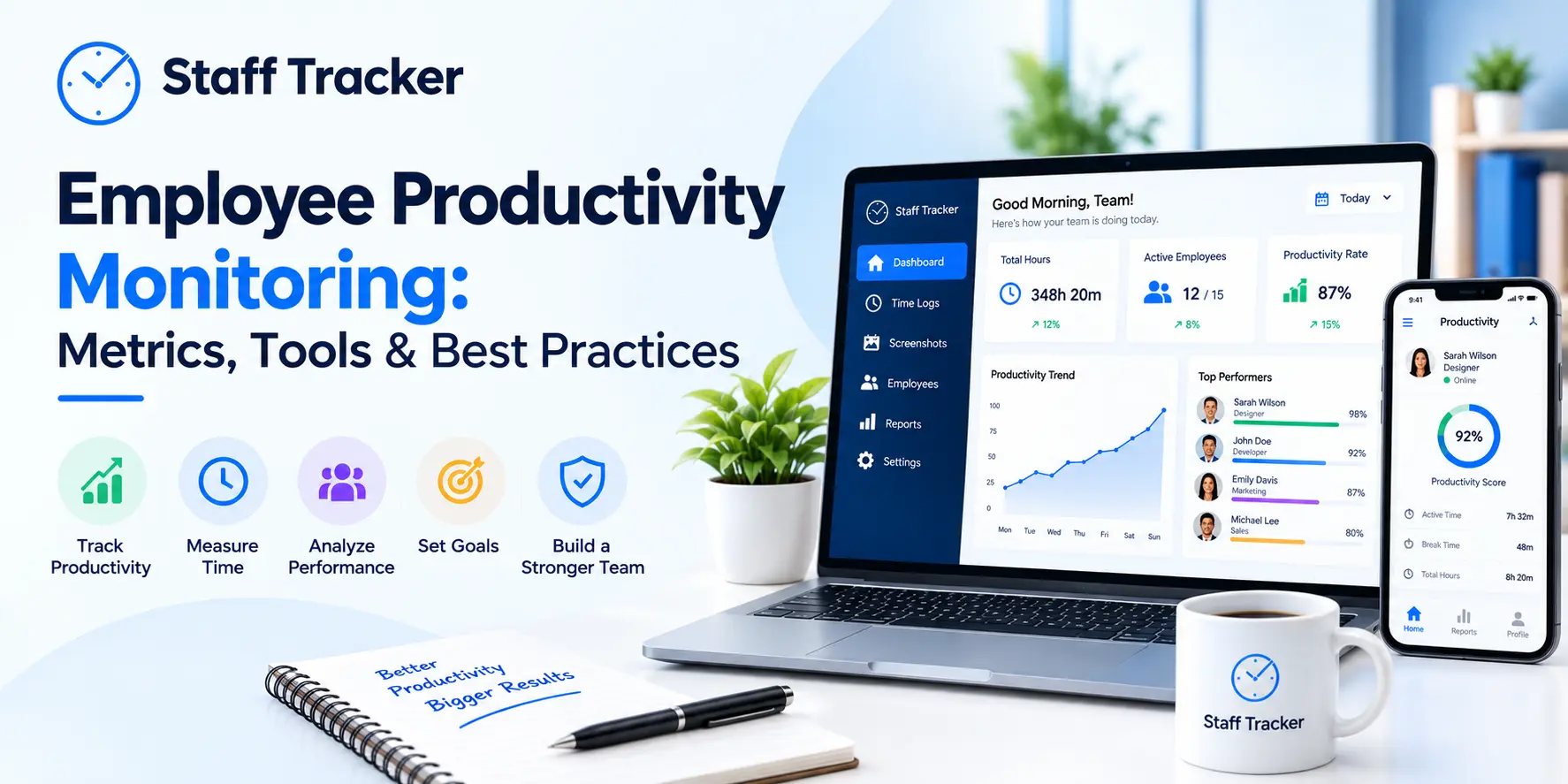
Staff Tracker — Best for Startups Tracking Hourly or Remote Employees

Full disclosure: this is our product, and we believe it deserves a place on this list. Here’s why: if you run a startup with hourly employees, hybrid schedules, or remote teams where productivity and attendance need to be monitored efficiently, Staff Tracker is built specifically for those needs.
Staff Tracker was designed with startups in mind. It focuses on helping businesses accurately manage employee clock-ins and clock-outs, monitor productivity, and organize schedules without the heavy complexity of enterprise HR systems.
The free plan includes clock in/out tracking, break tracking, idle time detection, screenshot capture (ethically and with employee consent), and leave management. That’s a feature set many paid competitors still don’t offer.
Where Staff Tracker stands out, its balance between simplicity and depth. You don’t need to configure endless settings before your team can start using it. The platform is designed to be easy to adopt from day one, even for employees who are not highly technical.
Best for: Founding teams that need basic HR-related features combined with time tracking, including attendance management, leave tracking, scheduling, and productivity monitoring for hourly, hybrid, or fully remote teams.
Which One Should You Actually Choose?

Here’s the practical breakdown.
Your Situation | Best Pick |
5+ team members on a tight budget | Clockify |
Small remote team (5 or fewer) that wants a clean user experience | Toggl Track |
Solo founder who needs invoicing | Harvest (free plan only) |
Project tracking with budget visibility | ClickTime |
Hourly or remote employees with attendance tracking needs | Staff Tracker |
One of the biggest mistakes startups make is choosing the tool with the most features, only to realize their team never actually uses it. Adoption matters more than feature count. Start with the option that fits naturally into your team’s existing workflow.
Run a two-week trial with your team before making a long-term decision. The best tool is the one your team consistently uses every day.
Time is one resource startups can never create more of, so it’s important to track it properly.
People Also Ask
Q1. Do startups have access to free employee hour tracking software?
Yes, several tools offer genuinely free plans. Platforms like Clockify and Staff Tracker allow teams to get started without requiring a credit card. Clockify supports unlimited users and projects, while Staff Tracker’s free plan includes features such as clock-in/out tracking, idle time monitoring, and leave management.
Most free plans do have limitations, though. Advanced features like payroll exports, invoicing, GPS tracking, or advanced analytics are usually available only on paid plans. That’s why startups should identify their must-have features before committing to a platform.
Q2. Is there a difference between time tracking software and attendance tracking software?
Yes. Time tracking software focuses on measuring how long employees spend on projects or tasks, which is useful for productivity analysis, project management, and client billing.
Attendance tracking software, on the other hand, is designed for monitoring employee presence, work hours, breaks, and compliance with company attendance policies.
Some platforms, such as Staff Tracker, combine both functions into a single system, making them useful for startups that want to avoid managing multiple tools.
Q3. Can time tracking apps monitor remote employee work?
Yes. Most modern time tracking tools support remote and hybrid work environments. Platforms like Clockify, Toggl Track, and Staff Tracker work across desktop, mobile, and web applications.
The main difference between these tools is the level of accountability and monitoring they provide. For example, Staff Tracker includes features like idle time detection and screenshot capture, which can help managers maintain visibility in remote workflows while still respecting employee consent and privacy policies.
Q4. How many users can I add to a free plan?
This varies depending on the platform.
Clockify: Unlimited users and projects on the free plan
Toggl Track: Up to 5 users on the free plan
Harvest: 1 user and 2 active projects on the free plan
Staff Tracker: Suitable for small teams looking to scale with attendance and productivity tracking features
It’s important to review free plan limitations carefully before choosing a tool for long-term use.
Q5. What should a startup look for in employee hour tracking software?
Startups should focus on three things: ease of adoption, the right feature set, and transparent pricing.
If employees don’t use the tool consistently, even the most advanced software becomes ineffective. The platform should match your workflow without creating unnecessary complexity.
Pricing transparency is also important. Some platforms have experienced significant pricing changes after acquisitions, which can become difficult for startups operating on limited budgets.
The best way to evaluate any tool is to test it with your actual team during a free trial period and see how well it fits your day-to-day operations.
ABOUT THE AUTHOR
Content written by Nayana
Nayana is part of the expert content marketing team at ZoomIntoWeb. She has expertise in curating meaningful information that can be used by visitors in general. Nayana is also involved in creating client-specific stories and blogs.
 07-10-2026