- By Admin
- 07 Aug, 2026
- 207 Reading
Companies can keep their staff’s hours free by implementing new time-tracking technology that lets them monitor employee hours without spreadsheets or paper timesheets. Although these old systems might be effective in small groups, they tend to become inefficient as companies grow larger due to record errors and administrative issues.
The use of digital systems makes everything simpler, as they monitor employees' work hours, keep attendance records, and produce accurate reports. It allows managers to stay up to date on their workers' schedules without extra effort.
For expanding companies, tools such as Staff Tracker help them monitor their workforce effectively from a single system.
What Does "Free" Employee Time Tracking Really Mean?
When searching for a free employee time-tracking system, it is important to note that many options are not equally valuable, even when offered for free. Although no initial investment is needed, these software options vary greatly in functionality, precision, and complexity.
First, we can consider manual time-tracking systems, including traditional paper timesheets and attendance logs. These systems are absolutely free but require all work related to tracking hours from your employees and managers, which makes mistakes likely.
The next choice is DIY digital employee hour tracking using tools like Excel or Google Spreadsheets.
Lastly, there are free versions of employee time-tracking software that offer basic features like tracking attendance, calculating working hours, and generating reports at no cost. Tools like Staff Tracker can provide companies with an easier way to manage their employees' working hours and the ability to upgrade as needed.
In summary, the best free version is not necessarily the most affordable but the one that provides the most benefits in terms of time and effort.
Free Employee Time Tracking Methods
Why Free Time Tracking Software Is the Best Long-Term Choice
There is free software for tracking employee time that offers efficiency and low costs. This option is much better than traditional methods such as paper timesheets or Excel spreadsheets, as it automates time tracking. Several time-tracking programs, including Staff Tracker, offer a free plan with key features.
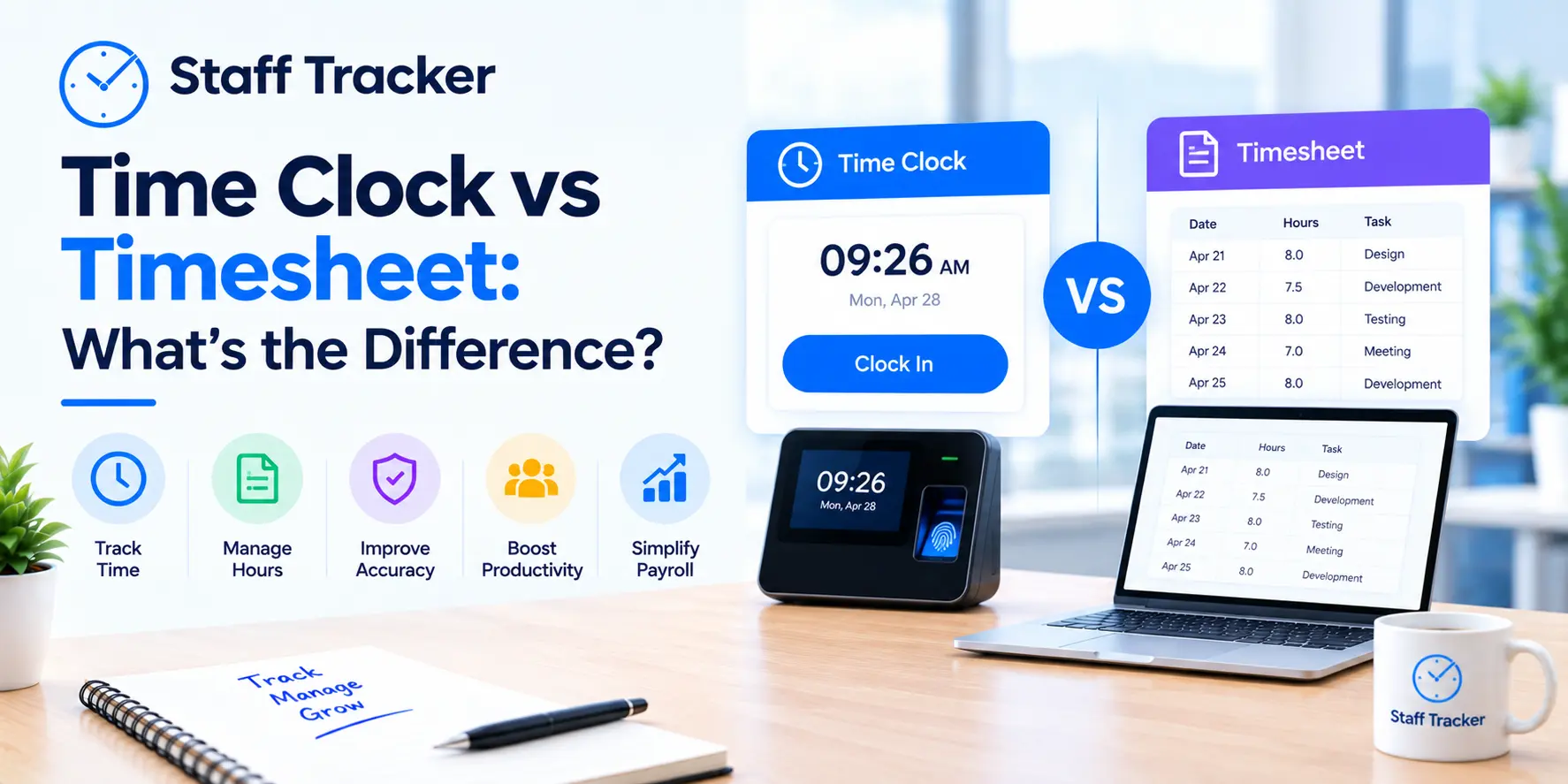
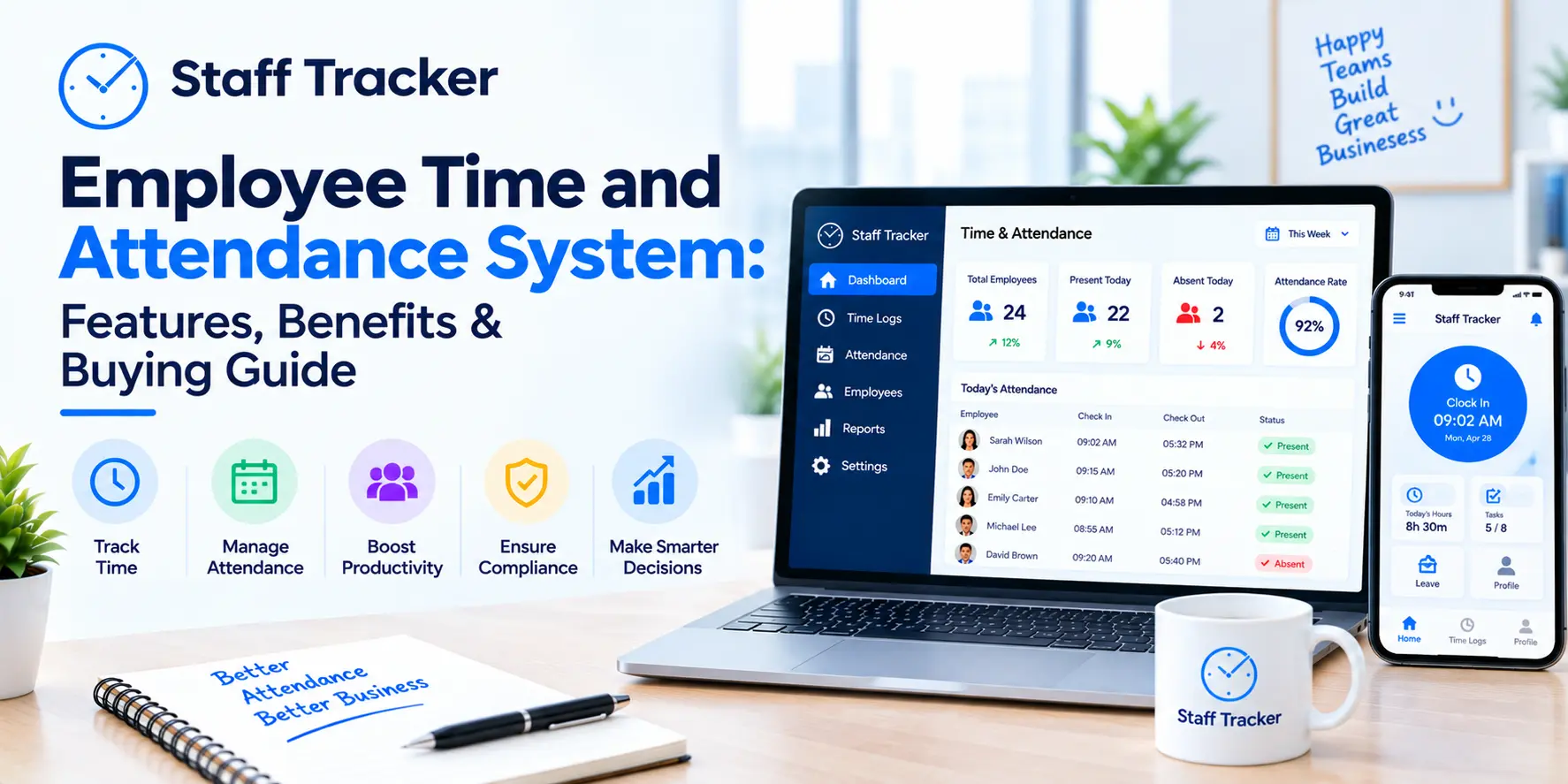
Using the online time tracker, the employee needs to click the clock-in/clock-out buttons on a computer, phone, or tablet. The program will automatically add all working hours for the day.
First and foremost, one should consider accuracy when using such free software. It will help eliminate errors in calculating work hours and make the attendance logs much easier to manage.
No matter how big your company grows, you can still add new features to your time-tracking process. Of course, not all advanced options, such as scheduling or location-based attendance logging, will be available on a free plan, but there will be enough features for most small or medium companies.
How Free Employee Time Tracking Methods Compare
The best method for tracking employees' hours for free will depend on the size of the business, its operations, and how much time one is willing to spend on attendance tracking. Although all free methods can be used to track employees' work hours, there are considerable differences in their efficiency and accuracy.
A paper timesheet is the easiest way to track work hours. It is easy to use and can be useful when the number of employees is quite small, and there are no digital devices available. At the same time, all data has to be entered manually.
Spreadsheet systems, such as Microsoft Excel and Google Sheets, are more structured solutions for managing employees' working hours. These are free and customizable tools, but they require a business to be proficient in formula management. While spreadsheets help organize data, they depend on accurate data entry and regular analysis.
A perfect option for businesses that need more convenient tools is free employee time-tracking software. Programs like Staff Tracker are automated solutions that track attendance and calculate working hours automatically, without any manual work required. Thus, these tools can be considered great for small and medium-sized businesses that aim to achieve accuracy now and grow in the future.
Comparison of Free Employee Time Tracking Methods
How to Get the Most Out of Employee Time Tracking
Maximizing the benefits of time tracking among employees is not just about measuring the time spent working. The first step would be to develop an attendance policy that clearly states how and when time tracking should be conducted for all workers. It is important to maintain consistency within the company to minimize confusion and errors in records.
Time attendance review is also another important aspect. Instead of doing it at the end of each month, it should be conducted weekly, with work hours and overtime monitored.
The time-tracking records can also be used for purposes other than preparing salaries. By analyzing attendance trends and time spent on the job, one can plan effectively regarding staffing, workload distribution, and even workforce planning.
Lastly, choose a time-tracking application that scales with your growing workforce. This way, with a scalable application such as the Staff Tracker, you will not have to change the software when you expand.
Common Mistakes to Avoid When Tracking Employee Hours
Using a free method for recording employee working hours can help save money; however, small oversights can lead to incorrect records, payroll errors, and unnecessary paperwork. For example, trusting your employees to calculate working hours is not a good idea; even small calculation errors can affect you.
Moreover, the absence of a clear attendance policy will lead to inconsistencies in your records, since each employee will act according to their own rules regarding clocking in, breaks, overtime, leave, and so on.
Using several methods to record working hours can cause difficulties, as the manager will have to compare information across spreadsheets, paper timesheets, and other software.
Lastly, postponing the review of employee working hours records until payroll day is not the best solution. It is much better to check the records more frequently to notice any discrepancies, such as missing information or errors in employees' working hours. The Staff Tracker solution will help solve this problem.
Common Mistakes at a Glance
What Makes Employee Time Tracking Accurate?
Time tracking for staff is not just about documenting when an employee arrives and leaves work. Time tracking involves employees logging their work hours as they occur, rather than relying on memory to recall which hours they actually worked.
Maintaining organized, well-maintained records is another important step in accurate time tracking, as it will make payroll processing and compliance with labor regulations easier. Finally, automatic time-tracking software allows timestamps to be recorded automatically, thus reducing human error and improving the process.
Last but not least, the business should regularly analyze the time-tracking process and ensure it still meets the organization’s needs. If teams grow and the workflow changes, a flexible solution such as Staff Tracker will be needed to maintain accurate attendance records.
Key Factors for Accurate Time Tracking
Remote and Mobile Teams Need a Different Approach
Traditional paper time sheets and static spreadsheets rely on an old notion that everybody clocks in from the same place. But it is not hard to see how quickly such assumptions fall apart in situations involving delivery personnel, field service staff, home health care workers, and anyone who doesn’t work from a single desk.
With a mobile application such as Staff Tracker, you no longer need to compromise between the convenience of time clocking in where people really work and a single, unified overview of their hours. And that is usually good enough reason on its own to get rid of spreadsheets altogether.
How to Choose the Right Free Time Tracking Method
The most effective method for recording free employee hours depends on your company's size and your staff management process. While spreadsheet programs and paper-based timesheets might do the trick for small groups of workers, these solutions require constant updates and can become challenging to maintain as your company grows.
When dealing with many employees, changing shifts, and remote teams, free software for tracking hours and attendance is the way to go. This technology allows for the automation of attendance, the recording of working hours, and the saving of time in payroll processing.
Selecting a scalable solution is another consideration. Programs like Staff Tracker enable companies to manage employee hours and attendance in one place, improving accuracy now and in the future.
Choosing the Right Time Tracking Method
Frequently Asked Questions
1. Is there a way to track the hours of employees for free?
Yes. Employers can track employees' hours without spending a dime using spreadsheets, paper timesheets, or free employee time-tracking software. While the former may work well for small teams, the latter offers the advantages of automation and accuracy without requiring any effort from management.
2. What is the most accurate way to track employee hours for free?
The most accurate method would be free employee time tracking software. It does not require manual work such as spreadsheets and paper logs and offers real-time attendance reports.
3. Can free time tracking software do overtime calculation?
Yes. Free time-tracking software comes with automatic overtime and attendance calculations. Thus, it becomes easier for companies to track overtime than with manual calculations, and payroll preparation becomes a breeze.
4. Is it better to use employee time tracking software than spreadsheets?
Yes, if the business is growing. Though spreadsheets are free and highly customizable, they must be updated manually and are more error-prone. Employee time-tracking software is automated and can help you save time on administration.
5. At what point should a business change from manual to employee time tracking software?
When there is staff growth, payroll takes time, and there are many attendance mistakes. Time tracking software, such as Staff Tracker, can help you manage attendance.
Frequently Asked Questions Summary
Final Verdict
For many small and growing businesses, using a free online solution like Staff Tracker offers the best possible balance of accuracy, ease of maintenance, and cost-effectiveness. Using spreadsheets is still a valid option for very small businesses that can afford to maintain the system manually. Paper must be used only when a business has no way to access an online system.
Are you tired of collecting timesheets and correcting typos before each payroll cycle? Try out our free trial of Staff Tracker now!
Written by the Staff Tracker Team
This content was authored by the Staff Tracker team who has lots of experience managing the workforce as well as tracking time and attendance and employing HR Technology. Staff Tracker Creates content that is practical and speaks to the pain businesses have with optimizing workforce operations and improving productivity in the business.
 28-10-2026