- By Admin
- 14 Jul, 2026
- 350 Reading
In-office, hybrid, and remote employee management have become more difficult. A business needs to track employee work hours, productivity, and attendance to gauge work efficiency. Workforce management systems are regarded as expensive, which is why many growing businesses are reluctant to invest.
Staff time tracking software free solutions exist for this very reason.
The right free staff time tracking software tends to meet the needs of the business, offering an opportunity to monitor productive work hours, manage attendance, and build accountability and transparency to operations within the business. With the right software, time tracking is more than just monitoring the time employees' clock in and out; it helps managers better analyze the productivity of employees and the timing of when a certain work operations module is best executed to draw the optimum productivity required for the success of the business.
This guide aims to cover all the basics, including staff time tracking software, features and limitations of the software, and important factors to consider when choosing a staff time tracking software.
Staff Time Tracking Software: An Overview
Staff time tracking software provides a means for employers to keep a digital record of employee hours worked, time and attendance, breaks, and even daily activities. Compared to the outdated method of timesheets and processing spreadsheets, staff time tracking software allows employers to capture work hours and produce documented reports with the press of a button.
Functions that modern time tracking software may contain:
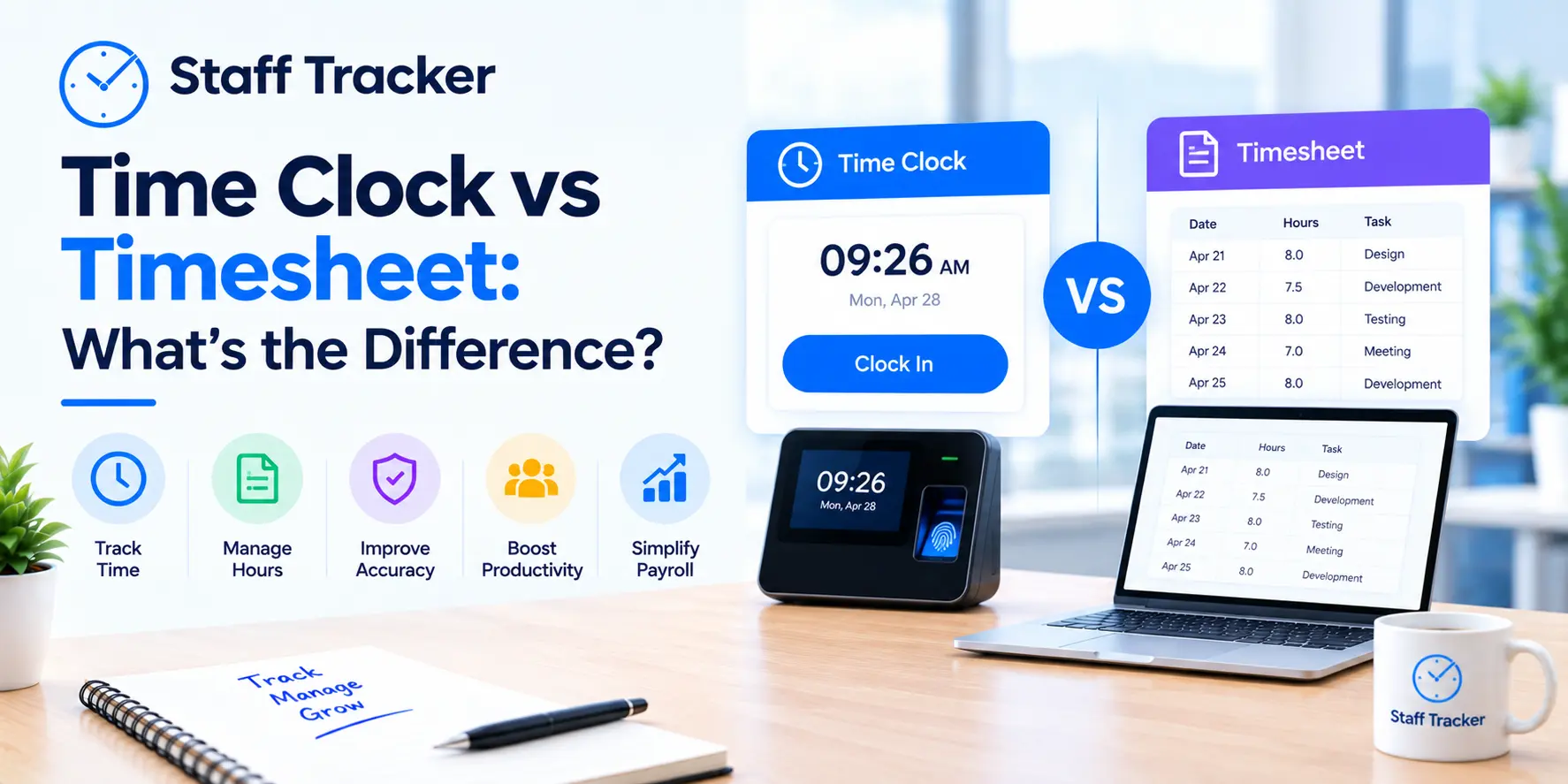
Time clock
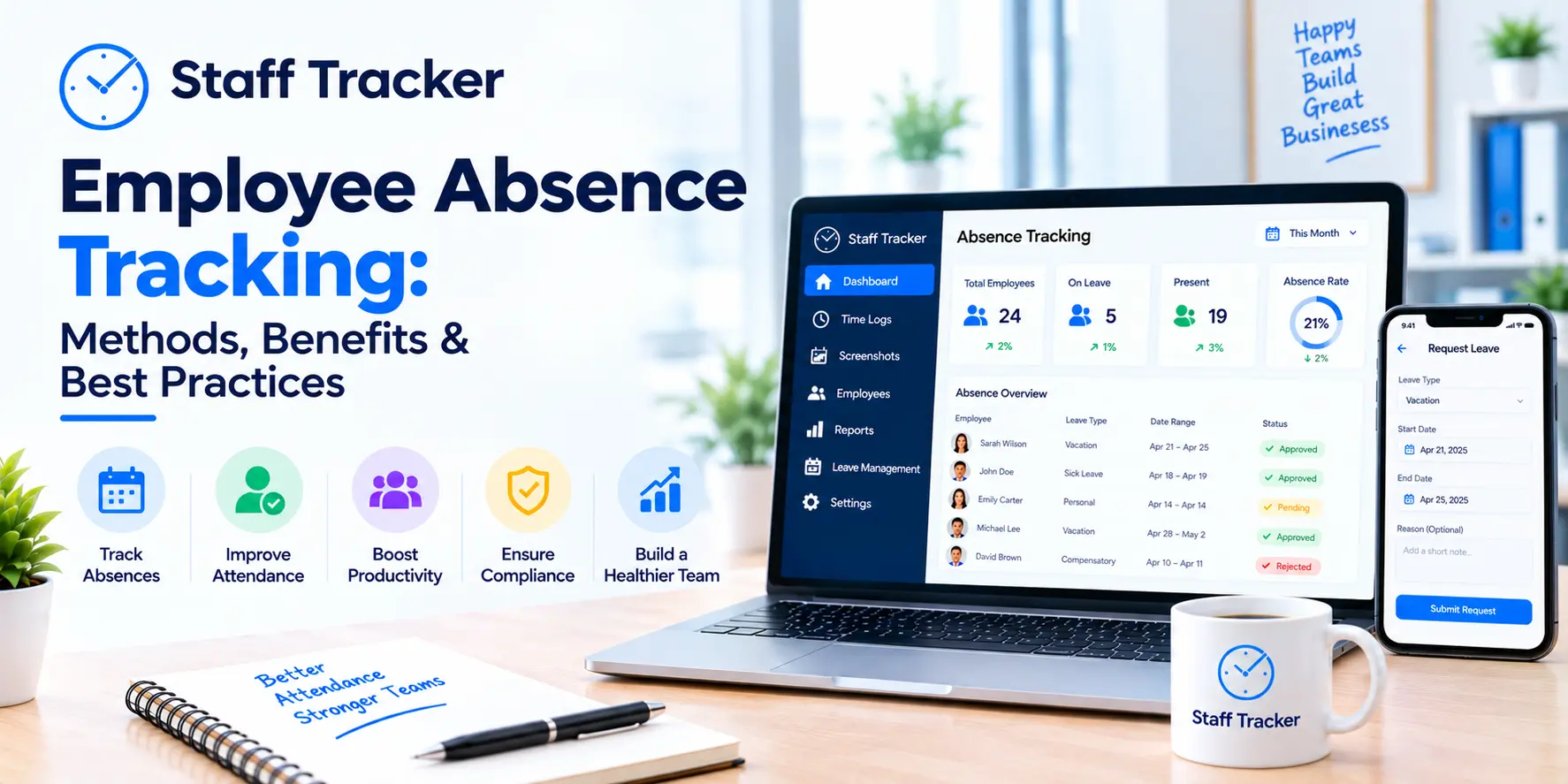
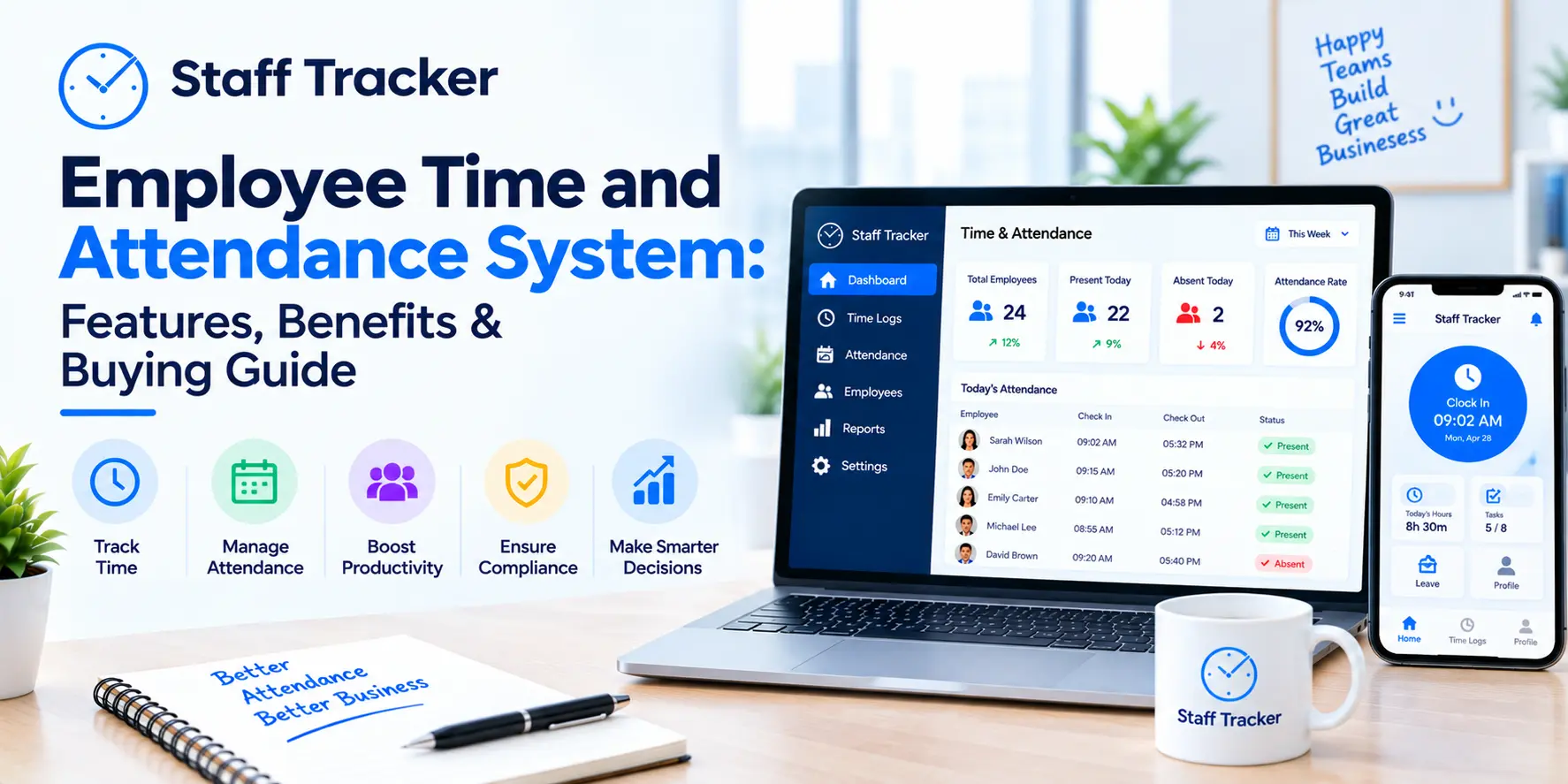
Attendance management
Break tracking
Timesheets
Productivity monitoring
Activity reports
Project tracking
Idle time detection
Payroll-ready reports
Time tracking software can prove essential for businesses with fully or partially remote teams. The software helps provide the visibility and accountability needed for a remote workforce while significantly cutting the time and effort needed to manage employee attendance.
Advantages of Using Free Staff Time Tracking Software
Most startups and small businesses likely have far less corporate workforce management needs than a large, established business. As such, those businesses need a far more flexible workforce management solution that will help them control their staff's time to help them control the costs of running the business.
A free staff time tracking solution can help small businesses with time and cost tracking in several ways.
Automated Attendance Tracking
Time and attendance sheets have to be maintained and are an administrative burden. Automated staff time tracking solutions eliminate manual attendance tracking and record attendance in real time.
Start Small, Grow
In tracking the time and attendance of a small workforce, businesses often realize savings that lead to the ability to expand that workforce. Time tracking can create a more accountable attitude and even a more self-disciplined approach to work for the employee.
Better Visibility for Managers
With the enhanced visibility, managers can identify:
Employees present
Hours worked
Hours taken for breaks
Patterns in attendance
Trends in productivity
Visibility helps managers make schedules and plan their workloads.
Easy Payroll Processing
Discrepancies in calculating hours worked can cause issues with payroll processing. Automation creates fewer discrepancies and leads to improved processing times for payroll from the HR department.
Focus on Remote and Hybrid Teams
With a growing number of employees working from home, managers benefit from the visibility of understanding a team’s progress without being overly reliant on meetings and progress updates.
Must Have Features When Looking for Free Staff Time Tracking Software
There is a wide variety of time management solutions, with some only offering a basic timer. However, higher value, workforce management time solutions exist and can support larger teams.
Consider the features defined below.
Simple Clock in and Out
The time clock solution should be effortless for the employee to use, with the ease of use encouraging organizational adoption.
Timesheets Automation
Timesheets should be automated to reduce the burden of manually completing the timesheet for that day or week.
Attendance Reports
Reports from the time clock should show sufficient availability for employees, including those who may be late, as well as those who may be working overtime.
Break Tracking
Compliance with break policies is automatically tracked, and the total hours worked is provided.
Reporting of Productive Hours
Beyond reporting attendance, the tracking of hours worked can indicate the productivity of that employee for the time worked.
Optional Risk of Break Transparency with Screenshot
To mitigate the worry of lack of productivity from the remote employee team, managers can be allowed to take transparency screenshots to show that work has been done.
Idle Time Detection
Tracking idle time separates active work from time spent doing nothing as part of productivity tracking.
Reporting Dashboard
Dashboards that display information in a simple manner assist managers in evaluating employee performance without having to dig deep into spreadsheets.
Mobile Accessibility
Time tracking should be accessible from desktops, laptops, and mobile devices for employees working in various locations.
Benefits of Using Staff Time Tracking Software
Businesses assume time tracking software is for monitoring employees, but the actual benefits of the software is improving the business’s operations.
Better Project Planning
Tracking how much time tasks consume enables managers to plan more accurate estimations of how much time future projects will consume.
Increased Productivity
Employees are usually more productive and organized throughout the day once they learn to track how they spend their time.
Improved Resource Allocation
Overloaded employees can be identified, and task redistribution can be done for optimal balance.
Data-Driven Decision Making
Managers can make decisions grounded on measurable data on operational efficiencies and employee performance as opposed to the usual guesswork.
Simplified Compliance
Automated attendance tracking means labor laws and internal policies can be adhered to with little to no effort.
Cost Savings
Manual payroll and inefficient time tracking methods consume a lot of time and money.
Common Limitations of Free Staff Time Tracking Software
Most free software solutions are good, but it is important to know the limitations.
User Limits
In most free time tracking solutions, the time tracking consumption is capped to a limited number of employees.
Limited Reports
Basic reporting is free in some time tracking solutions, but advanced reporting will require purchase of their paid plans.
Limited Integrations
Free alternatives may lack payroll, accounting, or project management integrations.
Limited Data Storage
Historical data or exported screenshots may only be kept for a short time.
Limited Support
Support is usually vested in paid users.
Knowing these factors helps design a software solution that can adjust to business needs.
Choosing Free Staff Time Tracking Software
Needs vary from company to company. Consider the following first when choosing a software solution.
Are employees able to use it easily?
Does it accommodate remote, in-office, or hybrid employees?
Are managers able to produce reports easily?
Is attendance monitored?
Are insights provided?
Is the software scalable?
Is data secure?
Is support provided?
Value is more than having the most features. The best software solution will be the one most employee use.
Why Simple Timers Aren't Enough
Traditional time clocks and timesheets are no longer sufficient. The modern workplace needs visibility into:
Attendance
Productivity
Time
Availability
Time allocated to different projects
Performance
Comprehensive staff time tracking captures all these metrics to provide data that allows for better decisions.
Why Choose Staff Tracker for Your Developing Business?
When your business expands, keeping a record of attendance manually becomes a huge task. Staff Tracker was developed to ease this process by merging time trackers and productivity monitors.
With your plan, your business can gain:
Time tracker
Time attendance manager
Productivity tracker
Screenshots
Recorded Idle time
Browser and app usage
Timesheets
Break Time
Reports
Dashboards
Unlike typical time trackers, Staff Tracker aims to provide productivity insights. This information empowers managers to drive better workflows, elevate employees' support, and improve the operation of the business.
On top of that, the user-friendly structures of the system help in faster adoptions, and the learning curve of the team is minimized.
Good Time Tracking Principles
The first-step convenience of the software is a poor substitute for a well-defined implementation strategy.
Open Communication
Introduce time tracking through open communication of its benefits for business and employees.
Aim for Positive Changes
View time tracking as an opportunity to refine processes, not a tool to control employees.
Utilize Time Tracking Reports
Make it a point to analyze reports and find trends to boost productivity and effect better time/resource planning.
Provide Adequate Training
Take the time to educate employees about the software to avoid it becoming an obstacle.
Protect Employee Privacy
Respect privacy by enforcing balance of employee trust and business accountability through defined policies of monitoring.
Frequently Asked Questions
Can a small business use free staff time tracking software?
The answer is yes. Some small businesses use free staff time tracking software to manage attendance and track hours to help their teams work more productively and then pay to upgrade as their teams get bigger.
Can time staff tracking time software track remote employees?
Of course. Most software provides the means to track hours worked, no matter where the employees are.
Does tracking hours of work increase productivity?
The answer is yes. Tracking hours worked helps employees see how they spend the hours worked. Tracking hours worked helps managers see how the hours worked are spent, which helps the manager decide how to best plan the distribution of work.
Is tracking staff time safe?
If a company is a good time tracking software vendor, the company has safe, cloud-based software, uses secure, encrypted data, and employs role-based control of data to keep staff data safe.
When is it time to pay to upgrade from a free plan?
It’s time to pay upgrades when more users are needed; integrations are needed, and when more direct and indirect reporting and data retention for longer periods is needed.
Conclusion
The staff time tracking software free solutions are for more than just tracking employee hours. They help create organized and transparent work environments.
The staff time tracking solutions help automate the tracking of attendance and staff time. It also helps reduce administrative tasks, helps complete payroll accurately, and helps management track and gain valuable insights to improve and enhance the productivity of staff and the company.
Staff Tracker allows modern teams to meet tracking and organizational needs in different ways to ensure productivity while keeping business growth in mind for the future. Staff Tracker gives teams an all-in-one tool for time and attendance tracking, productivity assessment, custom reporting, and workforce management.
ABOUT THE AUTHOR
Content written by Saurabh Sharma
Saurabh is part of the expert content marketing team at ZoomIntoWeb. He has expertise in curating meaningful information that can be used by visitors in general. Saurabh is also involved in creating client-specific stories and blogs.
 28-10-2026