- By Admin
- 20 Nov, 2025
- 1658 Reading
Time management by employees has become as significant as the work done in the present day working environment. With the shift toward hybrid operations, remote work, and the flexibility of schedules, the issue of accountability is becoming more serious. Managers do not sit several desks away from their respective teams. Rather, they are using digital tools to know how productive, focused, and engaged their employees are. This has turned time tracking software with screenshots into one of the most accurate ways of averting time theft and transparency in the workplace.
Time theft does not necessarily happen with intent. In other cases, it can go unspoken, in tiny habits like a tendency to browse social media frequently, waste a lot of time, have personal calls more often, or change it to a tab that is not related to work. But even a little inefficiency will add up to be a huge productivity loss. Such incidences can have a significant effect on the overall performance in industries in which output is gauged using time, accuracy and consistency. Companies need to be seen and workers need to be organized- and this is where screenshots can be of great great help.
Screen shots provide a very basic yet effective verification. They do not concern surveillance to have control; but they guarantee fairness, transparency and responsibility to both the employer and employee. A properly developed time tracking software with screenshots will be a good compromise that will neither intrude on privacy but will give an idea of the actual work patterns. What is left is a work culture in which expectations are definite, responsibilities can be measured, and transparency gives rise to trust.
Understanding Why Time Theft Happens
To answer the question of the importance of screenshots in deterring time theft, we should first have a clue of why time theft takes place in the workplace. Traditionally in an office environment, time theft is able to occur in a subtle way, employees can leave earlier, take longer breaks or even non-work-related communication during the day. In cyber space and distant places, time theft assumes new approaches. Employees can log-in and not really commence productive work. They can be simultaneously active online while browsing through non-work. Others will alternate between entertainment applications and work applications or idle their computers and pretend to be present in communication applications.
Remote work has created the possibility of flexibility, but has eliminated physical visibility. The problem of time misuse is usually unintended when employees are left to work in an unstructured or unmonitored setting. The single distraction can turn into 15 minutes. Even a slight pause can be turned into a long break. In the absence of control, the managers will not know the difference between the acceptable breaks and the time mismanaged. This is not clear, which may result in miscommunication, distrust and poor productivity measurement.
The Power of Screenshots in Tracking Real Work Activity
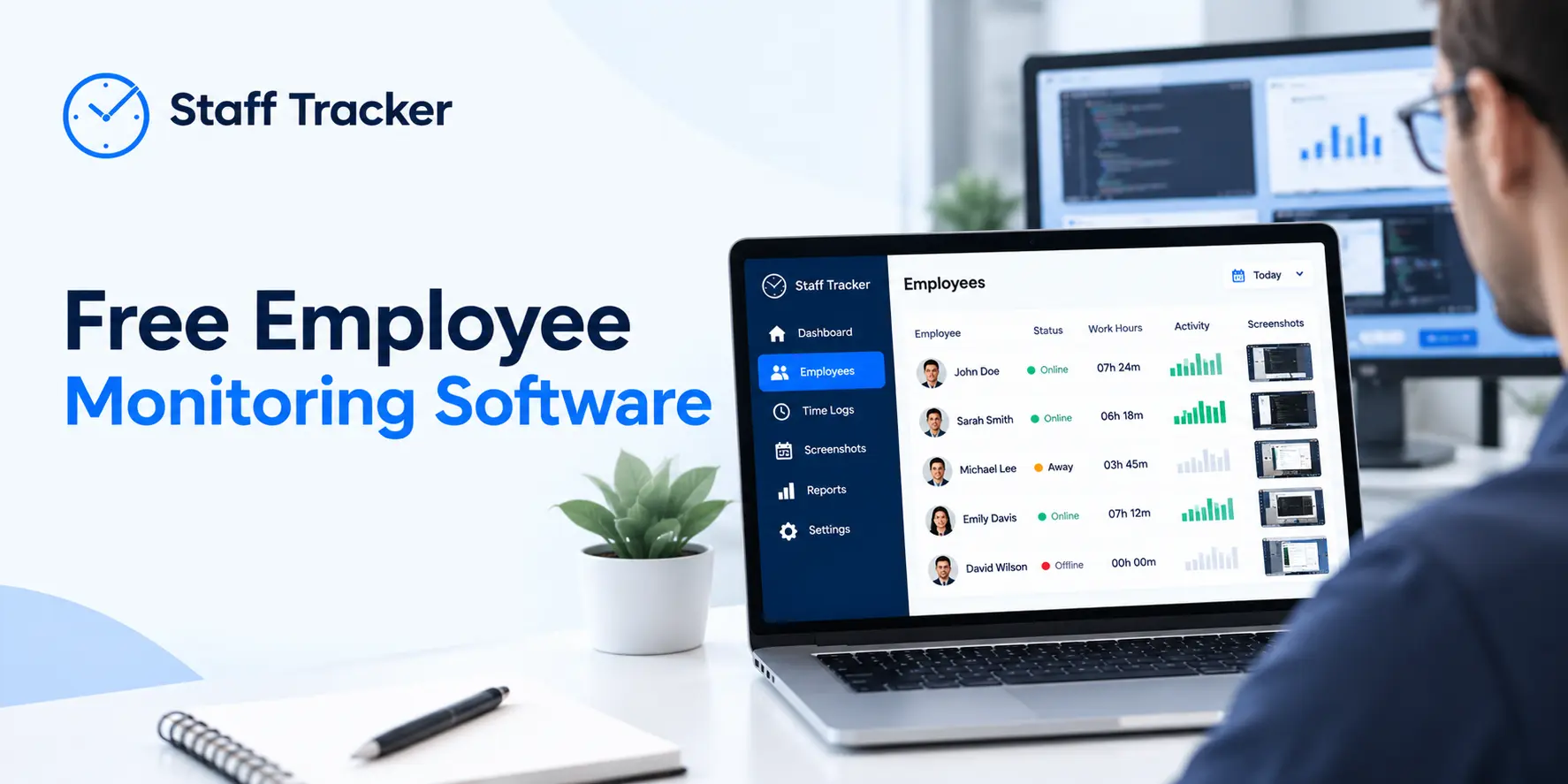
One of the best tools of analyzing what truly engages people in work is screenshots. Although time trackers might be used to record hours, they can display since the hours may be spent doing some things; this is because they provide screenshots on the same. They indicate whether an employee is undertaking the right tasks, wasting time on irrelevant sites or multitasking and reducing the performance. In case automatic screenshots are taken with time lapse, the managers obtain a realistic perspective on daily productivity trends.
This is important since time records are not enough to be deceptive. It is possible that an employee works eight hours, but only part of this time can be used effectively. The time tracking software with screenshots fills in this gap by combining time-related information with visual evidence. This is not meant to be a control and surveillance of the employees but rather a relationship that has a sense in the relationship between work output and work time.
Screenshots also encourage self control. Employees will be much less prone to become distracted by the lure of distractions or abuse corporate time, which makes them aware that their activity is being recorded periodically. This inherently promotes improved time administration, attention, and cognizance. It also makes sure that those employees who work with good intentions and diligence are rewarded on their achievements and not just on working hours.
Screenshots as a Tool for Fairness and Transparency
Fairness is one of the greatest benefits of the use of screenshots. When managers use manual time reporting, there is usually no means that the managers can verify the accuracy of the data. This may cause needless conflicts on productivity, performance, and accountability. Screenshots do not leave ambiguity as they are real visual proof of work activity.
By being provided with time tracking software with screenshots, the employees are assured that evaluation of performance is not subject to the system of making judgments or impressions. Screenshots will eliminate bias in the workplace since they provide every employee with equal and quantifiable criteria to evaluate. This promotes an open culture with a basis of reality in the feedback and decisions.
Employees benefit too. In case a person is actually working, the screenshots will act as evidence of work. This documentation is useful in distant settings that have low visibility. It will enable the hard-working staff to explain their time spent, prove their consistency, and prove their worth to the team.
Communication is also enhanced through transparency. Screenshots may explain confusion, disclose bottlenecks, and expose problems in the workflow, which would otherwise have not been discovered. They assist the managers in knowing the areas in which the employees are performing poorly and where they might need more assistance or training.
Screenshots Help Identify Task Patterns and Workload Distribution
Screenshots have a valuable analytic role besides the fact that they prevent the theft of time. They show the way employees allocate their time to various activities. Team members can have various tasks, some of which they may not even be aware of the amount of time they take. Screenshots can be used to visualise the work patterns and find places where the workload distribution can be adjusted.
This can be learned by managers who have access to time tracking software with screenshots, in order to determine overloaded, underutilized, and misaligned roles, and work on adjusting them according to the team objectives. This assists in the refinement of planning, distribution of tasks and also to make sure that projects run smoothing. The screenshots also reveal when the employees devote excessive time to particular activities on a regular basis, and the managers can provide training, tools, or process enhancements that can streamline work.
This observation can be particularly helpful in long-distance teams. Workflow imbalances tend to be undetected without the face-to-face interaction. Screenshots can show when employees are overwhelmed with too many tasks at the same time, or when it takes longer than anticipated to complete a task, or when the interruption interrupts productivity.
Supporting Employee Training and Quality Control
Screenshots are not only monitoring the activity but also quality improvement. Screenshots offer real life examples of how businesses are performed when businesses are dependent on digital output, be it data entry, content creation, customer conversation, coding, research, or administrative work. As examples, one can study the mistakes made, the best practices, and provide specific training.
The time tracking software with screenshots enables the manager to look at the work without interfering with employees. They do not need to keep on requesting updates but are able to view captured screens which indicate real-life productivity. This assists them to mentor the employees in a better way enhancing the overall accuracy and quality of work.
Preventing Idle Time and Inefficiencies
One of the largest contributors of productivity loss is idle time. Distraction, lack of clear instructions, waiting to get feedback or just the loss of time can result in employees becoming idle. Though idle time cannot be avoided, often idle time may be an indicator of disengagement or mismanagement.
The idle time is made visible through the use of a time tracking software with screenshots. Screenshots indicate when work is stopped, or non-work is displayed on the screen. This will enable the managers to handle the situation positively. They will be able to determine that workers should be directed more, supplied with more tools or be offered better prioritization strategies.
Ethical Use of Screenshots: Why Balance Matters
Screenshots are not a new weapon; however, their application should be ethical. The time tracking system should be able to respect privacy and only record work information within the working time. It is not overly screen capturing or storing of unneeded personal information. That is why it is important to select a proper tracking platform.
An efficient time tracking software with screenshots will guarantee transparency, as the user can see the time of taking the screenshots and what the data is utilized for. This promotes a healthier work environment where people are all respected.
There should be awareness of the employees concerning the screenshot monitoring, the reason why it is being done, and the limits of the system. Screenshots can also be used as a collaborative enhancing tool, not a monitoring approach, when the messages are clear.
Why Businesses Should Choose Professional Tools Over Free Solutions
Free tools do not have such advantages as data security, precise screen capturing, stable history storage, or clear privacy policies. They fail to provide organizational control and storage capacity in the long term, and they are risky to be used in corporations.
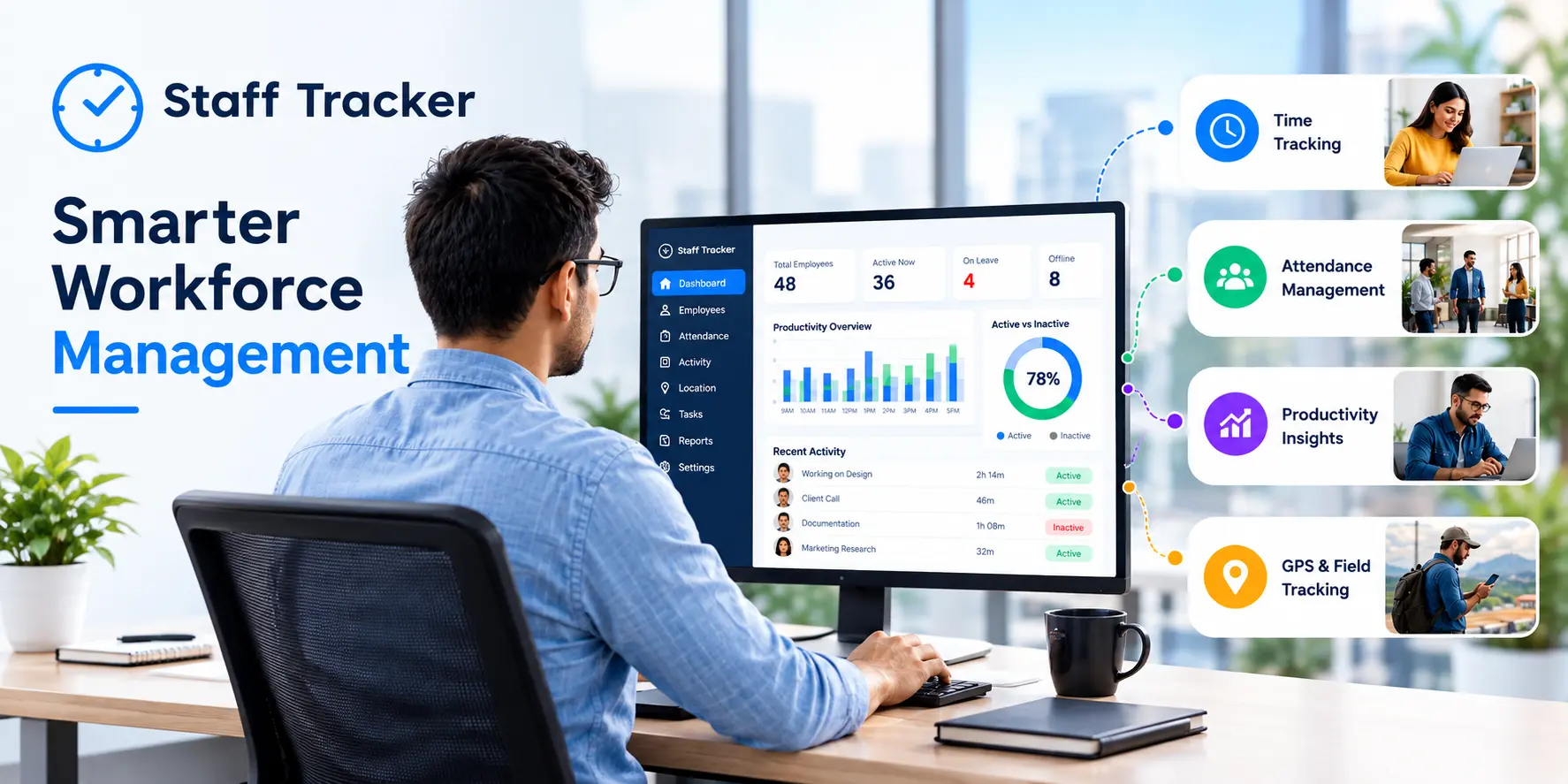
A time tracking platform with screenshots such as Staff Tracker provides reliable monitoring, ethical screenshot taking, advanced security and stability. It offers real-time reporting, safe data storage, organized reporting, and regular software updates, which are fundamental in contemporary workforce management.
Through Staff Tracker, companies are assured of their monitoring system since the platform is clear, just, and accurate. Screenshots are stored safely, tracking is automatic and managers get actionable insights to help boost productivity.
The Bottom Line
Screenshots would be instrumental in upholding accountability, transparency and efficiency in the workplace. They are useful in deterring time theft as they give visual evidence of activity as well as assist in determining performance more accurately and promote improved work habits. A time tracking software with screenshots is not merely a surveillance solution but a system that is well-organized to enable a business to comprehend the workflows, support workers, and enhance the quality.
In the contemporary work environment, where telecommuting, online teamwork and unconventional hours are increasingly the new standard, screenshots provide an insight that cannot be given by time records. They serve to ensure that businesses are kept within the bounds of fairness, they safeguard productivity as well as to ensure that every hour of work has a significant impact on organizational objectives.
 01-10-2026