The Android app gives your team mobile access to the Staff Tracker workspace. It is included with the Premium plan and is not part of Basic or Standard.
Where it fits
| Part | Use it for |
|---|---|
| Desktop app | Where tracking runs, on each employee's Windows PC. |
| Web dashboard | Where owners and managers review everything. |
| Android app | Mobile access to the workspace (Premium). |
Get access
- Be on the Premium plan
Choose Premium when you register, or upgrade from the dashboard. See Plans, points and pricing.
- Install the app on the phone
Use the link or store listing given on the Android app page.
- Sign in
Use your Staff Tracker account details.
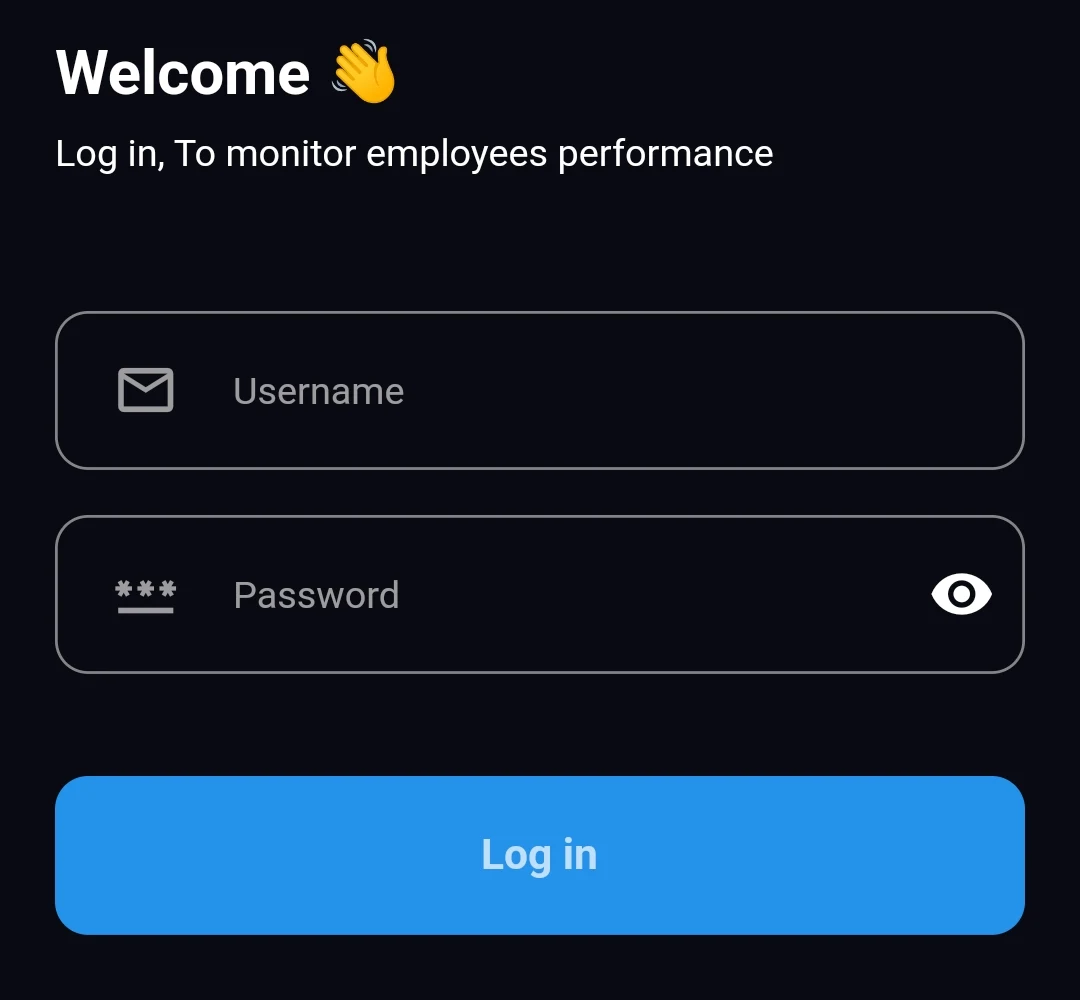
Enter your username and password, then tap Log in.
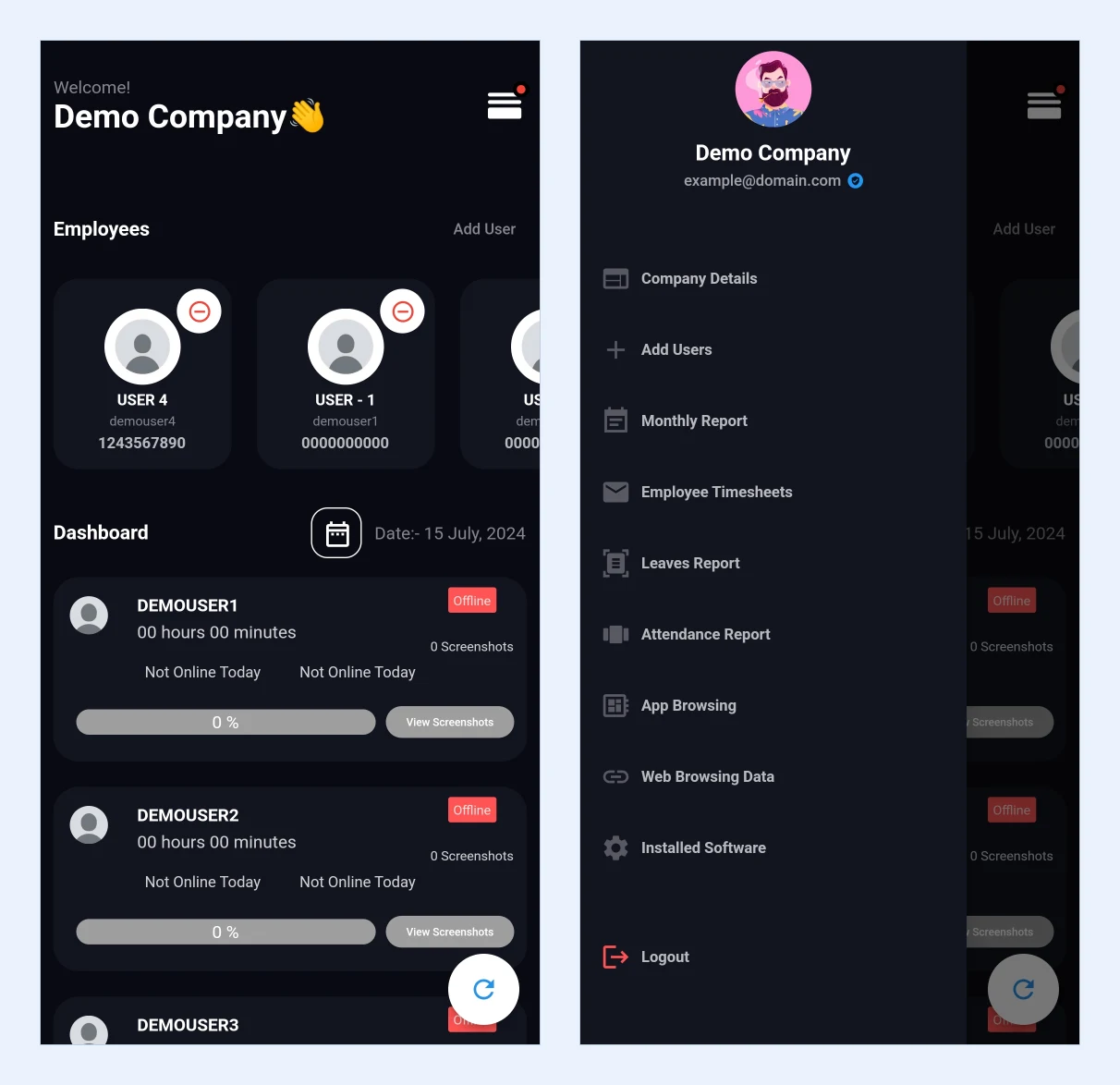
This page is being completed. Screens and step-by-step details for the Android app are added here as they are published. Until then the Android app page has the latest information.
Was this article helpful?
1 of 1 reader found this helpful (100%)