- By Admin
- 14 Sep, 2026
- 147 Reading
Monitoring employee work hours shouldn't require complex timesheets, spreadsheets, or costly workforce management systems.
For small-scale businesses, free time tracking for employees is a good method to track working hours, keep track of breaks, monitor attendance as well as understand productivity levels, and produce more precise time logs.
However, not all free solutions offer the same capabilities. Some keep track of clock-in and clock-out times, whereas others keep track of idle time, active time, screenshots, application activity, and even employee performance.
This guide will explain how free time tracking for staff is done, what small companies can track, what features are important, and how to select the most appropriate option for your staff.
Can Small Businesses Track Staff Time for Free?
Yes. Small businesses can keep track of their staff's working hours with free or trial-free trackers for their time.
A basic time-tracking system will record when employees finish working and start, calculate their working hours, and keep attendance records, without the need to use manual timesheets.
The most advanced systems can go further in tracking:
Active working hours
Idle time
Breaks
Attendance
Employee schedules
Projects and tasks
Levels of Productivity
Application activity
Website activity
Screenshots
Remote employee activity
Locations for Field Employees
Monthly and daily reports
The most important thing to consider is not only whether a tool is available for free. The most important thing to consider is what you can actually accomplish using the free plan.
Small-scale businesses with the ideal solution will simplify administrative tasks while providing managers with enough information so they can understand how their work is completed.
What Can Free Staff Time Tracking Software Do?
Time tracking Software for employees that is free can be anything from a basic digital timesheet to a full employee monitoring system.
Here are a few of the most beneficial features to think about.
Track Employee Working Hours
Time tracking allows companies to determine how long employees are working.
Instead of having employees manually input their working hours after the close of each day, automated time tracking can provide a more reliable recording of their work hours.
This could help managers understand:
The moment employees begin working
After they have finished
Total working hours
Active working hours
Idle periods
Break duration
Time devoted to specific tasks
A complete record of working hours can aid in payroll preparation and planning projects more efficiently.
Record Clock-In and Clock-Out
A system for tracking employees' time could replace paper attendance registers and spreadsheets that are manually prepared with electronic clock-in and clock-out data.
Employees can keep track of when they begin and finish their workday, and managers can view attendance data via the central dashboard.
For companies that have employees who work remotely or in hybrid configurations, online tracking makes this process simpler since managers don't have to physically be present at the office.
Manage Employee Attendance
Tracking attendance and time are tightly linked.
An attendance system can be used to identify:
Present employees
Absent employees
Late arrivals
Early departures
Full-time work
Partial working days
Leave
Attendance patterns
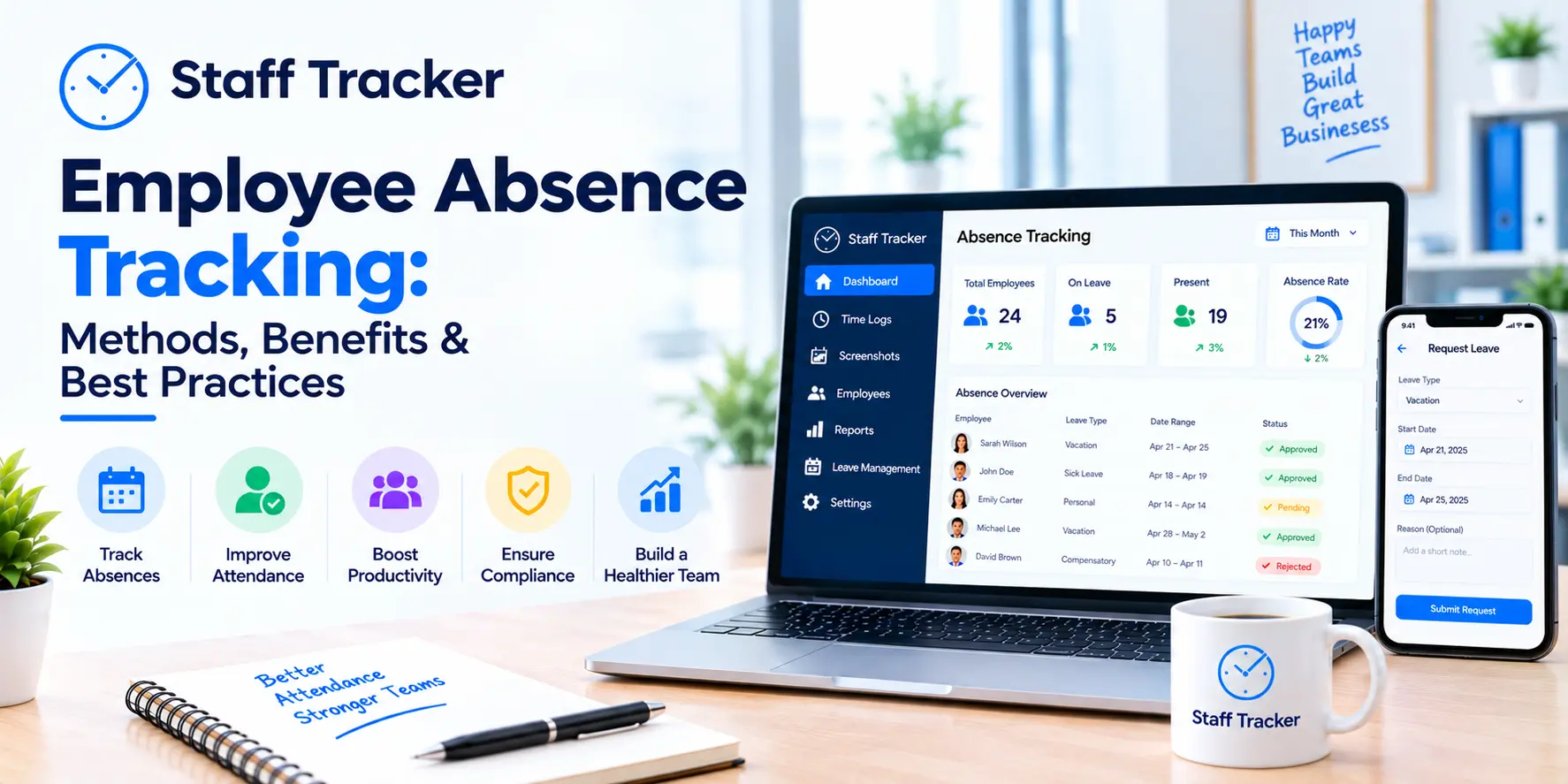
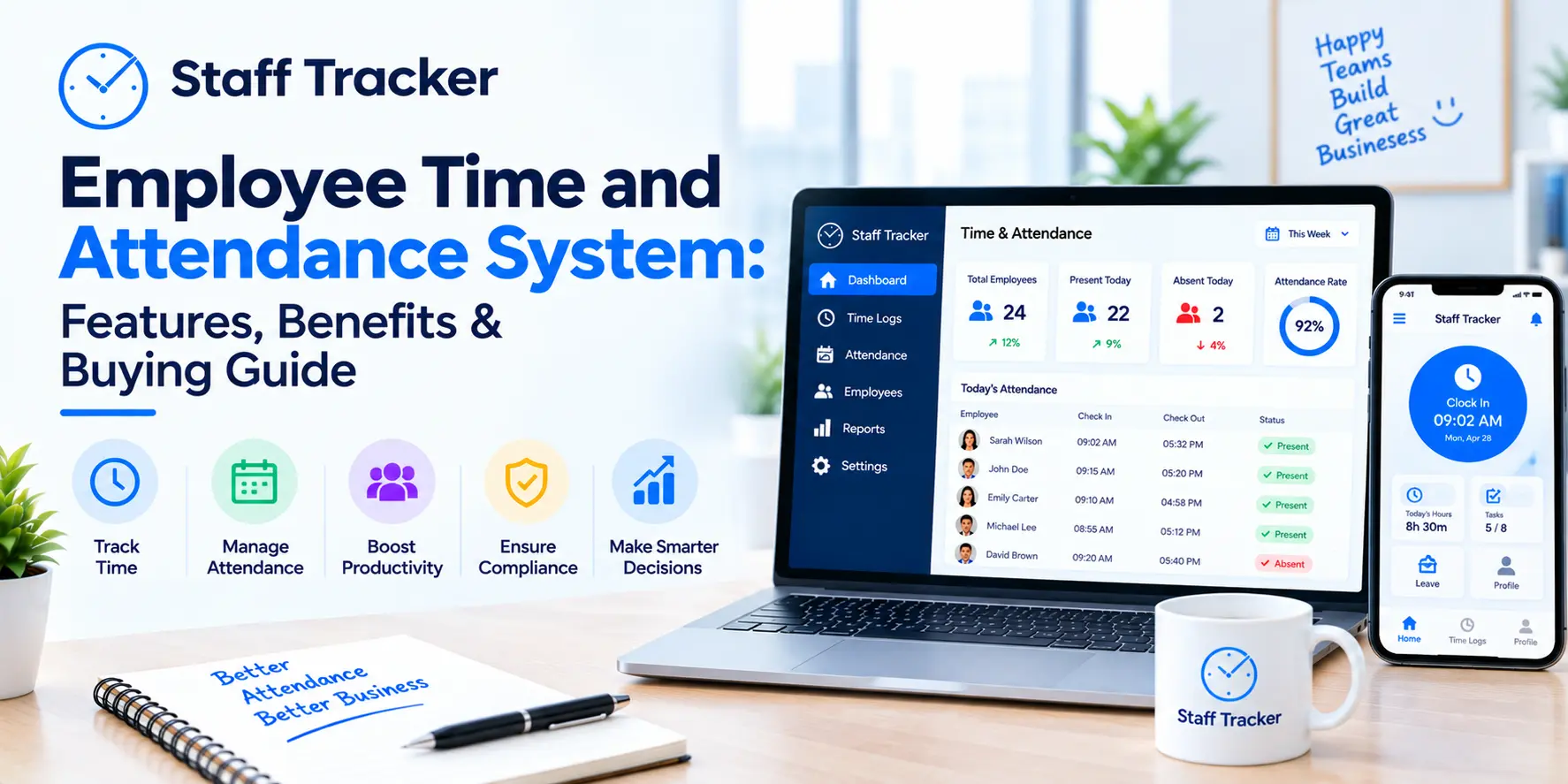
Staff Tracker, for instance, provides attendance management along with time tracking and management of leave. Its reporting tools are able to provide daily and monthly information on attendance for employees.
Track Breaks and Idle Time
The mere fact that working hours are used does not always show how time is utilized.
The tracking of idle time and breaks can give additional context.
A manager, for instance, might notice that an employee was in the office for eight hours, but had significantly less time to work.
This doesn't necessarily indicate that the employee was not productive. Training, meetings, research, telephone calls, and other offline activities might not always be visible as active time on the computer.
The goal of tracking must be to find patterns and improve workflows, not to gauge employees using one number.
Create Employee Timesheets
Digital timesheets can be converted into timesheets that report employee working hours.
A good timesheet could comprise:
Date
Start time
Time to end
Active time
Break time
Idle time
Total time tracked
Employee
Task or project
This information could be helpful for client billing, payroll, project management, and the internal plan of the workforce.
Generate Time Reports
Reports transform information from tracking records into information that managers can utilize.
Smaller businesses may require monthly, weekly, or daily reports. Monthly reports that include:
Working hours for employees
Attendance
Active time
Break time
Idle time
Application activity
Website activity
Staff Tracker gives you monthly and daily reporting options as well as data exports for information about the workforce.
Track Remote Staff
Remote workers could make traditional attendance systems more difficult to control.
A time tracking system for staff that is a digital system allows companies to track activities even when employees are working from various places.
Depending on the application, the remote workforce tracking software used can include attendance records, time data applications and screenshots, information about productivity, as well as other data related to work.
The most important thing is to create clear guidelines so that employees know the nature of information that is gathered and the reason for it.
Monitor Staff Productivity
Time tracking can also aid companies in understanding patterns of productivity.
Instead of asking "Are employees working?" Managers can investigate other important questions:
Which of the tasks take up most of the time?
What are the sources of workflow bottlenecks?
Which projects will require more funds?
When do employees have the highest productivity?
What is the source of work that is not needed?
Which processes can be improved?
Staff Tracker integrates time tracking with productivity monitoring, screenshots, application and browsing history, and many other tools for managing your workforce.
Who Needs Free Staff Time Tracking?
Free time tracking for staff can be especially useful for smaller companies that require more visibility, but without having to commit to a huge employee management program.
Small Businesses
Smaller businesses usually have fewer Human Resources and administrative resources.
A system for digital tracking can cut down the time it takes to collect data from spreadsheets and manually track employee time.
Startups
Startups typically have small teams and a variety of roles.
Monitoring time can allow founders to understand the way resources are allocated and when additional assistance may be needed.
Remote Teams
Remote teams require a reliable way to monitor the hours of operation and attendance without relying upon physical appearance.
Time tracking can provide managers with an overview of the team's activities.
Agencies
Agents often collaborate with several customers and various projects.
The tracking of employee hours helps companies to understand how much time is being devoted to different tasks and whether the workload is evenly distributed.
Field Service Teams
Field workers may spend a lot of their time away from their desks.
Tracking of employees' locations can assist businesses in understanding attendance, routes, and field activities when appropriate.
Staff Tracker comes with an integrated geo-tracker specifically for teams in the field, as well as distance-tracking features designed specifically for the field of workforce management.
Hourly Employees
Employers who pay their employees based on hours worked are able to benefit from accurate and precise time-keeping records that are digital.
Automated tracking may help employees or managers count hours manually.
Free Staff Time Tracking for Remote Employees
Remote work poses a unique issue compared to traditional office attendance.
An employee might be working at home, in coworking spaces, or moving between approved places.
A remote time-tracking tool can assist businesses in recording working hours without having employees go into the office.
Depending on the system used, companies can track:
Hours of operation
Attendance
Active time
Idle time
Breaks
Application activity
Website activity
Screenshots
Levels of Productivity
However, tracking remote employees must be conducted in a transparent way.
Employees must be aware of what is being monitored, the time when monitoring is being conducted, and the way in which the data will be utilized.
Free Staff Time Tracking for Field Employees
Field employees pose another issue due to their work being done outside the traditional office.
Examples include:
Sales representatives
Delivery teams
Service technicians
Construction teams
Maintenance employees
Installation teams
Field Support personnel
For those employees, basic time tracking on a computer might not be sufficient.
Businesses might also require attendance verification of locations, information about locations, route information, as well as distance tracking.
A platform for tracking employees that integrates time and location data can give a more complete overview of the field operations.
Free Staff Time Tracking for Hourly Employees
For employees working hourly, recording accurate hours of work is crucial.
Timesheets that are manually created can cause problems when employees do not keep track of time, make mistakes in entering hours, or send in their timesheets late.
Digital tracking makes it easier to record:
Start time
Time to end
Breaks
Total working hours
Overtime
Attendance
Managers are able to review the information before using it to report on payroll or internal reports.
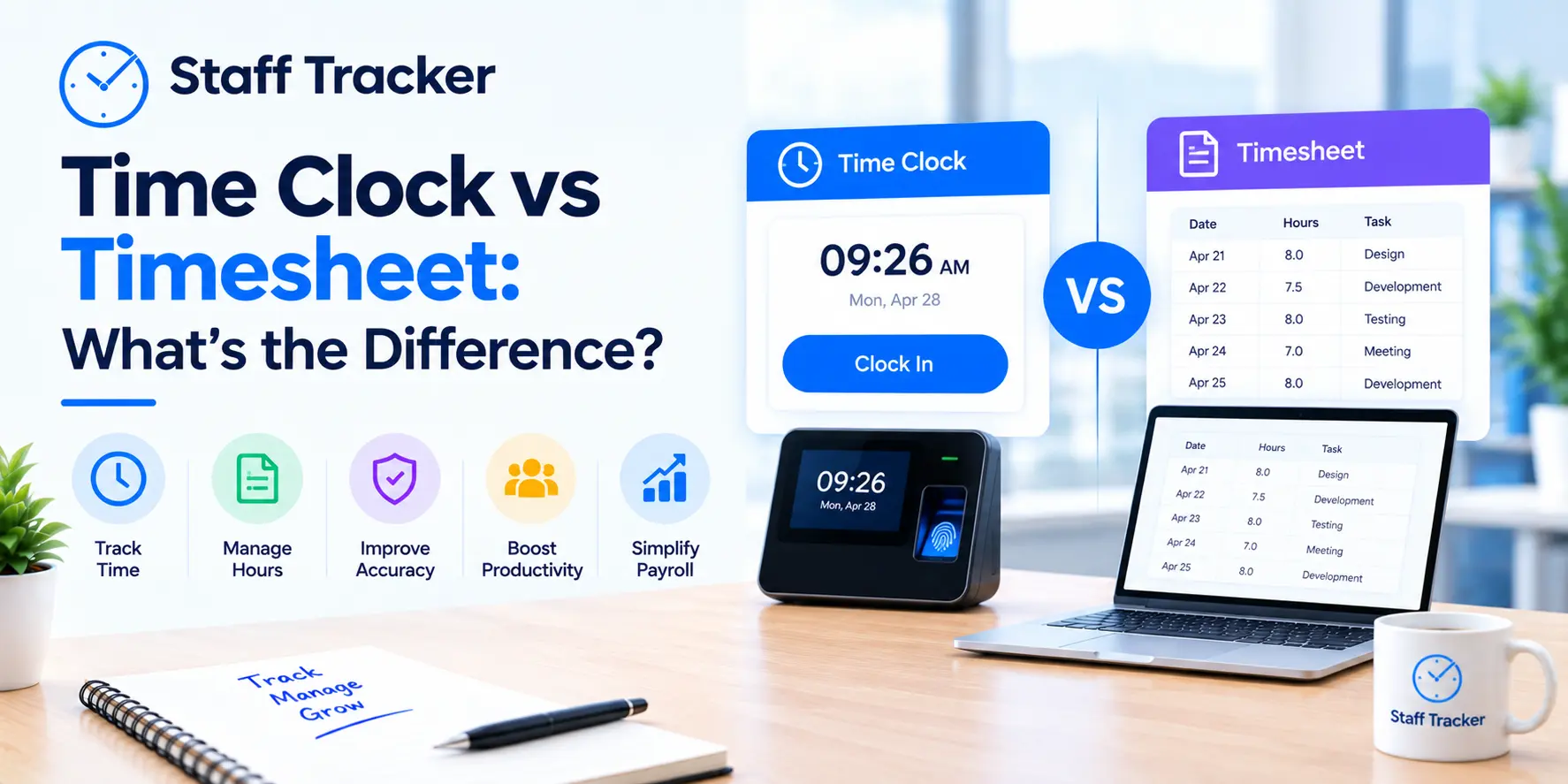
Free Staff Time Tracking vs. Manual Timesheets
Small businesses often still make use of spreadsheets or paper timesheets.
Manual timesheets are a good option for small teams, but they are more difficult to manage when the company expands.
Manual Timesheets | Staff Time Tracking Software |
Employees manually enter hours spent at work can be recorded automatically. |
|
Risk of data entry errors is higher | Less manual data entry |
It is difficult to monitor in real time | Real-time visibility |
Reports require manual preparation | Automated reporting |
It is difficult to monitor remote teams | Greater Remote-work visibility |
Attendance may require separate records | Time and attendance are tied to attendance and time. |
Limited information on productivity | Data can include activity and productivity data. |
If a company has only one or two employees, spreadsheets might suffice.
However, once manual tracking begins taking up HR or management time, automated tracking is more efficient.
Free Staff Time Tracking vs. Employee Monitoring
The two concepts are similar; however, they are not the same.
Time tracking for staff is the most common answer:
How long did an employee have to work?
Monitoring employees will answer more complex questions:
Which websites were visited?
What percentage of idle or active periods was recorded?
What activity was carried out during the hours of tracking?
For companies that require only to track attendance, working hours and other times of the day, a basic time tracker could be sufficient.
Companies that require greater insight into activity and productivity could gain from a wider monitoring system for employees.
Staff Tracker blends both approaches by providing time monitoring, attendance, screenshots, browsing history, application history, productivity data, as well as other tools for managing the workforce.
How to Track Staff Working Hours for Free
The process of getting started doesn't have to be difficult.
Step 1 -- Define Working Schedules
Find out the hours of work expected for each member of the team or employee.
For instance:
Monday-Friday
9:00 AM-6:00 PM
Lunch break of one hour
Different departments might have different schedules, so it is important to establish the rules prior to implementation.
Step 2 -- Set Up Employee Profiles
Create accounts for employees that you can assign to appropriate departments or teams.
This helps managers organize the correct information about attendance and time.
Step 3 -- Enable Clock-In and Clock-Out
Employees should be provided with an easy way to begin and stop their time-based records.
The simpler the procedure, the less likely it is that employees will not record their hours.
Step 4 -- Track Working Hours
Once tracking has been activated, the system can gather data on working hours throughout the day.
Depending on the program the Software is running, this could include idle time, active breaks, or other information about activity.
Step 5 -- Review Attendance and Timesheets
Managers should review the records of time and attendance of employees regularly.
Be on the lookout for unusual patterns, instead of judging performance based on only one day's information.
Step 6 -- Generate Reports
Utilize monthly or weekly reports to find patterns.
Reports can assist managers to understand the requirements for staffing as well as schedules for attendance, workload distribution, and even project time.
What Features Should You Look for in Free Staff Time Tracking Software?
A free plan could be beneficial; however, it is essential to be aware of the specifics of what it offers.
Before you pick up a tool, take note of these features.
Employee Time Tracking
The Software must accurately record the hours worked by employees and allow easy access to timesheets.
Attendance Tracking
Check for attendance records such as absent, present, tardy, leave and workday data.
Mobile Access
Mobile connectivity is crucial when employees are away from their offices or desks.
GPS or Location Tracking
In the case of field team members, verification of location can aid businesses in understanding the location of employees.
However, it is recommended that location tracking only be used when it is needed and clearly explained.
Overtime Tracking
If employees frequently work outside of normal hours, tracking their overtime can assist managers in identifying extra working hours.
Break Tracking
Break tracking can provide more context for working hours in general and assist managers in understanding how scheduled time is utilized.
Productivity Tracking
The information on productivity can assist managers in pinpointing workflow issues or issues with workload, as well as processes that can be improved.
Reporting
Find daily or weekly reports that are exportable or filterable.
Data Security
The employee tracking data may include sensitive information about employees.
Find out how the company handles access control as well as retention of data, security, and privacy of employees prior to setting up the tracking program.
Is Free Staff Time Tracking Enough for a Small Business?
For a lot of small-sized companies, a no-cost trial or plan may suffice to determine if automated tracking is a good fit for their process.
The answer is contingent on the details you must keep track of.
A simple company may require:
Clock-in and out
Attendance
Hours of operation
Timesheets
A remote or growing business might require:
Time between idle and active
Break tracker
Screenshots
Monitoring of productivity
Application tracking
The activity of the browser
Task management
Mobile access
Tracking location
Comprehensive report
Staff Tracker is a free Basic/Trial plan that comes with features such as leave management, attendance management, screen capture, as well as inactive and active timing, break tracking, productivity data and task management. It also provides access to web and desktop computers and report exports, along with mobile and desktop access.
This allows small businesses to try tracking employees before deciding if it should be a part of a larger pay plan.
How to Choose Free Staff Time Tracking Software
Before you sign up for a trial of the free service, you should ask these questions:
1. What exactly is the free plan offer?
Some free plans are limited to basic time tracking.
Other examples include attendance, reports, screenshots, or tracking productivity.
2. How many employees should I keep track of?
Find out if the free plan comes with user or employee limits.
3. Are employees able to be remote workers?
If you are an organization that is distributed, make sure that your Software can handle remote employees.
4. Does it work with mobile devices?
Access to mobile devices is crucial for field employees as well as employees who have to move between different locations.
5. Do I have the option of exporting my data?
Exporting data can be crucial for payroll, reporting, audits, and record-keeping.
6. Does it monitor attendance and time?
If attendance is crucial to your company, then look for a solution that can combine both.
7. Does it have the potential to grow in my company?
A no-cost solution might suffice your needs today, but it will become more restrictive as you expand your team.
Select a platform that offers you an easy upgrade path instead of requiring you to switch to a totally different system in the future.
Frequently Asked Questions About Free Staff Time Tracking
Is there a cost-free way to keep track of employees' hours?
Yes. Companies can utilize the free or trial version of time tracking software for staff to keep track of employee hours. The available features and limitations depend on the plan and the Software.
How do I keep track of the hours of my employees for absolutely no cost?
Choose an automated time-tracking system to create employee accounts, create working schedules, and allow time tracking. Employees then can keep track of their time at work while managers can review the reports that are generated.
How can I monitor the attendance of employees for free?
Yes. Free attendance software can record employees' attendance, workdays, absences, working days, as well as other attendance data. Be sure to check the free plan limitations and reporting features prior to selecting Software.
Do small-scale businesses have the ability to track employees without cost?
Yes. Small-sized businesses can begin by using free staff tracking Software or free trial software. The basic Software may suffice for attendance and working hours, but firms with field or remote teams might require more tracking and reporting capabilities.
Is time-tracking Software actually free?
Certain products provide genuinely free plans, while others offer limited trials. Make sure you know if the plan is restricted to users or the history of tracking, reports, features, or even data storage.
Can Software for tracking time be used to help employees who work remotely?
Yes. A lot of modern workforce tracking systems can accommodate remote workers. Based on the Software used, the company can track the hours of work or attendance, app activities and screenshots, productivity, as well as other data related to work.
How can I track employee hours for no cost?
Sometimes tracking Software can determine working hours that are not scheduled. The extent of overtime reports provided in a free plan is contingent on the program.
Final Thoughts
Time tracking for employees that are free for small companies is a feasible alternative to manual timesheets and improves the visibility of attendance and how hours are utilized.
The ideal solution will depend on your company's needs.
If you are only looking for basic work-hour records, a simple timer might suffice. If you have remote, hybrid, or field workers, then you might require a more robust workplace management system that incorporates time tracking, reports, productivity, attendance, and information about employee activities.
Staff Tracker brings these features together into one system, which includes time tracking and attendance management , screen shots of productivity tracking, applications and browsing history and task management, as well as reports, and mobile access.
If you're an entrepreneur in a small-sized business that wants to get rid of manual timesheets, beginning a free trial could be a good way to test whether automated employee time tracking is a good fit for your company's workflow.
Are you ready to monitor the hours of your employees? Begin with Staff Tracker and discover the options available to your company.
Written by the Staff Tracker Team
This content was authored by the Staff Tracker team, who have lots of experience managing the workforce as well as tracking time and attendance and employing HR Technology. Staff
 28-10-2026