- By Admin
- 25 Nov, 2026
- 16 Reading
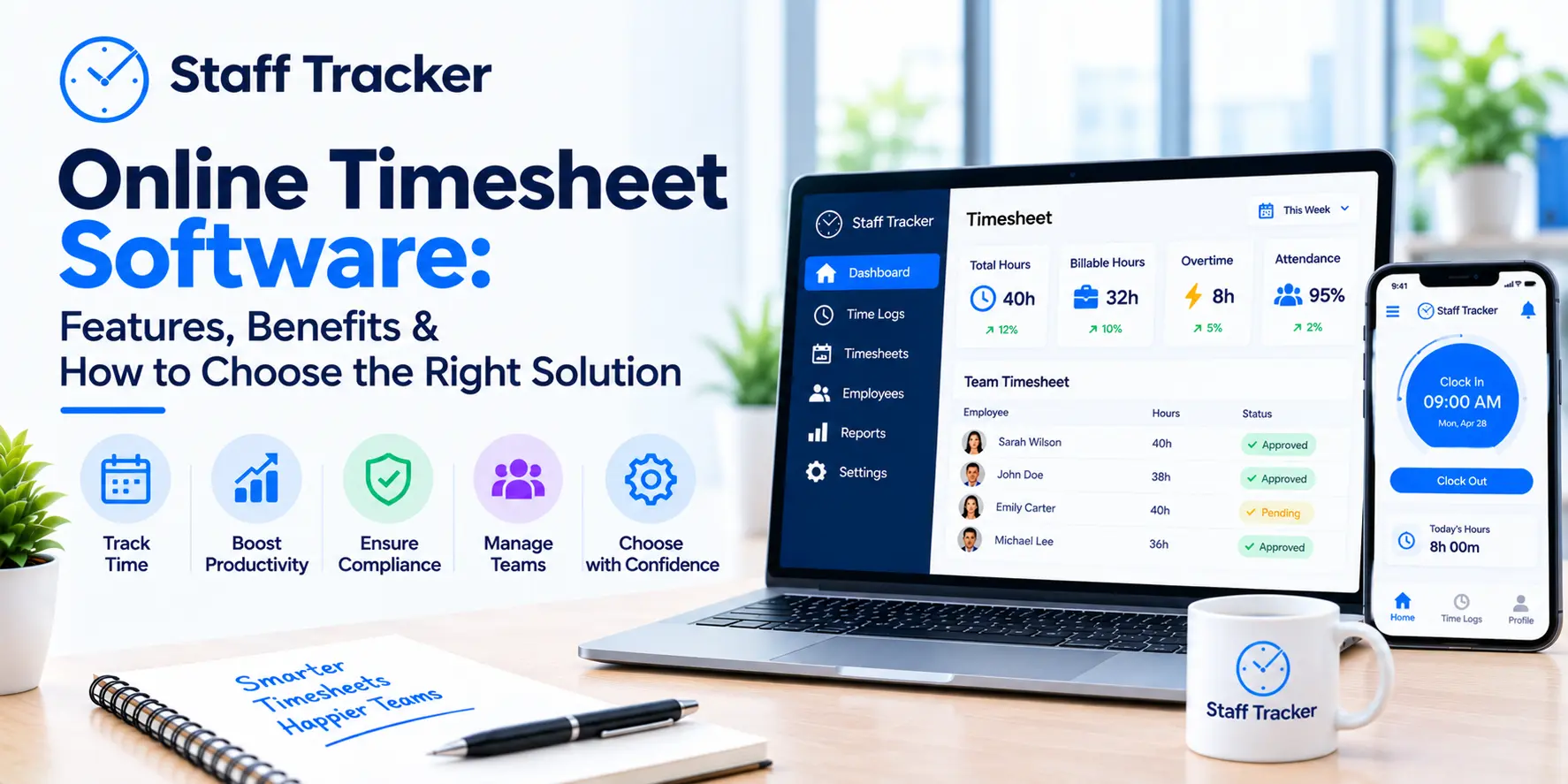
Picture Friday at 4:45 pm. Half your team is typing last week's hours from memory, and you are still waiting on three people before you can close the week. Online timesheet software solves this problem by enabling everyone to log time into a single system, and for managers to see it as it happens.
This guide does not include the typical feature dump. It explores why timesheets fail, what a good timesheet should look like, which style is best for which team and how to evaluate a tool in a demo. It also identifies areas where Staff Tracker can assist. It is a general guideline, and check with any vendor before you make a decision about the product.
What Is Online Timesheet Software?
Online timesheet software is a web or app-based solution for tracking hours worked, per day, task or project. The results are read by the managers in one place, no one needs to merge spreadsheets or follow up on paper forms.
Some tools require users to enter their hours or press a timer. Other people are recording time in the background. Both are timesheet tools, so be sure to purchase the right one.
A word of caution: Staff Tracker's website doesn't have the term timesheet. It includes the same need, time tracking for work hours, project timelines and task duration.
Why Do Timesheets Go Wrong?
The problem with most timesheet issues is not with the people, it's with the process. There are four recurring patterns.
Late entries are the first. Friday: No one remembers what happened on Tuesday, so the hours are guessed. The second are rounded numbers. Eight hours a day seems neat, but in reality it's not always the case. The third are vague notes. “Worked on project” does not provide any information to the manager about what was done during the time. The fourth day is a day missed. Someone forgets, someone is on leave and the week never quite adds up.
The solution is to make logging fast and to incorporate it into the day. The more convenient it is, the more precise the record will be.
What Does a Good Timesheet Entry Look Like?
A good entry is specific, on the same day and linked to a task. The difference is apparent from a simple comparison.
A weak entry would be: "Monday 8 hours project work". A more appropriate one would be: "Monday: 3 hours drafting homepage copy, 2.5 hours on a client call and notes, 2 hours working on review comments.
The second edition reveals the passage of the day. That aids in planning the next project and in identifying tasks that are taking longer than anticipated. As an editorial suggestion, try to write something that your co-worker would be able to read without asking you any questions.
A task manager and tracking of task duration are included in Staff Tracker, which can be used to link hours to tasks. It also includes break time tracking, which separates breaks from working time.
Which Timesheet Style Fits Your Team?

The right configuration is dependent on the way your team operates. A quick guide by team type is provided here.
Office and desk teams
The majority of these teams require hours and attendance. People don't have to type all the entries as the active, inactive, and break time are automatically recorded. All three, as well as attendance management, are listed on Staff Tracker.
Project teams
These teams are interested in the location of hours, one by one. Look for a tool that ties time to tasks and project timelines. Staff Tracker includes both, and a task manager.
Field teams
Those who are moving should have something that is compatible with a cell phone and will indicate their location. Staff Tracker includes a Geo Tracker for real-time tracking of field staff, distance traveled for routes and mileage.
Remote and hybrid teams
These teams require access from all places. Staff Tracker is available for remote, hybrid and on-site teams with access to the desktop app, web app and mobile app. It also includes offline mode tracking. The best online timesheet software here is the one that can be accessed by people from anywhere they work.
Manual Entry or Automatic Recording?
Manual entry is labour intensive. They enter their time or press a timer. This is appropriate for small groups of people who have simple tasks to do, and requires little set up. The risk is memory. The entries that are completed at the end of the week are often estimates.
Automatic recording takes the work off the software. The time is recorded in the background of each app, making the record more accurate to what actually occurred. The downside is that it requires setup (the app has to be installed) and you have to communicate with your team what is being recorded.
There is no right or wrong style. The best one is the one that your team will use. Manual entry might be fine for a small team for a number of years, but as the team grows, automatic recording can save time.
A Simple Weekly Timesheet Routine
A tool is best used when there is a rhythm of the team using it. This is an editorial suggestion, so make it your own week. On Monday, discuss priorities to ensure that people know what they are logging time on. Quickly scan for gaps (missing days or blanks) midweek. Check the daily and monthly activity reports on Friday and record any unusual activity. Next Monday, make a plan according to the numbers. This routine typically takes 15 minutes, and is more effective than an hour of corrections later.
What Can Hours Not Tell You?
Hours are a measure of the time spent on work, not of the quality of the work. It could be that the person was interrupted all day and didn't finish the task, or it could be that the task was difficult. The number doesn't tell which.
Don't end a conversation with the data, begin one. When a task is consistently overrunning, ask the team what is preventing it from running. Tracking time spent on various activities is a fair use of Staff Tracker's website, according to the site.
If you're using features like screenshots or app history, explain to your team what you're capturing and why. Please read the privacy policies in your area before you begin.
How Do You Judge a Tool During a Demo?
If you are not sure if a tool is right for your team, consider using it as a test drive—try it out with a demo. Have the vendor show you a complete task, from the time an employee logs time to the time a manager reads the report. Notice the number of clicks it takes, as a bungle in the flow is a good indicator that people will skip over it. When the vendor forgets to log time, or if the internet goes down during the day, ask what happens, and see if the vendor shows you or just tells you. Compare the one person's week with the whole team's week, and the leave and attendance with the hours. Lastly, discover the way the data is exported and what employees can see of their own data. A good vendor responds by clicking on the product. If the responses remain vague, it's a sign of something else as well.
Where Staff Tracker Can Help
Staff Tracker is a staff monitoring software that combines time tracking, task manager, attendance, leave management and reporting in one. Time tracking features include work hours, project timelines, and task durations. Reports feature daily, monthly activity views, a performance bar chart and data exports.
The first three steps to getting started are signing up, downloading the app, and deploying it on employee devices, and beginning monitoring. For those who wish to try it out with their own process, they can avail a demo.
FAQs About online timesheet software
How detailed should timesheet entries be?
Detailed so that a colleague could tell what was done. Typically, a task name and the hours is sufficient.
How often should people fill in their timesheets?
Better than weekly, is daily. Memory is short-term and same day entries are more accurate.
Is it okay to round time?
Rounding may be small, but please refer to your company policy and local rules. It is important to be consistent rather than the exact method.
Can timesheets show project cost?
If you have the cost data and hours are tied to projects. Project timelines and task durations are available on Staff Tracker, but it doesn't detail costing on its website, so inquire during a demo.
Should I choose manual entry or automatic recording?
Small teams or simple work can be accomplished by manual entry. Automatic recording works best for larger teams who are looking for consistent data.
Final Thoughts
Great online timesheet software makes the correct habit simple. Time is logged as it happens, notes are legible, and managers only read one record instead of five. Choose a tool that suits your team's working style and create a very basic weekly routine with it.
If you want to see how this can work for your team, schedule a Staff Tracker demo!
Written by the Staff Tracker Team
This content was authored by the Staff Tracker team, who has lots of experience managing the workforce as well as tracking time and attendance. Staff Tracker creates content that is practical and speaks to the pain businesses have with optimizing workforce operations and improving productivity in the business.
 25-11-2026