Share Time Reports with Clients
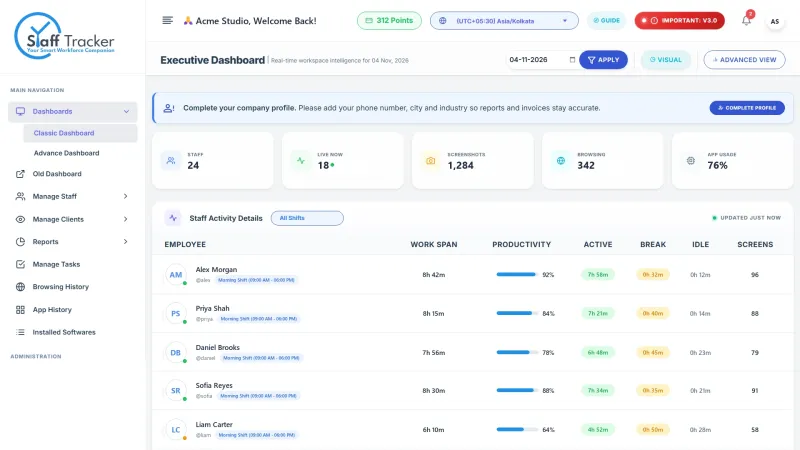
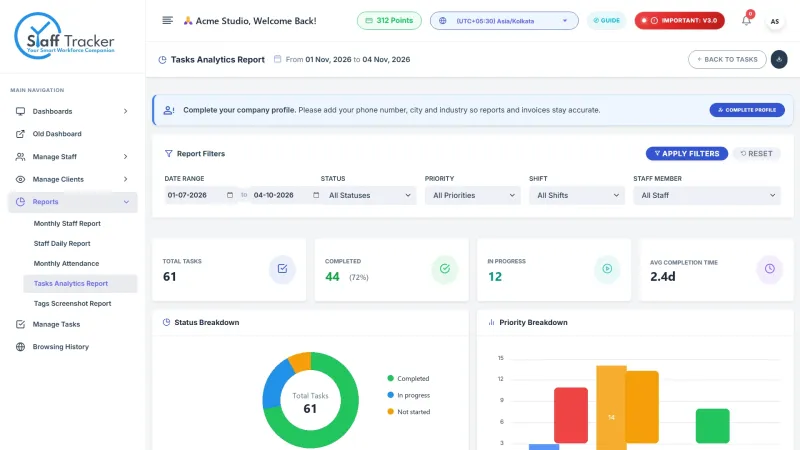
Share time reports with clients through view-only access to the staff and reports you choose. Clients see proof of work without being able to change anything.
 Sample data
Proof of work without giving control.
Client viewer accounts are made for agencies and outsourced teams that report to customers.
View-only accounts
Clients can look but not edit.
Chosen staff only
Give each client access to just the people working on their project.
Chosen reports
Share the reports that make sense for the client.
You stay in control
Access is created and changed from your dashboard.
Fewer status calls
Clients check progress themselves.
Backed by activity
Tracked hours come with the activity behind them.
How it works in practice.
Client viewer accounts are made for agencies and outsourced teams that report to customers.
- Create client accounts from the dashboard
- Assign clients to the staff they should see
- View-only access to reports
- Agencies and outsourced teams use it to bill with confidence
 Sample data
Up and running in three steps.
1. Add a client
Create a client account.
Manager2. Assign staff
Choose which staff the client can see.
Manager3. Client logs in
The client reads reports, view-only.
ClientQuestions, answered.
Our team will help you pick a plan and set up your team.
Contact supportNo. Client viewer access is view-only.
Yes. You choose the staff and reports each client can see.
No. They view reports in the web dashboard.
Agencies, freelancers' teams and outsourcing companies that report hours to clients.
Show clients the work.
Start free and add a view-only client in minutes.