Employee Activity Alerts
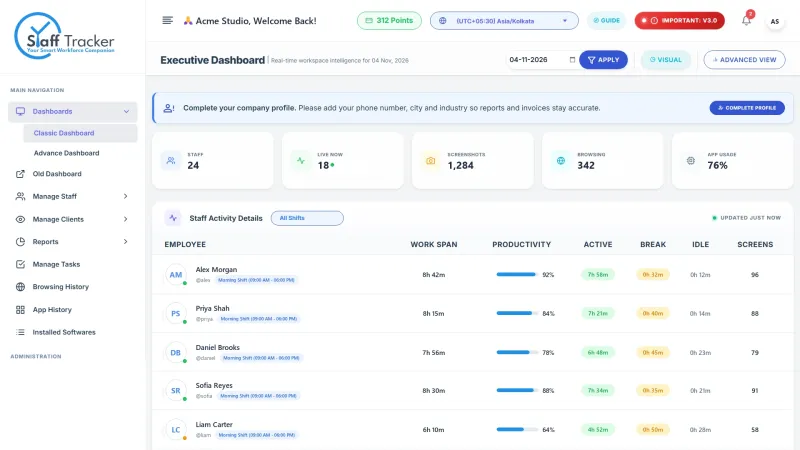
Employee activity alerts tell managers about long idle time, late logins and long breaks, so issues are spotted early without watching screens all day.
 Sample data
Hear about problems before they grow.
Alerts turn tracked time into a short list of things that need a look.
Long idle time
Know when a session sits idle for longer than you expect.
Late logins
See who started after the shift start time.
Long breaks
Spot breaks that run past what is normal for your team.
Activity events
Review the events in your account afterwards.
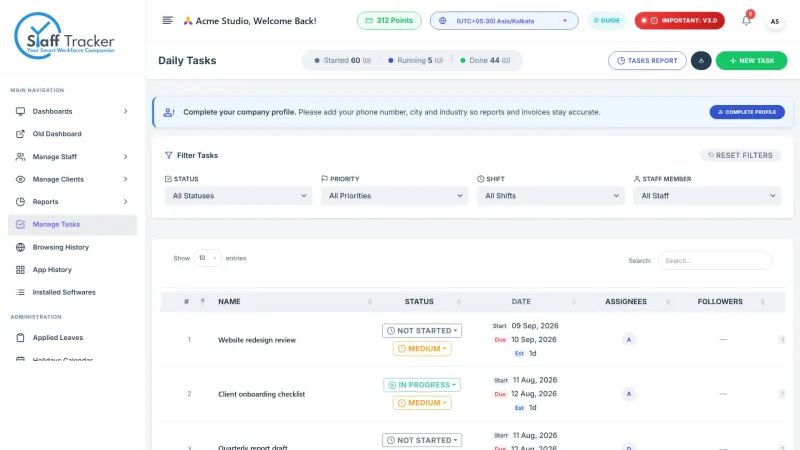
Per shift
Alerts follow each employee's own shift hours.
Less screen-watching
Check exceptions instead of watching everyone all day.
How it works in practice.
Alerts turn tracked time into a short list of things that need a look.
- Alerts for long idle time, late logins and long breaks
- Events kept in your account to review
- Based on the same tracked sessions as your reports
- Set up once and leave running
 Sample data
Up and running in three steps.
1. Pick what matters
Choose which alerts you want, such as idle time or late login.
Manager2. Staff work as usual
The desktop app tracks sessions as normal.
Employee3. Get notified
An alert appears when a limit is crossed.
ManagerQuestions, answered.
Our team will help you pick a plan and set up your team.
Contact supportAlerts for long idle time, late logins and long breaks.
Activity events are kept in your account so you can review them.
Yes. They are based on the sessions the Windows app records.
Alerts are read against each employee's own shift.
Spot issues early.
Start free and set up alerts for idle time, late logins and long breaks.