Attendance builds itself. Every punch in and punch out in the desktop app adds up to a monthly report, so you do not fill in timesheets.
Monthly attendance
Open Attendance to see a month for one employee, with each day marked as:
- Full day
- Half day
- Absent
- Leave
- Holiday
- Late-in / early-out
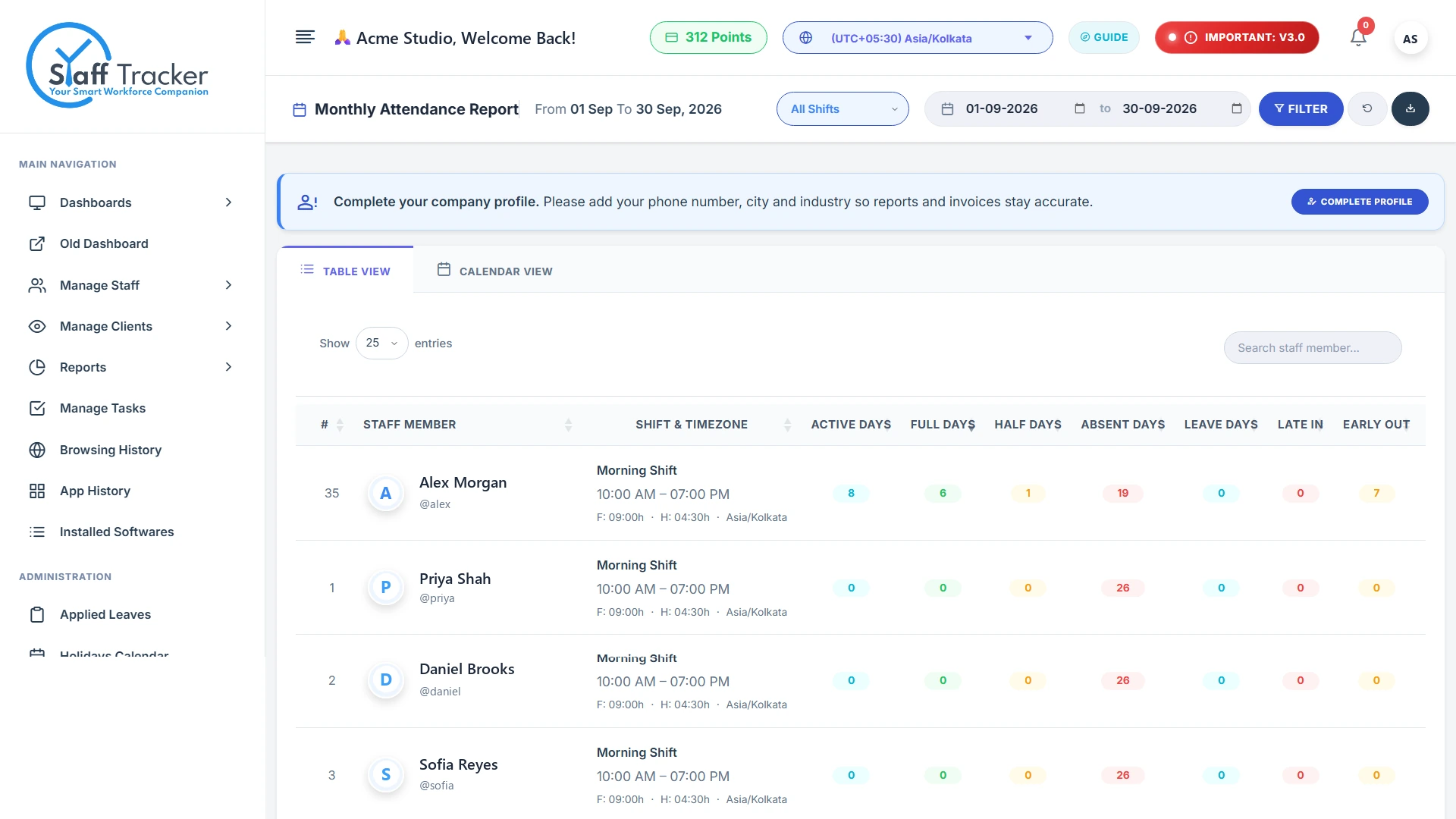
Click a day to see how it was counted: the punch in time, the punch out time and, for example, Punched in after the shift start, counted as a late-in. The month summary shows the number of full days, half days, absences and leave days.
Shifts
Late-ins and early-outs are worked out from the employee's shift start and end, so teams with different hours are handled separately. Filter the dashboard by shift to look at one group.
Applied leaves
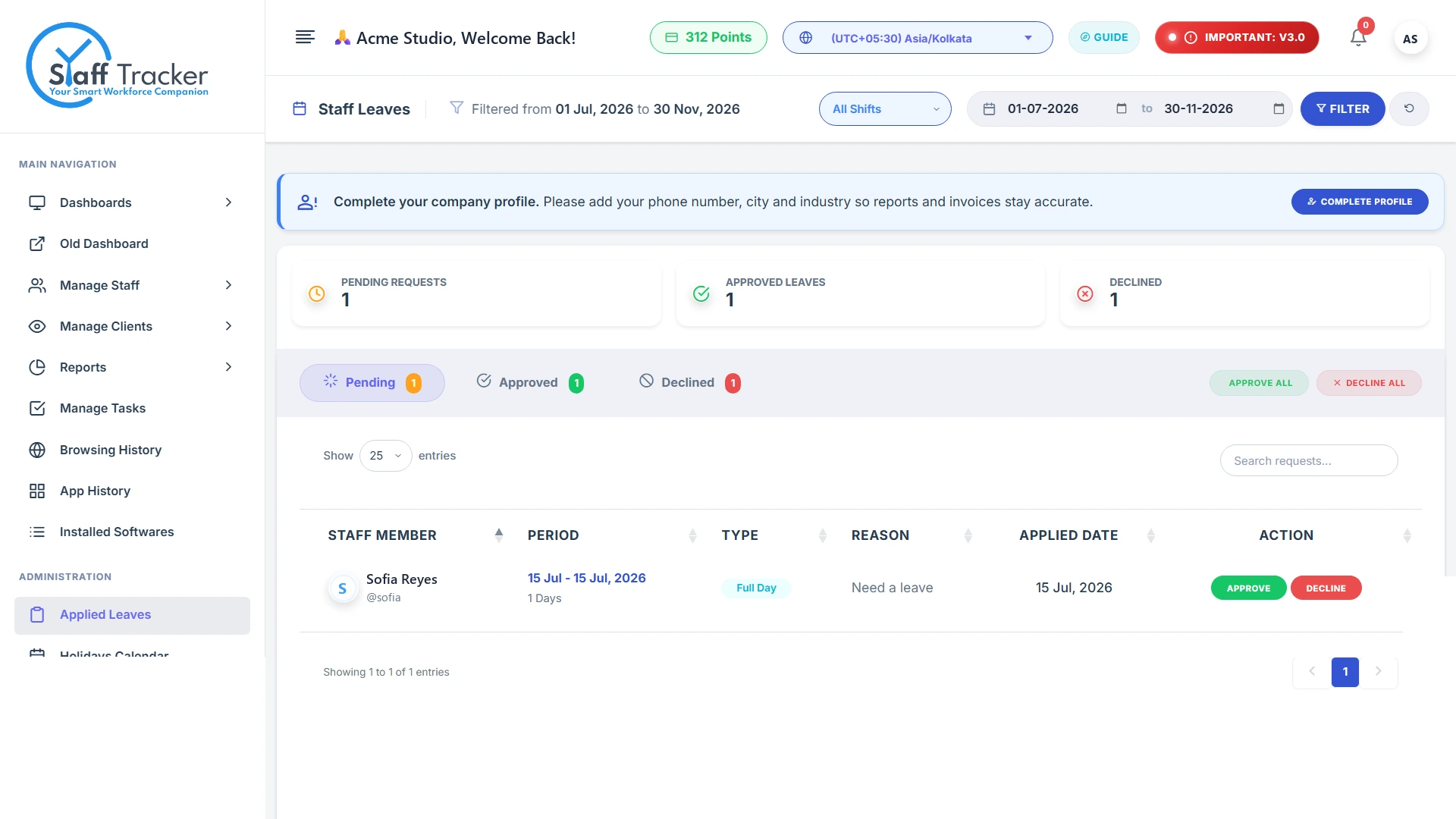
Open Applied leaves to see the leave requests of your team and their status.
Holiday calendar
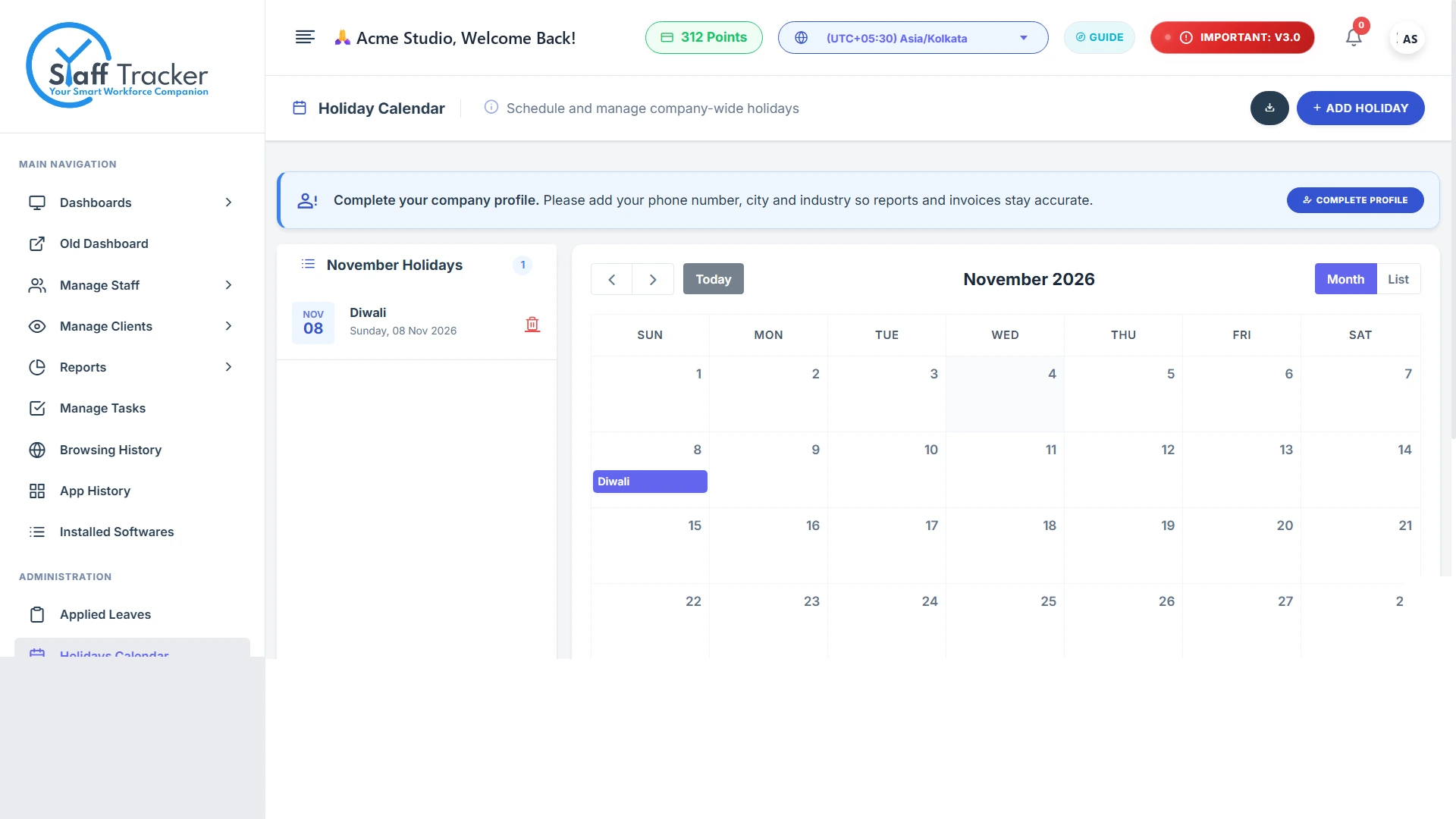
The Holiday calendar lists the days your office is closed. Holidays are marked on the monthly attendance view.
Attendance comes from the Play and Punch Out buttons in the desktop app. If an employee forgets to punch out, see Troubleshooting.