Use tasks to say what needs doing, and the analytics report to see what is done, what is moving and what is stuck.
Assign tasks
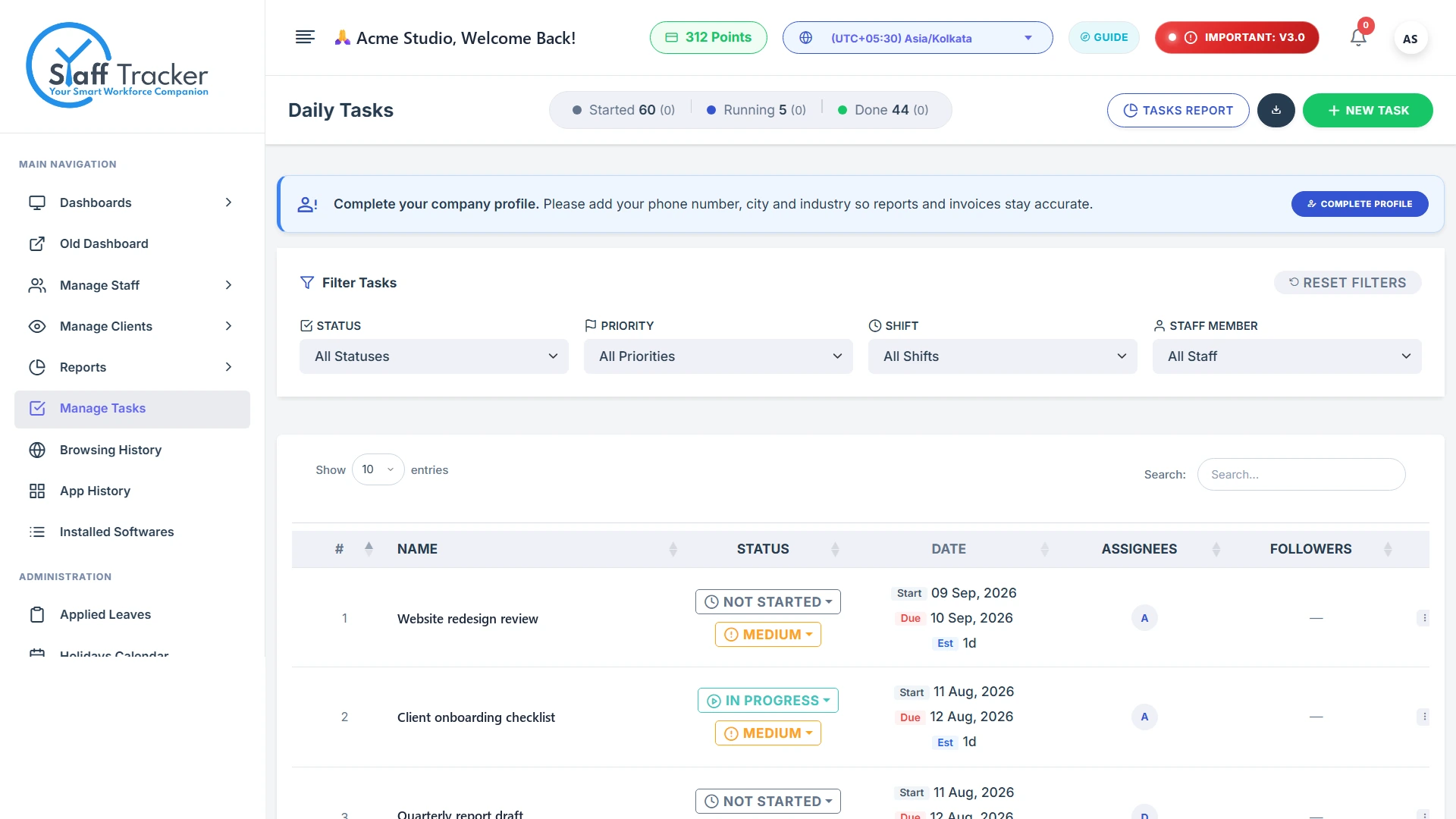
In the Task manager create a task, give it a priority and a due date, and assign it to a staff member. Each task has a status: Not started, In progress or Completed.
Advanced analytics
The analytics report shows completion for any date range, including how many tasks are completed, in progress and not started, and the average completion time. Narrow it down with these filters:
- Date range
- Status
- Priority
- Shift
- Staff member
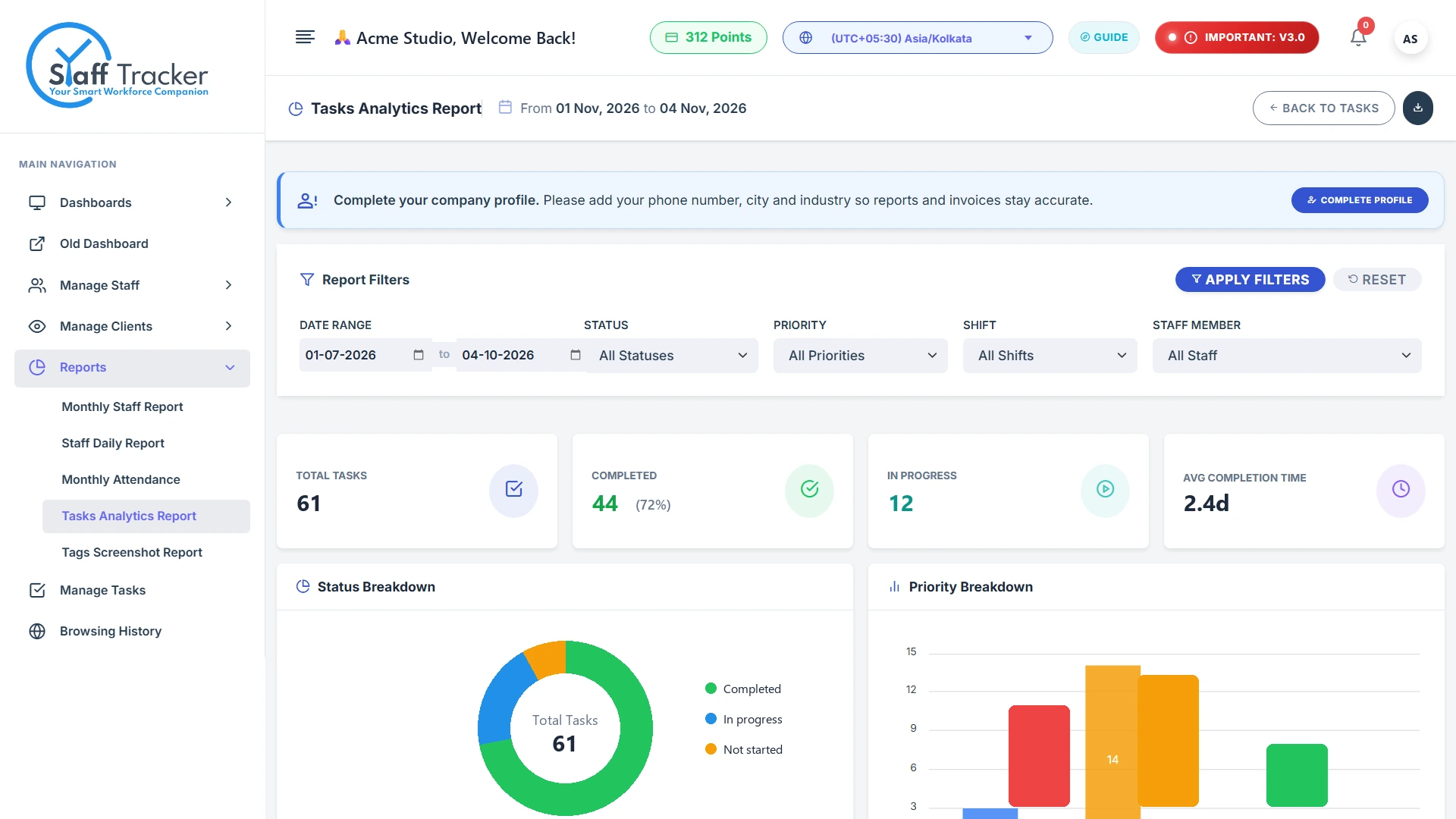
The report also charts tasks by priority.
Exports
Data exports are part of the Premium plan. See Plans, points and pricing.
Alerts
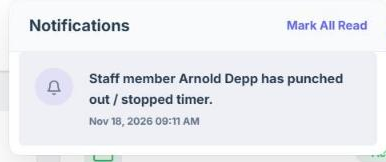
Alerts tell you about events with your staff, such as long idle time, a late login or a long break. They appear under the bell at the top of the dashboard, with the date and time. A staff member punching out or stopping the timer, for example, shows up as Staff member … has punched out / stopped timer. Click Mark All Read to clear them.